


Amazon Prime Day Sale 2026: The habits that decide whether a gadget feels cheap or not

Introduction
Amazon Prime Day Sale 2026 can feel like a race, but the smartest buyers usually win by slowing down just enough to check the boring details. That’s the annoying truth. The headline discount is loud, but the real savings often hide in price history, EMI payment terms, seller credibility, and the exchange offer fine print that most people only read after the purchase feels slightly off.
If you’ve ever clicked on a gadget because it looked like a once-a-year bargain, you already know the emotional trap. It feels good to time the purchase right. But the better question is simpler: was the price ever actually good, or did the page just make it feel that way?
Quick Highlights
- Sponsored listings deserve a second look.
- Price history tools can expose fake urgency.
- EMI only helps if the monthly drag stays small.
- Exchange offers can lose value fast.
Why the first screen is usually the least trustworthy one
The first thing you see on Amazon is not always the safest choice. In fact, the loudest listing is often the one that needs the most checking. Sponsored product listings can be perfectly legitimate, sure, but the page design pushes them forward in a way that can make them feel like the verdict before you’ve actually compared anything.
That’s where people get tripped up. A deal can look amazing and still be the wrong purchase because it’s a newer seller with thin credibility, the wrong model year, or a lower-tier variant wearing a strong discount like a costume. And once you notice that pattern, you start seeing it everywhere.
What to check before you trust the listing
- customer review volume, not just the star rating
- model variant and manufacturing year
- storage spec or configuration
- seller credibility versus page position
Those four checks sound basic, and they are. But basic is good when a page is trying very hard to hurry you. A gadget with a great star rating can still be the wrong buy if it has barely any review volume. A phone might look discounted, but if it’s a year-old variant with weaker storage, the price cut is mostly decorative.
Here’s the thing: Amazon doesn’t always make the weak points obvious. You have to read the listing like you’re trying to catch it doing a trick. If the seller name looks unfamiliar, if the configuration is slightly off, or if the badge on the page seems too shiny for the actual specs, pause. That pause is often where the savings begin.
The deal is often somewhere else: pricing, history, and the version of you Amazon sees
The real question isn’t whether today’s number is lower than yesterday’s. It’s whether the price is genuinely low or just dressed up to feel urgent. Big banners and countdowns can create a kind of shopping fog, and in that fog, a decent price starts to look like a miracle.
That’s exactly why price history tools matter so much. They let you check whether the sale price is actually a low point or just a short-lived dip in a pattern that’s been bouncing around for months. And when you pair that with Amazon product URLs, you’re not guessing anymore. You’re comparing.
When the comparison turns concrete
| Check | What it reveals | Why it matters |
|---|---|---|
| Amazon product URLs in price history tools | months of price movement | shows whether the “deal” is actually a low point |
| incognito mode pricing | fresh-user pricing | can expose account-based variation |
| wishlist or logged-in view | repeat-view pricing | shows whether the product is being nudged upward or held steady |
The point isn’t to become a spreadsheet person overnight. It’s just to notice when the discount banner is doing more work than the price itself. Sometimes the page is telling a story, and the story is a little more dramatic than the math deserves.
And yes, incognito mode pricing can feel like a tiny detective move. But it’s a useful one. If the number changes depending on whether you’re logged in, logged out, or checking from a fresh session, that tells you something. Maybe not everything. But enough to stop you from assuming the first price is the only price.
Where the payment plan gets dangerous
EMI payment terms can make a gadget feel almost harmless. That’s the trap. A monthly payment looks softer than one large swipe, so your brain treats the purchase as smaller than it really is. But if you stack a few of those purchases together, the monthly drag starts behaving like a very ordinary bill you didn’t plan for.
This is where the fine print gets annoying in the important way. Some credit card offers only work on EMI transactions, while others quietly exclude them. That means the deal you thought was saving you money can shift once you choose the payment method. The discount might still be real, but the final math can turn fast if the offer doesn’t apply the way you expected.
And then there’s the psychology of it. Paying monthly is not the same as affording it. That sounds obvious when written out, but people still fall into it all the time, especially when a gadget feels practical. A laptop for work, a phone replacement, a tablet for school, a smart watch because the old one is dying — each one looks reasonable on its own. Together, they can quietly crowd out breathing room.
The part people skip and then regret
If the purchase touches your emergency buffer, your travel budget, or any other part of life that’s already stretched, the discount is probably being paid for somewhere else. Maybe in flexibility. Maybe in future comfort. Maybe in a month where you’d rather not be staring at your bank app trying to remember why everything feels tighter than it should.
A useful habit is to ask yourself one blunt question: would I still buy this if I had to pay the full amount today? Not because EMI is bad. It isn’t. But because EMI can hide the weight of the decision. The true cost is the total amount plus the pressure it adds later. If that extra pressure would annoy you, that matters more than the sale badge.
That’s why the cheapest gadget is not always the one with the best monthly number. Sometimes it’s the one you don’t buy yet. Or the one you buy only after checking whether the payment plan leaves room for the rest of your month to keep functioning normally.
What to do with the old device before the new one lands
Exchange offers are one of those things that look neat on the surface. You hand over an old device, get a discount, and move on. Simple. But in real life, the value of the old gadget depends on a few messy details, and they matter a lot more than people expect.
An old phone, tablet, or laptop tends to lose value faster if it’s damaged, neglected, or missing basic care. So before the new gadget even arrives, it helps to repair it if needed, clean it properly, back it up, and reset it. That sounds like homework, and honestly, it is. But it can change the number more than you’d think.
The annoying truth is that repair costs, resale value, and exchange offers fine print rarely agree with each other. The exchange value might be easy, but it isn’t always the best value. Selling separately may take more effort but leave you with more cash. Repairing might be worth it if the device still has solid life left. None of those answers is automatic.
The decision usually narrows to three paths
- repair and keep using the device
- sell it separately for a better return
- take the exchange value and move on
What matters here is timing. The old device often has the most leverage right before you replace it. Once it’s neglected for another few months, the value drops and the choice gets easier in the bad way. So if you’re planning a Prime Day upgrade, think one step earlier than checkout. The older device is part of the deal whether you treat it like it or not.
Also, don’t assume the exchange offer is automatically cleaner just because it feels convenient. Convenience has a price. Sometimes it’s worth paying. Sometimes it’s not. The trick is to compare the exchange number against what you could get by selling the device on its own, especially if it still powers on, has no major damage, and isn’t missing accessories that affect the valuation.
FAQ
These are the smaller doubts that tend to show up after the main buying logic starts to settle. The good news is that most of them are easier to answer once you stop treating every badge on the page like a promise.
Q: Are sponsored product listings on Amazon always worse deals?
Not always, but they deserve more suspicion than the page design encourages. A strong discount means very little if the seller is thin on reviews or the model is not the one you thought you were buying. Sometimes a sponsored listing is fine. Sometimes it’s just the most visible version of a product that needs more checking.
Q: Do price history tools really help during Prime Day?
Yes, because they show whether the sale price is genuinely low or just temporarily styled as urgent. The simplest way to use them is to check Amazon product URLs before you commit. If the “deal” has been sitting around that same price for weeks, it’s not really a special moment — it’s just being framed like one.
Q: Why does incognito mode pricing matter?
Because some shoppers may see a different price depending on account history or browsing behavior. It’s one of the easiest ways to catch a number that looks more personal than universal. That doesn’t mean every variation is dramatic, but even a small difference tells you the page isn’t as fixed as it seems.
Q: Should I always use an exchange offer for an old gadget?
No. If the device still has decent resale value or can be repaired cheaply, the exchange offer fine print may leave money on the table. A quick comparison is usually worth the few extra minutes, especially when the old device is still in decent shape and someone else might pay more for it than the exchange screen will.
Conclusion
The cheapest gadget is rarely the one with the biggest badge. It’s the one that survives scrutiny across price history, EMI payment terms, and the ugly little clauses around exchange offers. That’s not as exciting as a giant discount banner, but it’s usually more honest.
If you want the deal to hold up after the excitement fades, slow down long enough to check the listing, the price, and the device you’re giving up. That small bit of friction can save you from buying something that only feels cheap for about ten minutes.

Mahi Gupta
✉ mahigupta708076@gmail.comRelated Products





Amazon Mega Deals Days sale 2026 best smartphone and tech offers
Amazon Mega Deals Days sale 2026 is live with discounts of up to 80% on phones, gadgets and appliances, and the OnePlus 15R is listed at Rs 59,988. For Indian shoppers, the main value is not just the listed price but the added bank discounts, EMI options and Amazon Pay Later support that c...

Amazon Great Summer Sale Teases Galaxy S25 Ultra at Rs 94,999
Amazon Great Summer Sale Teasers Ahead of May 8 Start Amazon has started teasing smartphone deals for its Great Summer Sale, which begins on May 8, with one of the biggest highlights being the Samsung Galaxy S25 Ultra at a claimed Rs 94,999. The listed price is below the phone’s current...

Samsung Sale Deals India Bring S25 Edge at Rs 69,999 and Ultra Under Rs 1 Lakh
Samsung sale deals India are set to go live this week as Amazon and Flipkart line up back-to-back summer events with major price changes on the Galaxy S25 series. The Galaxy S25 Edge drops to ₹69,999 from ₹1,09,999, while the Galaxy S25 Ultra falls to ₹94,999 from ₹1,29,999. Samsung...

Apple Watch SE 3 Drops Below Rs 24,000 in Croma Sale
Apple Watch SE 3 Becomes the Entry Point of Croma’s Apple Push Croma has rolled out Phase 2 of its Everything Apple Sale, bringing the effective price of the Apple Watch SE 3 below its launch level through stacked offers and card-based discounts. The smartwatch, originally priced at Rs 25,900, i...
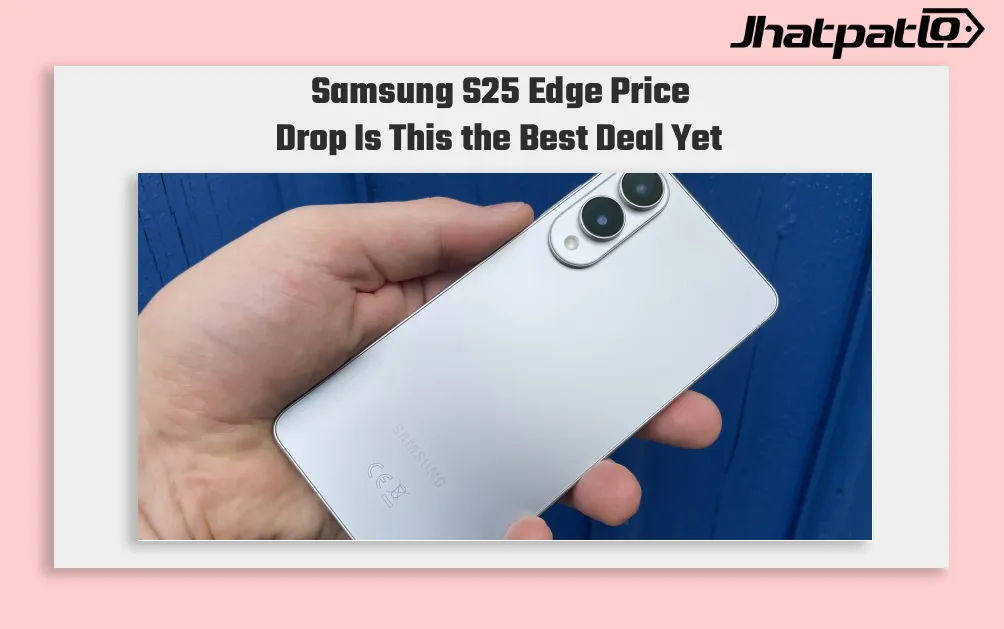
Samsung S25 Edge Drops to Rs 69,999 as Flagship Gaps Narrow
Samsung Compresses Flagship Pricing in New Sale Cycle Samsung has cut the Galaxy S25 Edge Price Drop by Rs 40,000, bringing it down to Rs 69,999 in a move that narrows the gap between its premium phones. The Galaxy S25 Ultra has also dropped below Rs 1 lakh for the first time in the current s...
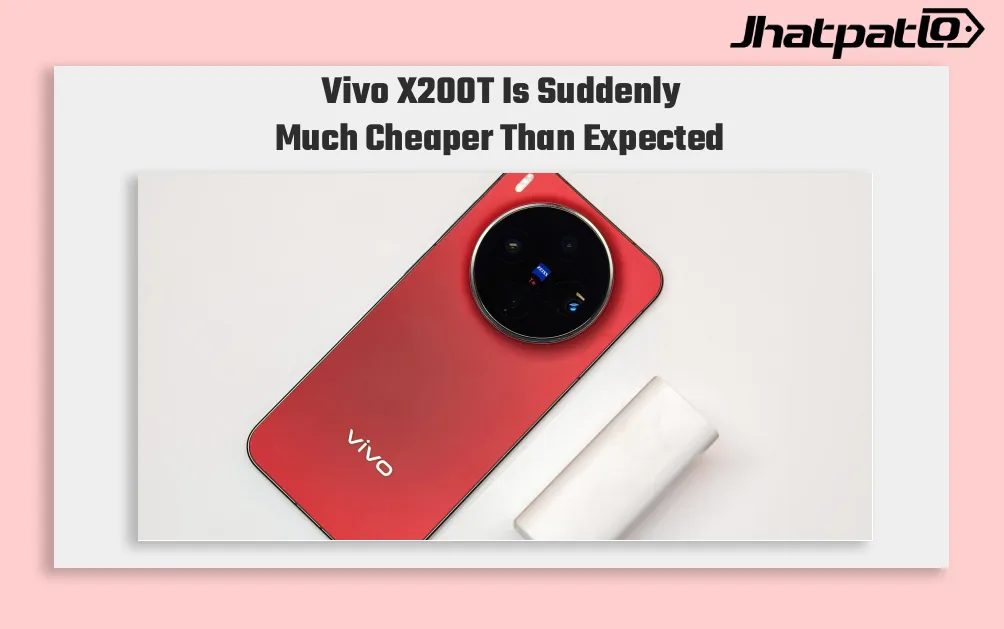
Vivo X200T Drops Below Rs 50000 in Flipkart Deal
Vivo X200T Price Cut Pushes below the Rs 50,000 mark in India through stacked Flipkart and bank offers, changing how the phone is positioned in the premium segment. The device launched at Rs 59,999 in January and is now effectively available for Rs 49,999, putting pressure on rivals that still...