


Android 17 Stable Update Rolls Out to Pixel Phones and Tablets
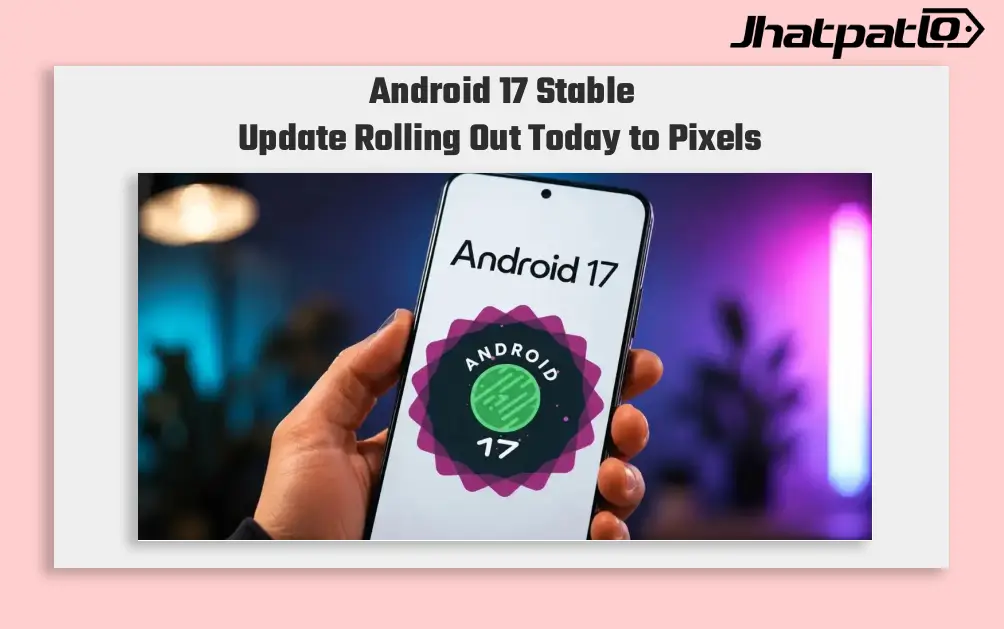
Google is rolling out the Android 17 stable update to eligible Pixel phones, foldables, and tablets. The release brings changes to multitasking, privacy controls, and the user interface for supported devices.
Android 17 Adds Bubbles, Blur, and Smaller Settings Menus
Android 17 is now reaching eligible Pixels, with Google pushing the stable build earlier than usual. The rollout is already underway globally, which matters for Pixel users watching for new firmware before many other Android devices leave beta or finish final testing. In the premium Android segment, that timing gives Pixels an early turn with the finished software.
Multitasking gets the clearest update in this release. On supported Pixels, bubbles now join split screen, floating windows, and picture-in-picture. That gives users another way to keep conversations and apps accessible without jumping between full screens all the time.
Google is also making the interface feel a little tighter. Android 17 brings more blur effects, hidden app names on the home screen, and denser Settings menus. Taken together, those changes make the Pixel software look more refined on phones, foldables, and tablets, even if the update does not change the basics of how the devices work.
Android 17 Expands Privacy Controls for Contacts and Location
The most practical change for many users is in permissions. Apps can now be limited to only selected contacts instead of getting full access to the entire contacts list. That should help people share less data when an app only needs a narrow slice of it.
Android 17 also adds session-based precise location access. In plain terms, that gives users tighter control over one-off apps that need location only for a short time. It is another step in the privacy-first direction that Pixel software has been moving toward for mainstream Android users.
For eligible Pixel phones, foldables, and tablets, the update mixes visible interface changes with a few useful control improvements. It is not a complete redesign, but it does make the stable version feel more current and a bit more deliberate in daily use. Users who value multitasking tools and permission controls will probably notice the changes most.

Aman Dixit
✉ aman79dixit@gmail.comRelated Products



Android 17 Beta 3 Brings App Bubbles to All Apps on Pixel Phones
Android 17 Beta 3 rolls out to eligible Pixel phones Google has shipped Android 17 Beta 3 to eligible Pixel phones, with the new build focused on bug fixes, Pixel UI refinements and a small set of feature changes. The update brings Bubbles support for every app, a redesigned screen record...

Android 17 Beta 2 Lets Users Create App Bubbles and Expands SMS OTP Protection
Overview Google has rolled out the second beta of Android 17 to eligible Pixel devices enrolled in the Android Beta programme. Android 17 Beta 2 focuses on performance improvements and a smoother user experience, while introducing new efficiency features. The company also notes a plan to...
Android 17 Beta 1 Brings Big Changes to Pixel
Android 17 Beta 1 rollout details Google plans to roll out the first beta of Android 17 to Pixel devices enrolled in its beta programme. The rollout is framed as the start of a new beta cycle, following the Android 16 QPR3 Beta 2.1 update that is already circulating among testers. Officials involve...
Android 17 Beta 1 Rollout Brings Performance Optimisation
Android 17 Beta 1 Updates Google released the first public beta of Android 17, giving public users and developers an early look at the next major version of its mobile operating system. The company said the update focuses on performance optimisation, privacy refinements and enhanc...

Android 17 Beta 4 Rolls Out to Pixel Devices Ahead of Stable Release
Android 17 Beta 4 begins reaching Pixel phones Google has started rolling out Android 17 Beta 4 Rolls Out for Pixel as the final scheduled beta in the release cycle. The update is aimed at refining performance, stability and user experience before the stable public rollout expected in the nex...

Android 17 update Motorola phones reaches Edge 2025 and 50 plus models
Motorola is rolling out the Android 17 update to the Edge 2025 first, with more than 50 Razr, Edge and Moto G phones listed for the wider release. The rollout is staged, so the key detail for owners is timing: being on the list does not mean the update has reached your device yet. Motorol...