


Best Flagship Laptops in India for 2026 With 6 Models That Actually Make Sense
Best flagship laptops in India for 2026: the 6 models that actually make sense for work, creators and gaming
India’s flagship-laptop market is a little wild right now. On one end, you’ve got machines that can last most of a workday and still feel featherlight in a bag. On the other, there are laptops packing RTX 5090 graphics and enough cooling to behave like a desktop replacement. And somewhere in the middle, there are the premium “I just want a really good laptop” options that most people actually end up buying.
That’s why this list exists. It’s not trying to crown one perfect winner, because honestly, that machine doesn’t exist for everyone. Instead, it’s about matching the laptop to the kind of life you live: office work, creator work, travel, or gaming. If you’ve ever looked at a spec sheet and felt strangely less informed after reading it, you’re in the right place.
Quick Highlights
- Pick based on use, not just raw specs
- OLED matters more than people think for premium laptops
- Battery and weight can change the whole experience
- RTX 5090 models are powerful, but not all are built the same
- The best flagship laptop is the one that fits your day
Introduction
Compare the best flagship laptops in India with OLED displays, RTX 5090 options, 990g portability and 17-hour battery life.
The point is not to find one perfect laptop; it is to match the machine to the kind of work, travel, or gaming you actually do. That’s the part people sometimes skip, and it’s usually where regret starts. A laptop can look incredible on paper and still feel wrong in daily use. Or it can look almost boring and turn out to be exactly what you needed.
In 2026, flagship laptops are split into clear personality types. Some are built around display quality and battery life. Some are designed for creators who need serious horsepower. Others are basically gaming rigs in a laptop shell. Once you see them that way, the decision gets a lot easier.
Why these six flagship laptops are in the list at all
The ranking is built around real use, not just benchmark bragging rights. A business laptop, a creator machine and a desktop-replacement gaming laptop can all be excellent, but for completely different reasons.
The list weighs performance, display quality, build, portability, battery life, connectivity, creative workloads, gaming capability and value for money. Prices also change, so the exact configuration and current price matter before buying.
- Dell XPS 14 — Rs 2,57,890
- Asus ProArt P16 — Rs 4,49,990
- Alienware 18 Area-51 — Rs 4,95,390
- Asus ExpertBook Ultra — Rs 2,39,990
- MSI Prestige 16 AI Evo — Rs 2,12,990
- HP EliteBook X G2i 14 — Around Rs 2.5 lakh
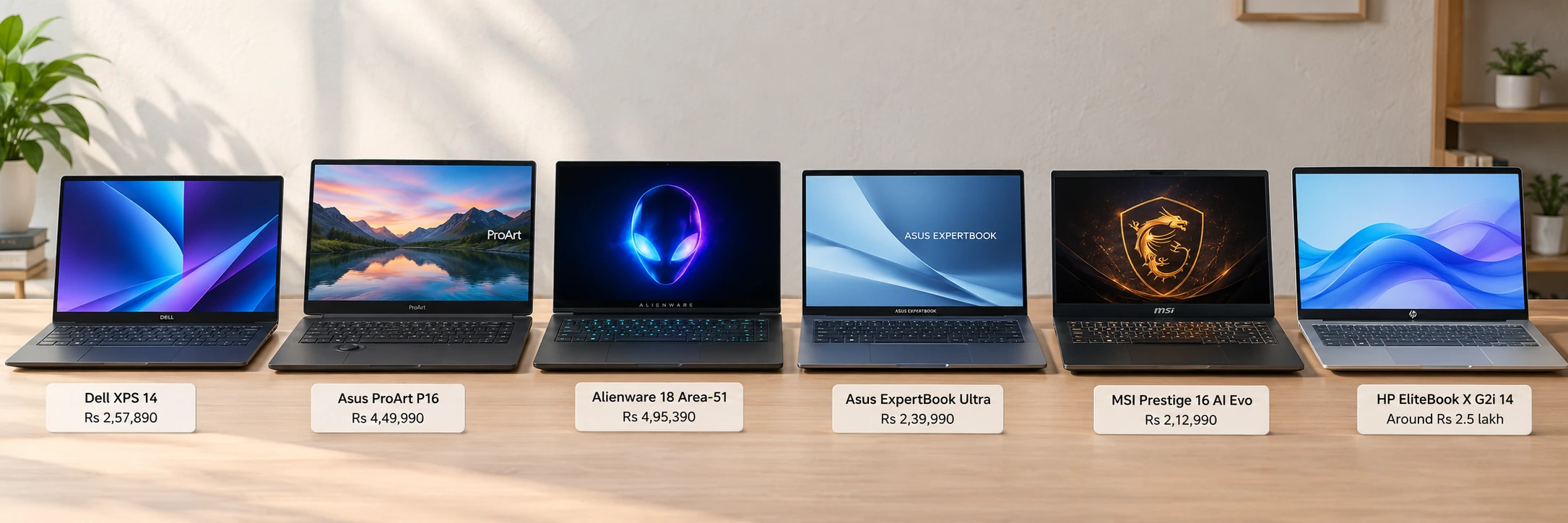
What makes this group interesting is that every one of them is premium, but they don’t overlap much in purpose. The Dell XPS 14 is a productivity-first flagship. The Asus ProArt P16 is a creator monster. The Alienware 18 Area-51 is for people who want maximum gaming performance and don’t mind a huge machine.
Which flagship laptop fits which kind of buyer
The real decision here is not “which laptop is best,” but “which trade-off do you care about least.” Some are built for battery and meetings, some for creators, and one is basically a gaming desktop with a screen.
Dell XPS 14 is the premium productivity pick, Asus ProArt P16 is for professional creators, Alienware 18 Area-51 is for serious gaming, Asus ExpertBook Ultra is the travel-friendly business option, MSI Prestige 16 AI Evo is the lower-cost creator choice, and HP EliteBook X G2i 14 is the compact enterprise laptop. If you already know your category, you’re halfway done. If you don’t, the sections below should make it obvious pretty quickly.
Dell XPS 14: the premium Windows laptop that wins on everyday comfort
The XPS 14 is the most balanced machine here if your day is meetings, documents, creative work and a lot of unplugged time. It is understated, but the build quality, haptic touchpad and 2.8K OLED display make the experience feel expensive in the right way.
It costs Rs 2,57,890, uses an Intel Core Ultra X7 358H, 32GB LPDDR5, a 1TB SSD and a 14-inch 2.8K OLED touchscreen. It also recorded 6,045 in 3DMark Time Spy, 7,181 in PCMark 10, 2,850 in Geekbench 6 single-core, 16,148 in multi-core, 2,051 in Cinebench R23 single-core and 13,894 in multi-core. Those are strong numbers, but what makes the laptop stand out is how consistently polished it feels outside the benchmark window.
- Display: 14-inch 2.8K OLED, 100% DCI-P3 and sRGB, 500-nit peak brightness
- Battery: around 17 hours at 70% brightness; about 40% left after a workday
- Ports: three USB-C Thunderbolt ports and a headphone jack, but no USB-A or HDMI
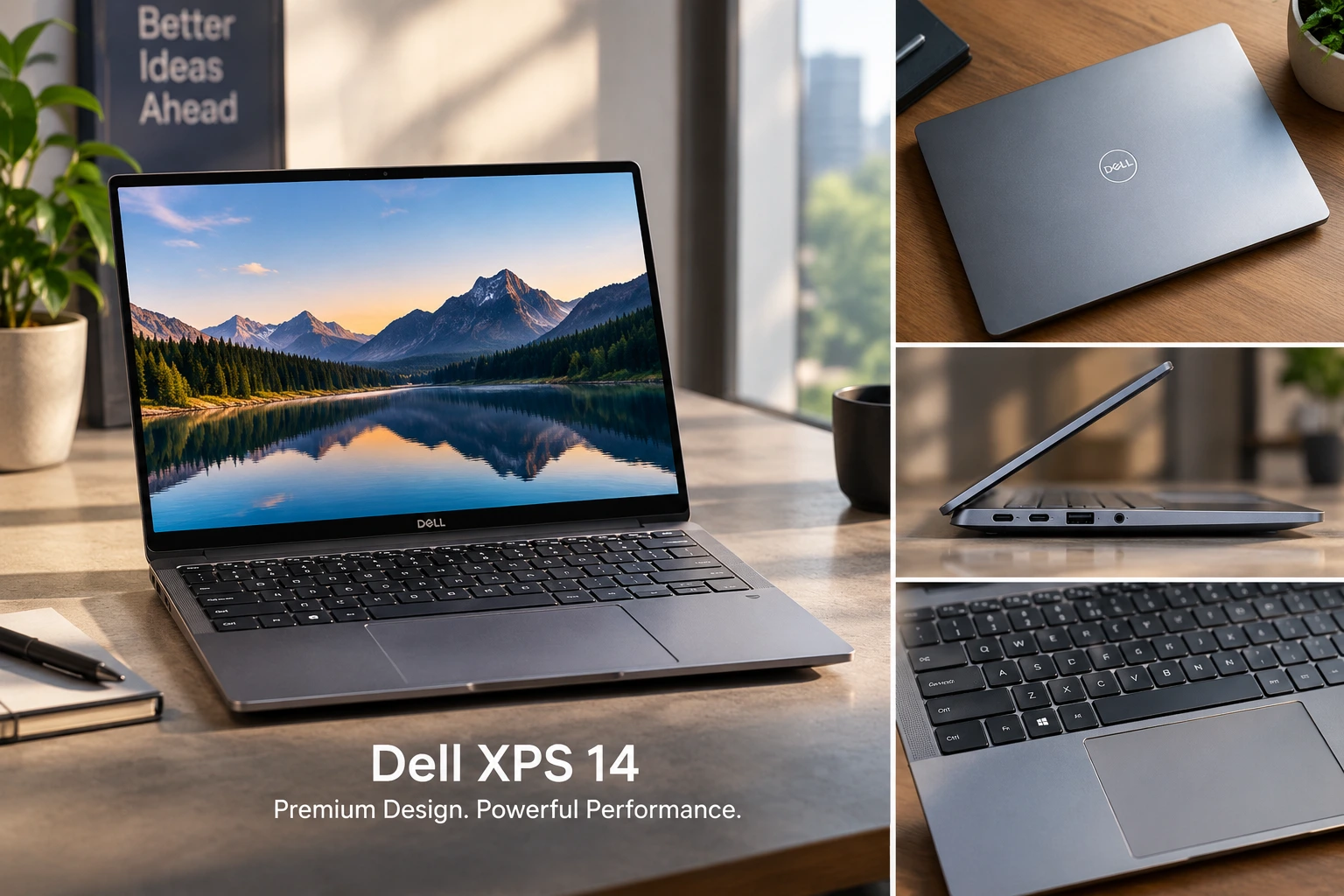
The lack of USB-A and HDMI can be annoying if you use older accessories, and yes that matters more than some reviewers want to admit. But if your workflow is mostly cloud-based, a USB-C dock solves a lot of that pain. The payoff is a laptop that feels refined every time you open it. For many people, that daily comfort is what makes the XPS line so hard to ignore.
Asus ProArt P16: the creator laptop that goes far beyond normal productivity hardware
The ProArt P16 is for people whose work actually benefits from extreme hardware. Its 16-inch 4K OLED display, RTX 5090 Laptop GPU and 64GB of RAM make sense for serious editing, rendering and colour-sensitive work.
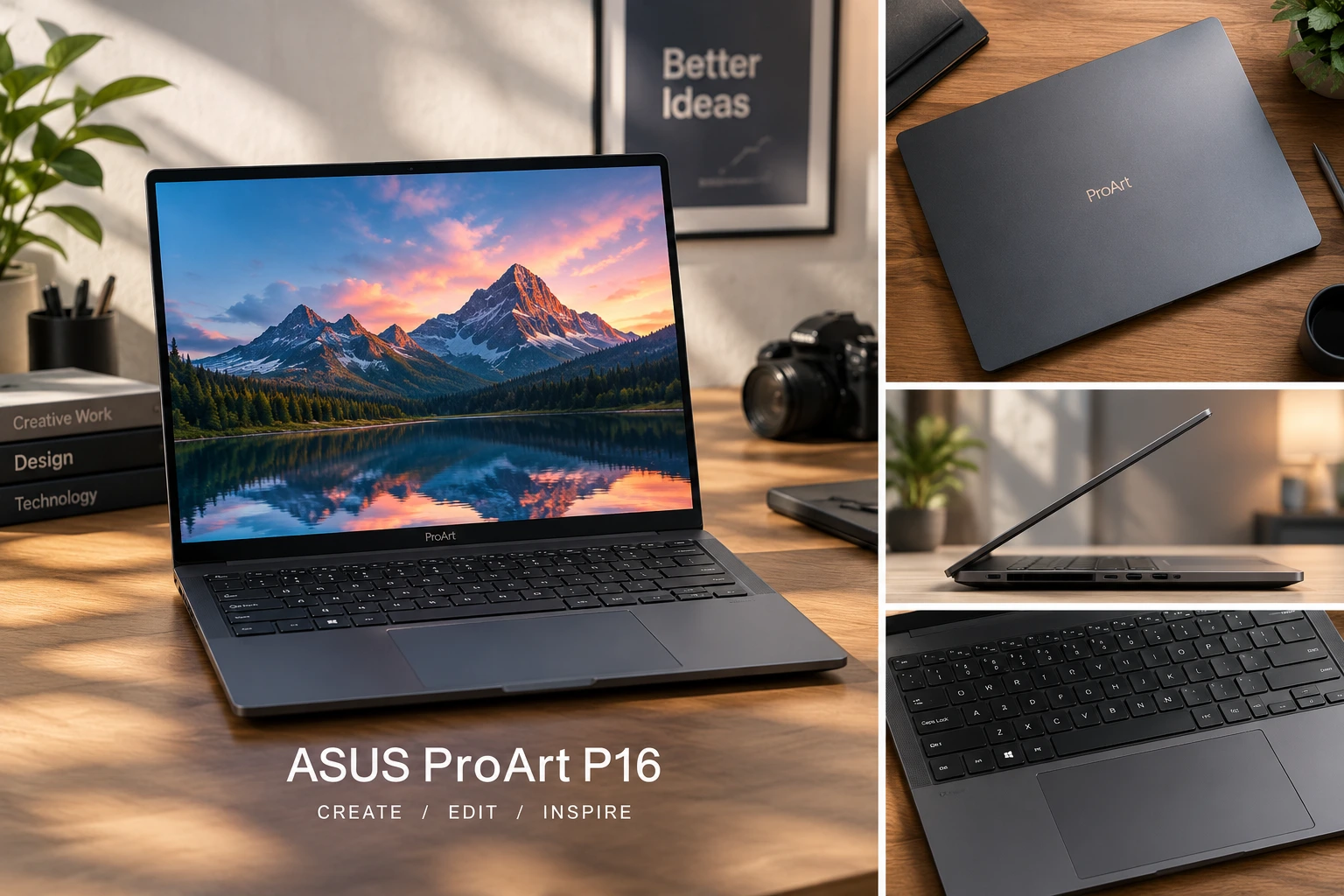
It costs Rs 4,49,990 and pairs AMD’s Ryzen AI 9 HX 370 with 64GB RAM, a 2TB SSD and Nvidia’s RTX 5090 Laptop GPU with 24GB of GDDR7 memory. The panel measured 664 nits peak brightness and an average Delta E of 1.2, while benchmarks included 10,776 in PCMark 10 Extended, 1,957 in Cinebench R23 single-core, 20,930 in multi-core, 8,532 in 3DMark Time Spy Extreme and 9,586 in Fire Strike Ultra.
- Display: 16-inch 4K OLED touchscreen, 120Hz, 100% sRGB
- Hardware: Ryzen AI 9 HX 370, 64GB LPDDR5X, 2TB PCIe 4.0 SSD, RTX 5090 with 24GB VRAM
- Trade-off: it is creator-first, not a gaming-first machine, and it has no MUX switch
That last part is easy to overlook. The ProArt P16 is incredibly powerful, but it’s tuned more for creator reliability than pure gaming bragging rights. So if you’re editing 4K or working with heavy timelines, it makes a lot of sense. If your main goal is chasing maximum frame rates in competitive games, another machine may actually be the smarter buy. It’s one of those cases where “more powerful” doesn’t automatically mean “better for your life.”
Alienware 18 Area-51: the one that treats portability as optional
This is the laptop for people who care most about frame rates and screen size. At 4.3kg without the charger, plus a huge 360W charger, the Alienware 18 Area-51 is clearly meant to stay on a desk.
It costs Rs 4,95,390 and uses an Intel Core Ultra 9 275HX, RTX 5090 Laptop GPU, 64GB DDR5, a 2TB SSD and an 18-inch WQXGA display at 300Hz. Gaming results were especially strong: Doom: The Dark Ages reached around 115 to 130fps at 2K Ultra Nightmare, Dragon Age: The Veilguard around 170fps at 2K high, Monster Hunter Wilds around 150fps at 2K, Forza Horizon 5 around 250fps at 2K Extreme, and Silent Hill f around 85fps at 2K highest settings.
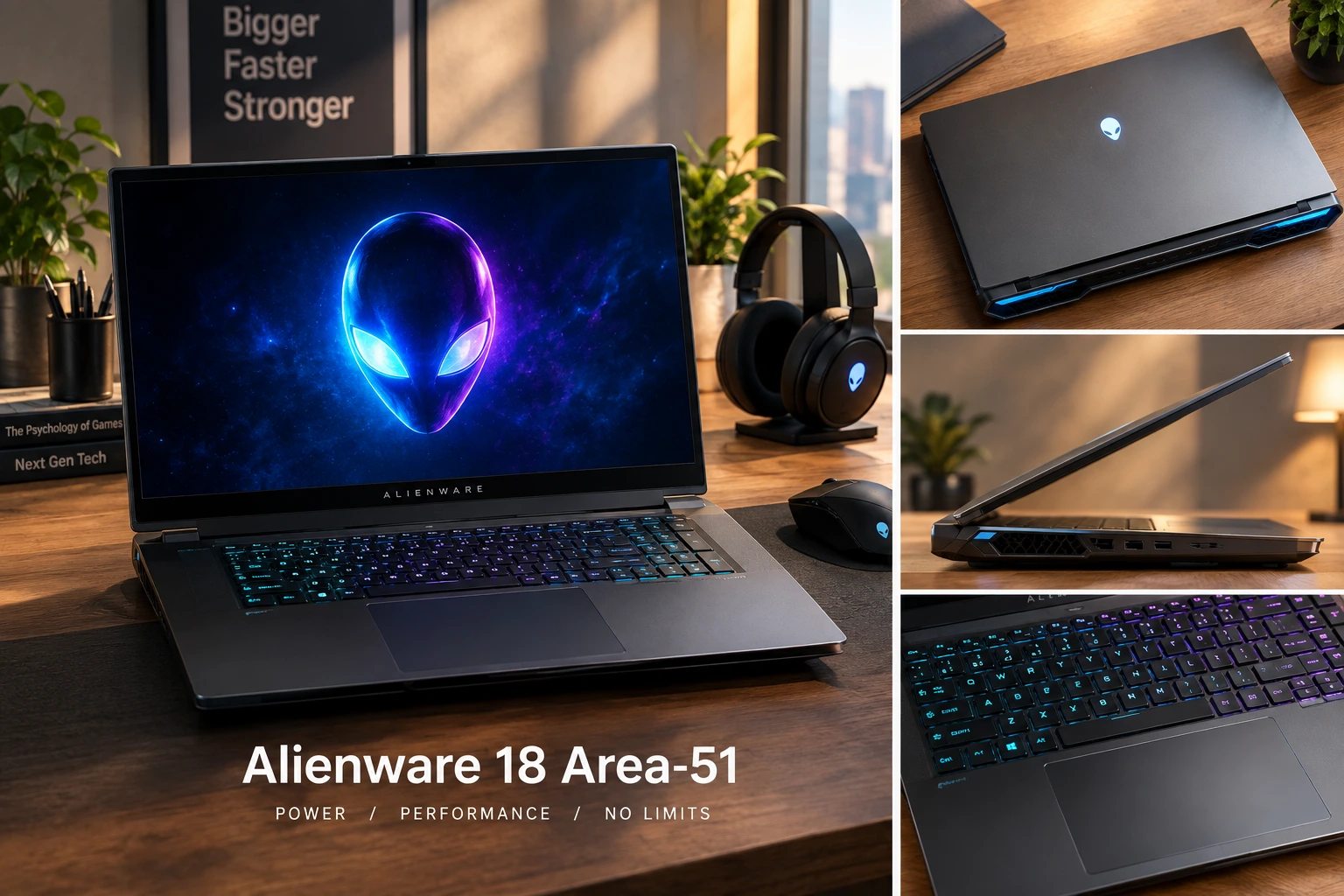
- Display: 18-inch WQXGA, 2560 × 1600, 300Hz, 500 nits, 99.4% DCI-P3 and 130% sRGB
- Benchmarks: 23,783 in 3DMark Time Spy, 12,379 in Time Spy Extreme, 36,928 in Cinebench R23 multi-core, 21,469 in Geekbench 6 multi-core
- Battery: around 1 hour in proper gaming, about 2 hours in basic tasks, roughly 3 hours in quiet mode with integrated graphics
That battery life tells you everything you need to know. The Alienware 18 Area-51 is not pretending to be portable. It’s a performance machine through and through, and once you accept that, the appeal makes sense. Big screen, heavy chassis, huge cooling, absurd gaming power. If you want to plug in and game hard, this thing is built for exactly that mood.
Asus ExpertBook Ultra: the light business laptop that makes 990g feel unfair
The ExpertBook Ultra exists for people who move a lot and still need a proper work machine. Its 990g weight, matte 3K Tandem OLED panel and long battery life make it the most travel-friendly option in the group.
It costs Rs 2,39,990 and uses an Intel Core Ultra X7 358H, Intel Arc Graphics, 64GB LPDDR5x, a 14-inch 3K Tandem OLED touchscreen and Wi-Fi 7. The laptop handled more than 40 Chrome tabs, WhatsApp Web, music streaming, productivity apps and background processes, while scoring 2,867 in Geekbench 6 single-core, 16,297 in multi-core, 1,950 in Cinebench R23 single-core, 17,732 in multi-core and 7,761 in PCMark 10.
- Display: 14-inch 3K Tandem OLED, 120Hz, matte anti-reflection coating
- Battery and charging: nearly 12 hours in PCMark at 50% brightness; 50% charge in 30 minutes
- Ports: 2x USB-C, 2x USB-A, HDMI, 3.5mm
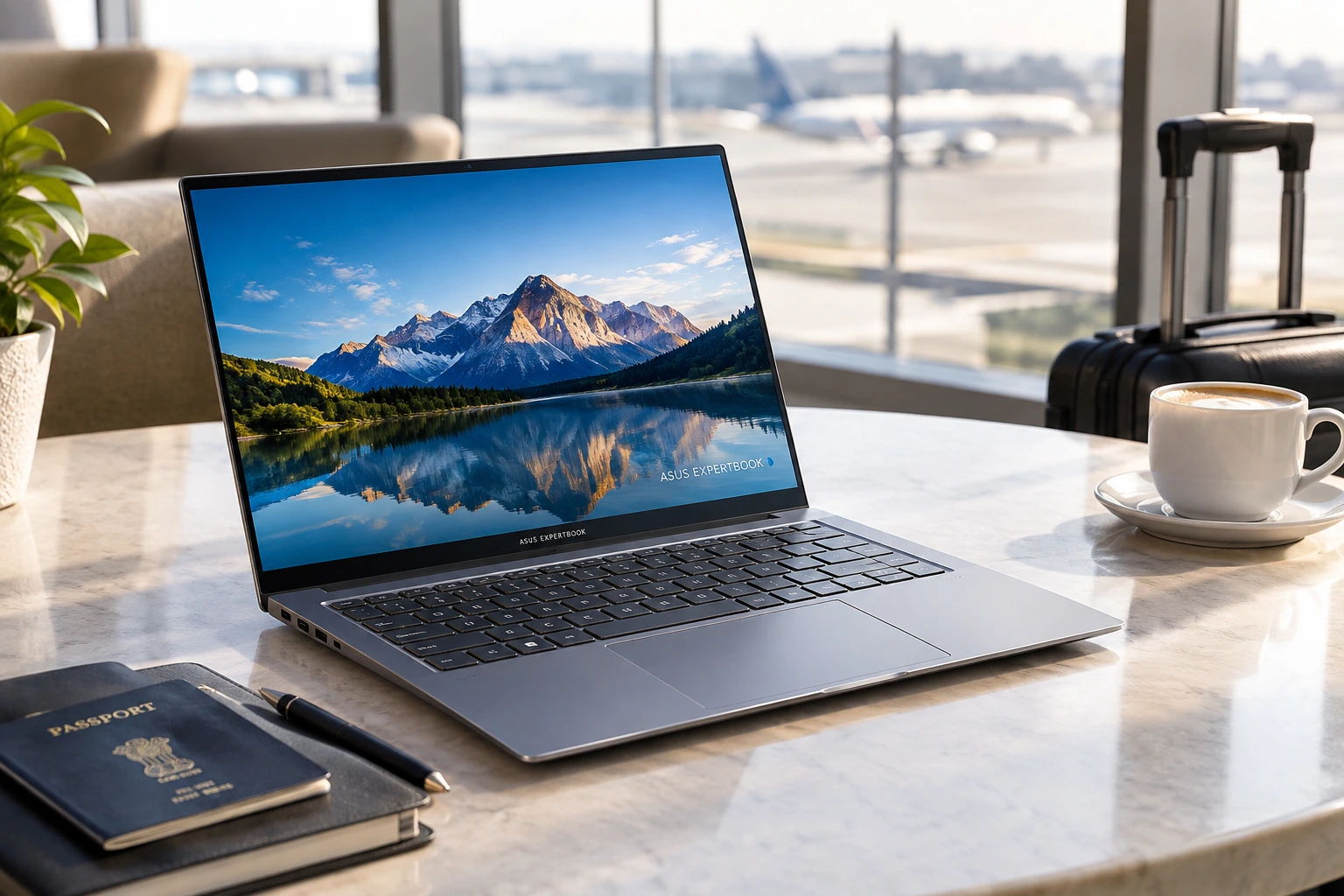
This is the kind of laptop that makes sense when you spend a lot of time between meetings, airports and cafés. It doesn’t chase the loudest specs, but it gets a lot right: weight, screen quality, battery, and a sensible port selection. That combination is often more useful than a marginally faster chip that you’ll barely notice in real life.
MSI Prestige 16 AI Evo: the sensible RTX laptop below Rs 4 lakh
The Prestige 16 AI Evo is the practical creator option for buyers who want strong GPU acceleration without jumping into ProArt money. It keeps the focus on colour accuracy, usable performance and decent battery life.
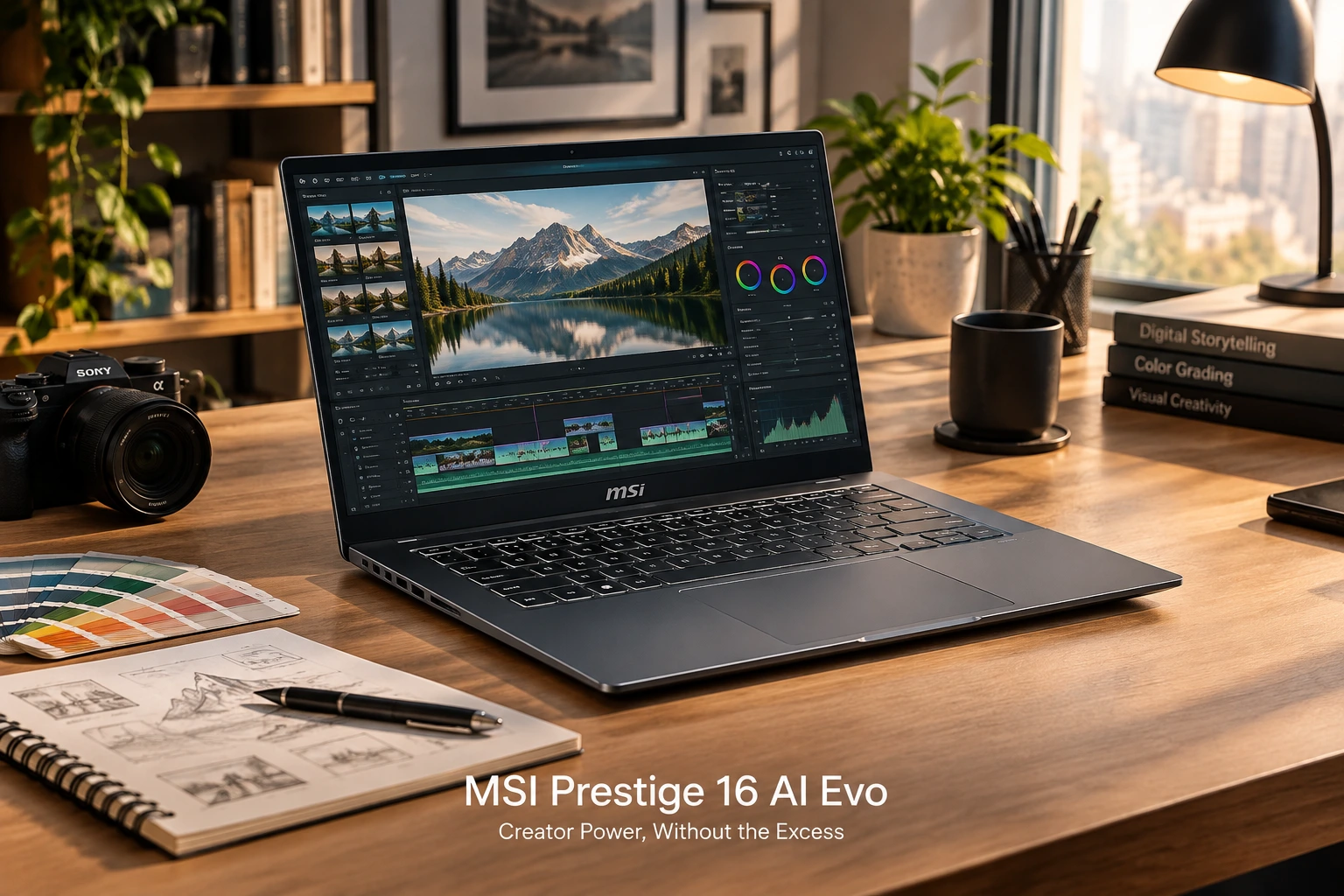
It costs Rs 2,12,990 and combines an Intel Core Ultra 9 185H, RTX 4060 with 8GB GDDR6, 32GB LPDDR5, a 1TB SSD and a 16-inch display. The screen covers 97.2% of sRGB and 99.3% of DCI-P3, with an average Delta E of 1.7. Performance included 7,810 in PCMark 10 Extended, 1,864 in Cinebench R23 single-core, 14,525 in multi-core, 5,776 in 3DMark Time Spy and 12,852 in Fire Strike.
- Gaming example: Clair Obscur: Expedition 33 reached around 80 to 90fps at 1920 × 1200 on medium settings
- Battery: 99.9Wh battery, around eight hours in the PCMark test at full brightness, about 20% left after an eight-hour workday
- Ports: USB-C, USB-A, HDMI and Ethernet, though the rear placement can be awkward
This is one of those laptops that doesn’t scream for attention, but it quietly covers a lot of bases. You get enough GPU muscle for creative work and a bit of gaming, plus battery life that doesn’t feel punishing. The rear ports are a little clumsy in practice, sure, but the overall package is balanced. If you want a premium machine without crossing into ridiculous pricing, the Prestige 16 AI Evo deserves a serious look.
HP EliteBook X G2i 14: the compact enterprise laptop that prioritizes the basics
The EliteBook X G2i 14 is built for business users who care more about a clean workday than flashy hardware. It is conservative, sturdy and useful in ways that matter in offices and meetings.
It costs around Rs 2.5 lakh and uses an Intel Core Ultra X7, Intel Arc B390, 32GB LPDDR5x, a 1TB SSD, a 14-inch IPS touchscreen and Windows 11 Pro. It scored 7,409 in PCMark 10, 7,724 in 3DMark Time Spy and 13,322 in Fire Strike, while the battery lasted nearly 12 hours in PCMark at 50% brightness and reached 50% charge in 30 minutes.
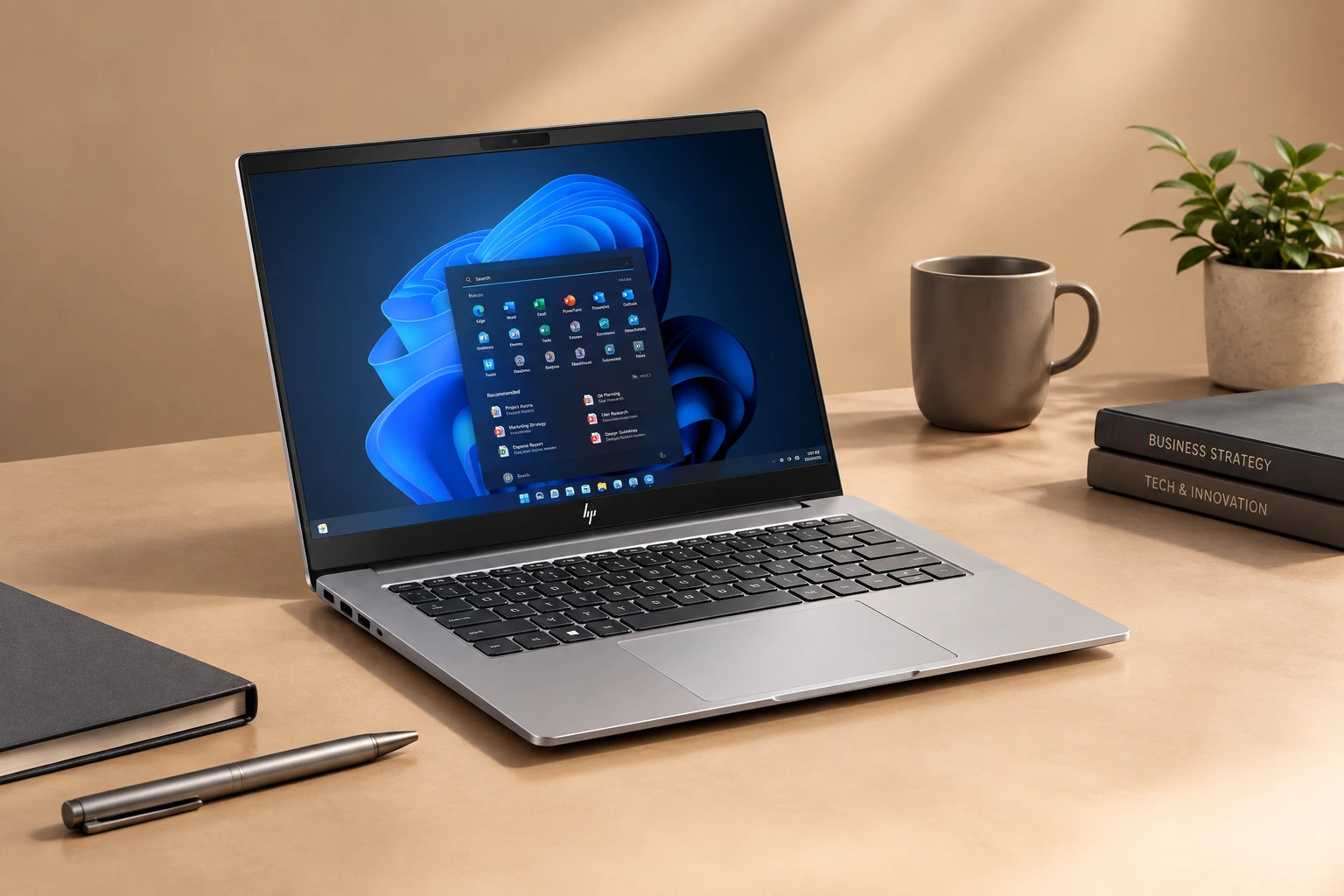
- Display: 14-inch IPS, 60Hz, privacy layer affects viewing angles and colour shift
- Webcam and design: 1080p webcam, physical privacy shutter, 180-degree hinge for collaboration
- Ports: 3x USB-C, 1x USB-A, HDMI 2.1, headphone jack
Its display is not as premium as the OLED options here, and that’s fine if your day revolves around documents, calls and admin work. The physical privacy shutter, wide hinge and practical port layout make it feel business-first in the best way. It may not excite you in a showroom, but it’s the kind of machine that can disappear into the background and just do the job.
How to narrow the choice without getting distracted by specs
The main buying traps are simple: don’t overpay for processor power you will never use, and don’t ignore display, battery and ports because a spec sheet looked exciting. A 990g business laptop and a 4.3kg gaming machine solve different problems entirely.
The clearest clues are already in the numbers: 17 hours on the XPS 14, nearly 12 hours on the ExpertBook Ultra and EliteBook X G2i 14, 1 hour on the Alienware during gaming, 4.3kg weight on the Alienware, and an RTX 5090 in both the ProArt P16 and Alienware 18 Area-51. Once you see those trade-offs side by side, the right choice often becomes obvious.
- Performance: ProArt P16 and Alienware 18 Area-51 for heavy creative work or gaming; XPS 14 and ExpertBook Ultra for productivity; Prestige 16 AI Evo for mid-tier creator work
- Portability: 990g ExpertBook Ultra is the easiest to carry; 4.3kg Alienware is the least portable
- Display: OLED matters on the XPS 14, ExpertBook Ultra and ProArt P16; the HP’s 60Hz IPS panel is the least premium here
- Battery: XPS 14 leads at around 17 hours; ExpertBook Ultra and HP EliteBook X G2i 14 are both near 12 hours; Alienware is the battery sacrifice
One useful way to think about it is this: if you travel all the time, every extra gram becomes annoying. If you edit video for a living, a beautiful display and strong sustained performance matter more than whether the laptop is slim. And if gaming is your main thing, a machine like the Alienware can make total sense, even if it’s wildly impractical in every other context. Specs only matter when they line up with your actual routine.
FAQ
These are the smaller buying doubts that usually come up after someone has narrowed the list to two or three machines.
Q: Which is the best high-end laptop in India in 2026?
The Dell XPS 14 is the best overall pick if the goal is premium productivity. It combines strong performance, a 2.8K OLED display, good speakers, a solid webcam and the best battery life in this list.
Q: Which laptop is best for professional creators?
The Asus ProArt P16 is the most creator-focused machine here because of its 4K 120Hz OLED display, Ryzen AI 9 HX 370, RTX 5090 Laptop GPU, 64GB RAM and 2TB SSD.
Q: Is the MSI Prestige 16 AI Evo a gaming laptop?
No. It can run games well enough, especially at 1080p or 1200p, but it is mainly a creator and professional laptop with an RTX 4060, not a gaming-first machine.
Q: Which laptop has the best battery life?
The Dell XPS 14 lasted around 17 hours in testing. The Asus ExpertBook Ultra and HP EliteBook X G2i 14 both came close to 12 hours, which is still strong for this class.
Conclusion
If you want the best flagship laptop in India for everyday work, the Dell XPS 14 is the cleanest answer; if you need a creator machine, gaming desktop replacement or travel-friendly business laptop, the better choice changes fast.
Buy for the job, not the biggest number on the spec sheet — that is what separates a smart flagship purchase from an expensive mistake. That simple idea saves people from a lot of regret. A great laptop is not the one with the flashiest headline. It’s the one that fits your real life without making you work around it every day.

Related Products




Samsung Brings One UI To Galaxy Book Laptops In New Android 17 Rumor
Samsung’s laptop plans surface in new rumor Samsung is reportedly working on a range of Galaxy Book laptops that would run Android 17 with One UI 9 on top, according to a new rumor. The report says the lineup could include low-end, mid-range, and flagship models, while also noting that the up...
Qualcomm Snapdragon C Targets Budget Windows Laptops With Longer Battery Life
Qualcomm Moves Snapdragon C Into Entry Level Windows PCs Qualcomm is bringing its Windows on Arm push to cheaper laptops with the Snapdragon C platform, aimed at devices starting around $300. The company is positioning the chip for thin and light Windows laptops built for browsing, office wor...
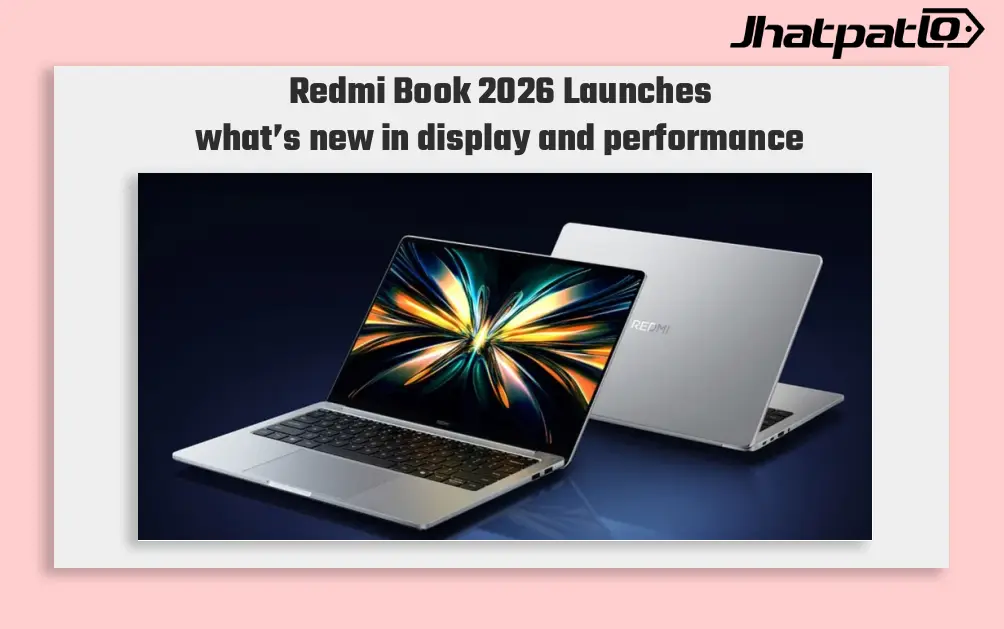
Redmi Book 2026 Launches in China With 120Hz Displays and Intel Meteor Lake Chips
Redmi Book 2026 Launches in China with two models Xiaomi has made the non-Pro Redmi Book 2026 lineup official in China, bringing two laptops with 120Hz displays and Intel Meteor Lake power. The series includes the Redmi Book 14 2026 and Redmi Book 16 2026, with the starting model priced at CN...

Asus Vivobook lineup gets a fresh look with 38 hour battery claim
Asus is bringing its refreshed Vivobook lineup to India on September 16, and the early message is simple: all-metal builds, multiple colour finishes, and a battery claim that goes up to 38 hours. The launch matters because it places the new Vivobook family directly against thin-and-light lapto...
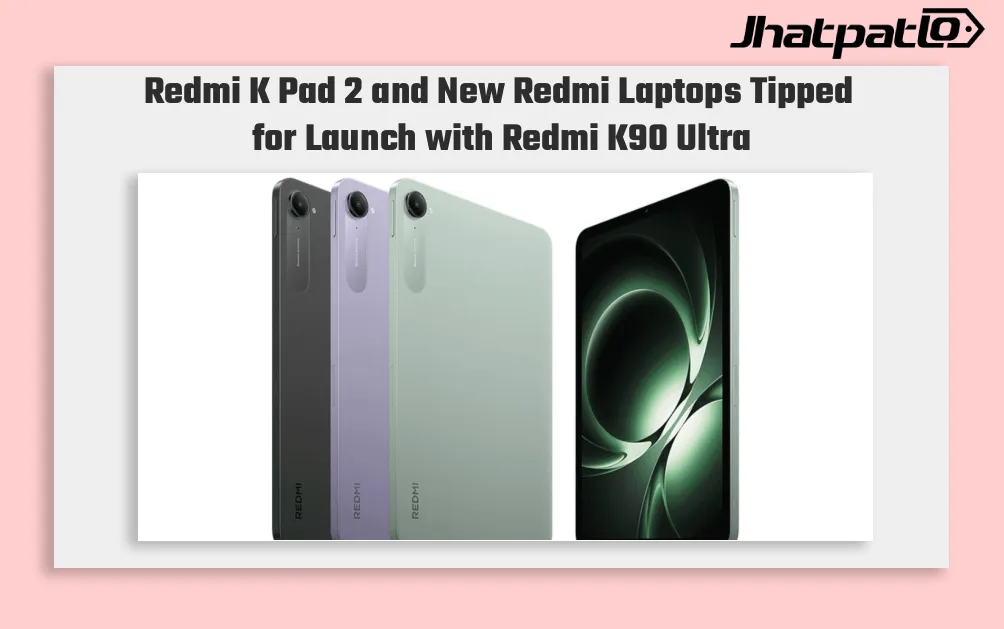
Redmi K Pad 2 and New Redmi Laptops Tipped for Launch with Redmi K90 Ultra
Redmi K90 Ultra launch may bring new Redmi tablet and laptops Redmi K Pad 2 and new Redmi laptops are tipped to launch alongside the Redmi K90 Ultra later this month in China, according to a new leak from tipster Digital Chat Station. Xiaomi’s Redmi sub-brand has not announced an official...