


Primebook 2 Max Review 2026: The Android Laptop That Quietly Challenges Windows for Students
If you’ve ever looked at a budget laptop and thought, “This looks fine on paper, but will it actually survive my day?”, the Primebook 2 Max is exactly the kind of device that makes that question interesting. On the surface, it’s easy to dismiss it as just another affordable laptop trying to look modern. But once you spend time with it, the story gets a lot less obvious. This isn’t really trying to be a cheap Windows machine in disguise. It feels more like an Android-powered notebook that’s aiming for a very specific kind of user: someone who lives in browsers, cloud apps, streaming tabs, notes, and the occasional light game.
And honestly, that’s where the Primebook 2 Max review gets more useful than usual. Most budget laptops are judged only by raw specs, as if a student needs a mini workstation just to attend classes and finish assignments. But a lot of real-life use is simpler than that. Open Chrome, jump into Google Docs, manage a few PDFs, watch lectures, maybe use Microsoft Office in the cloud, and keep everything running without the charger glued to your bag. That’s the lane Primebook is trying to own here.
Quick Highlights
- 15.6-inch Full HD IPS display with anti-glare finish
- Excellent battery life for a full workday
- PrimeOS 3.0 feels much more laptop-like than older Android attempts
- Best for cloud-first students and light productivity users
- Not ideal if you rely on full Windows desktop apps offline
What makes the Primebook 2 Max feel different?
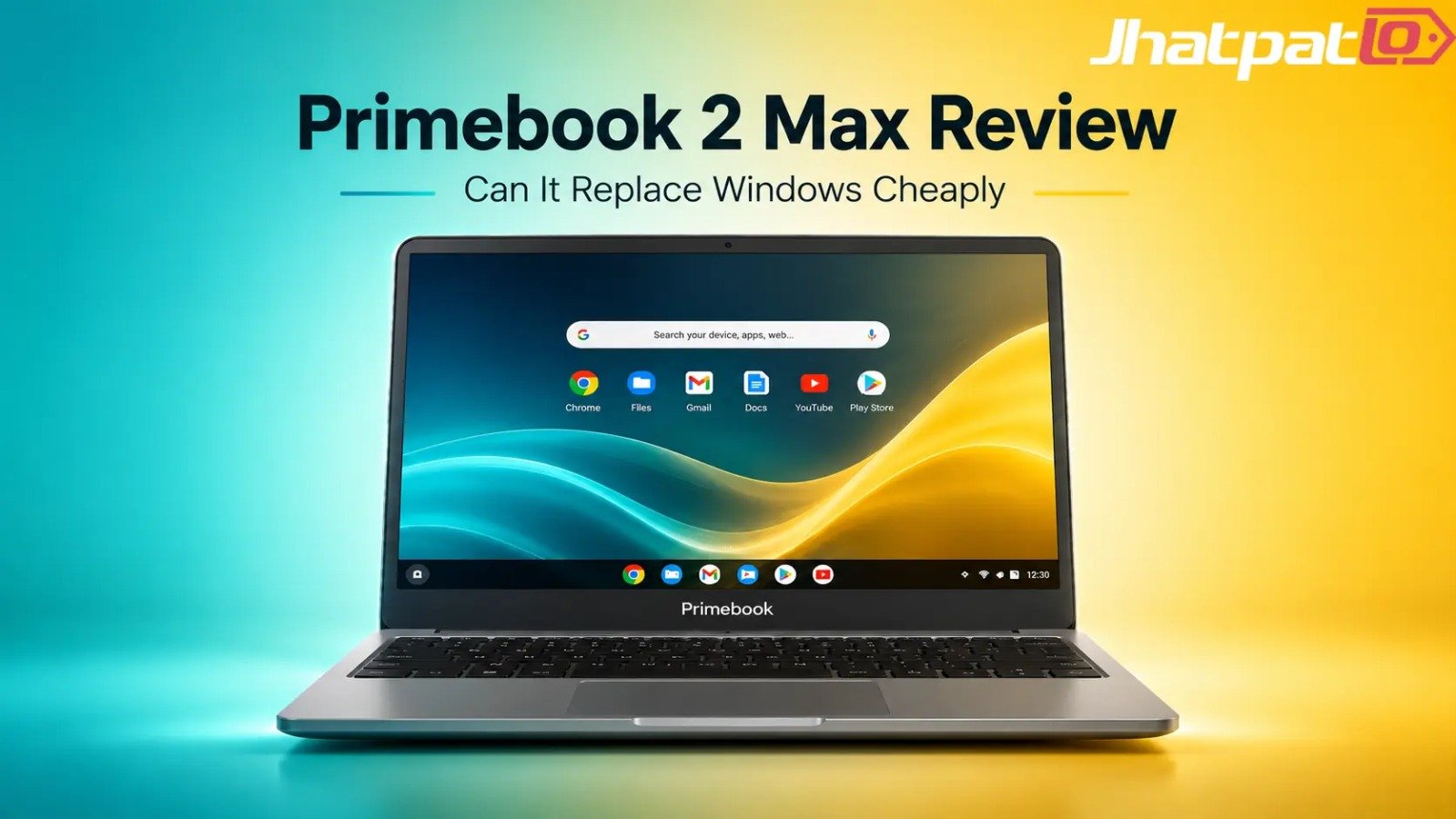
The first thing that stands out is that this doesn’t feel like an awkward tablet with a keyboard bolted on. That was the old problem with many Android laptop experiments. They looked confused, and they behaved even more confused. The Primebook 2 Max takes a more grounded approach. You get a 15.6-inch Full HD IPS anti-glare display, a proper 95-key full-sized backlit keyboard, a 180-degree hinge, and a 1.6kg body that feels aimed at students and mobile workers rather than desk-bound power users.
That matters more than people sometimes admit. In budget laptops, industrial design can be the difference between something you tolerate and something you actually use every day. A comfortable keyboard, a decent screen, and sane portability are not luxury extras. They’re the whole experience. If you’re carrying a laptop to college, a co-working space, or even just around the house, you notice this stuff quickly.
The Primebook 2 Max also comes in at Rs 28,999, which places it in one of the most crowded and unforgiving price bands in India. This is the zone where Chromebooks, entry-level Windows laptops, and now Android-powered productivity devices all fight for attention. That’s why the Primebook 2 Max review can’t just be about specs. It has to answer a bigger question: does this new category actually make sense?
Is PrimeOS 3.0 good enough for everyday productivity?
Here’s where things start to get interesting. PrimeOS 3.0, based on Android 15, is the real reason this laptop feels more mature than earlier efforts in the Android laptop space. The interface is built with desktop-style use in mind, not phone-style habits. You get window snapping, layered app support, a task manager, startup app controls, and AI tools baked into the experience. That alone changes the feel of the machine.
If you’ve used Android on a larger screen before, you probably know the pain. Apps that open awkwardly, multitasking that feels half-baked, and a general sense that the system never quite decided what it wanted to be. PrimeOS 3.0 avoids a lot of that. It’s not perfect, but it’s much closer to a lightweight work machine than a giant phone interface.
The more talked-about part is PrimeAGNT, which uses Gemini 3.0 Flash and Qwen 3.5 Flash models, plus 1 lakh AI credits included. That sounds impressive, and to be fair, it is genuinely forward-looking. But there’s a catch people often skip over: AI credits aren’t free forever. The upfront bundle is nice, but buyers should think about what happens when the included credits run out. If you expect to lean on AI constantly for writing, summaries, or workflow help, the long-term economics matter.
That’s a smart thing to check in 2026, because AI-assisted productivity is becoming normal fast. But “AI-enabled” doesn’t automatically mean “useful every day.” On the Primebook 2 Max, the AI layer feels more like a bonus productivity assistant than a reason to buy the device on its own. Which is probably the right way to approach it.
How good is the Primebook 2 Max for real work?
On paper, the hardware is modest but sensible. The laptop uses a MediaTek Helio G99 processor, paired with 8GB LPDDR4X RAM and 256GB UFS 2.2 storage. That combination tells you a lot before you even open a benchmark. This is not a machine built for heavy editing, massive spreadsheets, or serious local software workloads. It’s built for fluid everyday use.
The benchmark numbers back that up. In Geekbench 6, it scored 703 in single-core and 1651 in multi-core tests. PCMark Work 3.0 came in at 10,030, which is solid for light productivity. Not spectacular, not deceptive either. Just honest. And honestly, that’s refreshing.
| Test | Result | What it means |
|---|---|---|
| Geekbench 6 Single-Core | 703 | Fine for basic app launches and routine tasks |
| Geekbench 6 Multi-Core | 1651 | Can handle light multitasking, not heavy workloads |
| PCMark Work 3.0 | 10,030 | Good sign for office-style productivity |
In everyday use, that translates to a laptop that’s happiest with web apps, document work, email, video calls, and light multitasking. Open too many heavy browser tabs and you’ll feel the ceiling sooner than you would on a stronger Windows laptop. But that ceiling is not unexpected. The point is workflow fit, not brute force.
One thing worth noting is how modern browsers have become bloated in 2026. Even simple tasks can eat more memory than they used to. So when a budget laptop claims it can handle “productivity,” you really want to know what kind. The Primebook 2 Max is fine for cloud-based workflows, but if your daily life includes offline desktop software, large creative projects, or serious development work, you’ll run into limits.
Battery life is where it earns real respect
This is probably the most convincing part of the whole package. The Primebook 2 Max has a 60.3Wh battery, and PCMark testing reportedly reached 13 hours and 39 minutes. In real-world terms, that’s the kind of battery life that changes how you carry your laptop. You stop hunting for power sockets every few hours. You stop treating the charger like a mandatory appendage.
For students especially, that matters a lot. A long-lasting laptop with a full-size screen and keyboard becomes way more practical when it can survive a class day, a library session, and the ride home without panic. The Primebook 2 Max also charges in about 2 hours 40 minutes, which is decent, though not especially fast.
There is one small frustration, though: no PD charging support. That’s a bigger deal than it sounds. USB-C charging expectations have become pretty standard in 2026, and many buyers want one charger for everything. Not having that flexibility feels a bit old-fashioned, especially on a device that otherwise tries to look forward.
Can it replace a Windows laptop?
This is the question everyone asks, and the answer is annoyingly simple: sometimes yes, sometimes absolutely not.
If your world lives inside browsers, cloud storage, Google Workspace, Microsoft Office online, streaming, note-taking apps, and Android software, the Primebook 2 Max can genuinely replace a traditional Windows laptop more often than you might expect. For students, remote workers, and people who mostly work in SaaS tools, it can be a smart little machine. It’s especially appealing if you’ve been overbuying Windows laptops just to run basic office tasks.
But if you rely on native desktop software, offline heavy-duty apps, advanced Adobe workflows, or anything very specific and Windows-only, it’s not a clean replacement. This is where many budget device reviews get too enthusiastic. They treat “can open a document” as the same thing as “can replace a full laptop.” It’s not.
| Use case | Primebook 2 Max fit | Why |
|---|---|---|
| Students | Very good | Docs, online classes, browsing, notes, long battery life |
| Remote workers | Good | Cloud tools, emails, meetings, browser-based workflows |
| Creators | Mixed | Okay for light edits, weak for serious local creative work |
| Power users | Not ideal | Desktop software and heavy multitasking will push it too far |
Primebook 2 Max vs Chromebook vs budget Windows laptop
This comparison is where the Primebook 2 Max starts to make more sense as a category, not just a product. It sits between Chromebooks and budget Windows laptops, which is a strange but useful place to be. Chromebooks are often smoother for cloud-first use, but they can feel limited depending on app needs. Budget Windows laptops usually promise more flexibility, but they often sacrifice battery life, fluidity, or build quality to get there.
The Primebook 2 Max tries to offer Android app support with a more desktop-style experience, and that’s the pitch. Here’s a simple comparison:
| Feature | Primebook 2 Max | Chromebook | Budget Windows Laptop |
|---|---|---|---|
| OS flexibility | Medium | Medium | High |
| Android apps | Excellent | Good | Limited |
| Desktop apps | Cloud-only | Cloud-only | Native |
| Battery life | Excellent | Excellent | Average |
| AI integration | Advanced | Basic | Varies |
| Value at Rs 28,999 | Strong | Strong | Moderate |
What’s interesting is that Android laptops may actually become better internet-first machines than low-end Windows devices. That sounds bold, but it’s not crazy. If most of your life is in apps and browsers, a clean, battery-friendly device can feel more modern than a bargain-bin Windows notebook with noisy fans and underpowered hardware. The Primebook 2 Max leans right into that idea.
What are the biggest problems?
Now, let’s not pretend this is a perfect answer for everyone. It isn’t. The biggest issue isn’t even hardware. It’s workflow limitation. Software always matters more than spec sheets, and that’s doubly true here.
- No PD charging, which feels limiting for a 2026 laptop
- Charging takes 2h 40m, so quick top-ups aren’t its strength
- Windows app compatibility is cloud-based only, not native
- Helio G99 performance is fine, but not for heavy multitasking
- Durability may not inspire long-term confidence for rough use
There’s also the larger ecosystem issue. Android desktop-style computing is still trying to prove itself. Developers, schools, and software vendors haven’t embraced it the way they’ve embraced Windows or even ChromeOS. That means support can feel uneven. And if you’re the kind of buyer who wants a device to stay useful for years without compromise, that uncertainty matters.
The paint chipping observation mentioned in testing isn’t a disaster, but it’s another reminder that this is still a budget device. Not cheap in a bad way, just built with boundaries. You can absolutely live with those boundaries if you know them upfront.
So who should actually buy it?
This is probably the most important part of the whole Primebook 2 Max review. If you’re a student who mostly uses web apps, PDF readers, cloud storage, online classes, and note-taking tools, this laptop makes a lot of sense. If you’re a remote worker whose job lives inside browser tabs and cloud-based software, it can also be a pretty smart pick. If you use Android on your phone and want that ecosystem continuity, even better.
But if you’re a creator, developer, engineer, or someone who relies on native Windows software, keep walking. The Primebook 2 Max is not pretending to be a full workstation. It’s more like a lightweight productivity laptop for a very specific modern workflow. And that’s okay.
If you’re shopping for the best budget laptop under 30000, this deserves a serious look. Just don’t compare it to a Windows laptop by muscle alone. Compare it by what kind of work you actually do.
Final take
The Primebook 2 Max is one of the strongest Android laptop attempts yet, mostly because it finally understands what it’s trying to be. PrimeOS 3.0 gives it a more believable desktop feel, the battery life is genuinely excellent, and the hardware is practical enough for students and cloud-first users. It’s not trying to beat Windows at its own game. It’s trying to play a different game entirely.
And that’s the real shift here. Maybe the more interesting question isn’t whether Android can replace Windows everywhere. Maybe it’s whether it can become a legitimate third option for people who don’t need all the baggage of a traditional laptop. For a lot of users, the answer might be yes.
So, if your day is mostly documents, browser tabs, online classes, streaming, and light multitasking, the Primebook 2 Max is surprisingly easy to like. If not, it’ll probably feel like a compromise too far. Either way, it’s one of those devices that makes you rethink what a budget laptop is supposed to be. And that alone is worth paying attention to, isn’t it?
Related Products




iQOO Neo 10 Price in India Updated with New Colour Variants
iQOO Neo 10 Gets New Colours in India iQOO Neo 10 has arrived in two new colour variants, Alpine White and Asphalt Black, while the existing options remain Inferno Red and Titanium Chrome. The phone continues with the same hardware, including a 6.78-inch AMOLED display, Snapdragon 8s Gen 4 ch...

iQOO 15T Specs Leak Suggests 200MP Camera and 8000mAh Battery
Leaks around the iQOO 15T specs leak are pointing to a spec-heavy phone that could sit between the standard iQOO 15 and the rest of the brand’s lineup. Reports from Weibo tipsters Experience More and Digital Chat Station suggest the phone may arrive with a Dimensity 9500 chipset, a 6.82-inch 2...

OpenAI AI Smartphone Could Enter Production in 2027 With MediaTek Chip
OpenAI’s first OpenAI AI smartphone may enter mass production in the first half of 2027, according to analyst Ming-Chi Kuo, marking a move forward from earlier expectations that pointed to a 2028 timeline. The report suggests the company is preparing a custom hardware push built around AI-firs...

Acer Aspire 5 AI Launches in India at Rs 79,999 With Core Ultra Chips
Acer brings Aspire 5 AI to India at a starting price of Rs 79,999 Acer Aspire 5 AI Launches in India, with pricing starting at Rs 79,999. The laptop comes with Intel Core Ultra H-series processors, up to Core Ultra 7, along with up to 32GB LPDDR5 RAM and 1TB SSD storage. The new model is built...
Xiaomi 17T Series Leak Reveals Design Specs and Possible India Launch
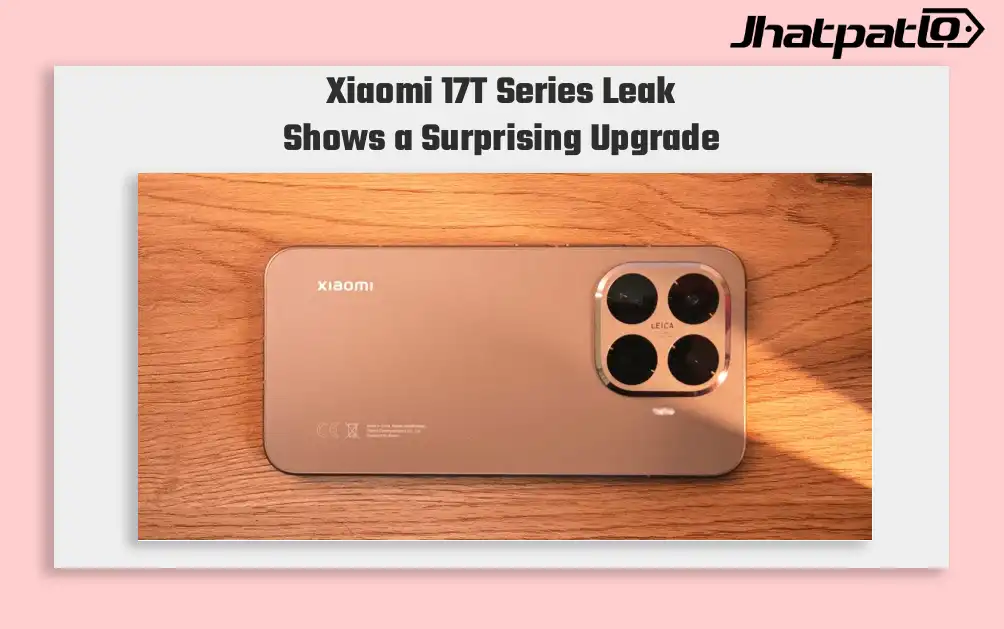
The Xiaomi 17T Series Leak Reveals surfaced in a fresh leak that shows renders, key specifications and a possible launch window later this month. The lineup is expected to include two models, the Xiaomi 17T and Xiaomi 17T Pro, with reports also suggesting that the standard model could mak...

Samsung Sale Deals India Bring S25 Edge at Rs 69,999 and Ultra Under Rs 1 Lakh
Samsung sale deals India are set to go live this week as Amazon and Flipkart line up back-to-back summer events with major price changes on the Galaxy S25 series. The Galaxy S25 Edge drops to ₹69,999 from ₹1,09,999, while the Galaxy S25 Ultra falls to ₹94,999 from ₹1,29,999. Samsung...