


Can You Safely Charge a Phone with a Laptop Charger or Is It Risky

Ever been in a cafe or on a plane with a phone that’s screaming for juice while your laptop is happily powered up in the corner? It happens more often than you’d think: USB-C has made charging feel like a universal power handshake, and it’s tempting to just plug your phone into a laptop charger. So, can you safely charge a phone with a laptop charger, and what does that actually do to your battery over time? Let’s break it down in plain, friendly terms without the tech jargon you only remember from a gadget showroom.
Here's the core idea: USB-C Power Delivery is designed to be smart about power. The charger and the phone talk to each other first, negotiating exactly how much energy should flow. If your laptop charger can push 65W but your phone only supports 20W, the phone will simply pull what it can handle. No forceful power surges, no drama—just a quiet, negotiated handoff. That safety net is what makes charging a phone with a laptop charger generally safe, not a reckless move to max out the battery health.
- USB-C PD negotiates power so the phone only takes what it can handle
- Charging with a laptop charger is usually safe but expect slower speeds if there’s a mismatch
- Cable quality matters; a cheap or damaged cable can heat up or throttle charging
- Use a good USB-C cable and be mindful of your phone’s max wattage
How USB-C Power Delivery actually negotiates power
Let’s keep it approachable. PD, or Power Delivery, is a protocol that lets the charger and the device decide on a safe charging rate. Think of it as a quick, polite agreement before anyone starts talking money. The phone requests power in specific steps, the charger offers, and a tiny handshake happens in a fraction of a second. That handshake is why a high wattage charger won’t blast a tiny device with more power than it can safely handle.
In practical terms, a 65W charger might exist, but your phone might only pull 18W or 20W. If your device tops out at 20W, that’s what it uses. If you have a newer phone that can accept faster charging and a charger that supports that protocol, you’ll see a faster top-up. If not, charging will be noticeably slower—but still safe. The key takeaway: the system isn’t forcing power; it’s negotiating it.
Why charging may feel slower with a laptop charger
There are a few culprits behind slower fills. The first is compatibility—phones and chargers speak different fast-charging languages. PD, PPS (Programmable Power Supply), QC (Quick Charge), and others exist, and not every combination is perfectly matched. If the two ends don’t match, the device often falls back to a baseline charging rate, which can feel like a crawl compared with the fastest option.
The second factor is the cable. A premium charger can be paired with a questionable cable, and the resistance in a poor cable converts to heat and slows things down. A robust, properly rated cable keeps the current flowing cleanly and reduces unnecessary warmth. If you want speed, invest in a solid cable that’s certified for high-current charging and compatible with your devices.
What to know about safety and battery health
Battery health is a long game. The beauty of PD is that it’s designed with safety in mind. The phone’s battery management system constantly monitors temperature, voltage, current, and overall health. If it senses heat or stress, it scales back. That’s why you might notice a warm phone during a fast charge, then a cooler state as it nears full—your device is protecting itself.
To keep things happy over the long haul, here are practical tips. Don’t leave a device charging at high wattage for hours on end if you don’t need to. Use a charger and cable you trust, preferably original or certified third-party gear. If your phone supports higher wattage but you’re using a non-matching charger, you’ll still get a safe charge, just not the maximum speed. And yes, the cable matters as much as the charger; a robust cable minimizes heat and maintains charging efficiency.
Practical tips for charging with a laptop charger
If you’re in a pinch and only have a laptop charger handy, you’re not out of luck. A modern USB-C PD setup paired with a decent cable is a reliable alternative. Keep these tips in mind:
- Choose a cable that’s well-made and rated for fast charging; look for USB-IF certification or sturdy build quality
- Match the wattage with your device’s capability. If your phone maxes at 20W, there’s little to gain from a wildly higher wattage charger
- Watch temperature and charging indicators. If it gets uncomfortably hot, unplug and let it cool
- Avoid ultra-cheap adapters that may supply power but lack safety protections
- When in doubt, check your phone’s official charging specs to know its max supported power
Real-world scenarios and edge cases
Let’s ground this with everyday realities. In travel mode, you might be juggling a laptop charged at 65W and a phone that can take 20W. The handset negotiates, and you’ll likely see a steady but not blazing-fast climb from near-empty toward usable levels. If you’re using a laptop charger with a cable built for rugged use and a phone with a 30W limit, you’ll still benefit from a safer, more controlled top-up, albeit at a speed closer to the phone’s limit than the charger’s maximum output.
On the other hand, if you’re using a very cheap cable or a low-quality charger, you might notice the phone heating a bit more, and the device may pause charging temporarily to cool down. That’s not a failure of the system—it’s the battery protection mechanism doing its job to keep you safe and limit wear.
A quick glossary of charging terms you’ll see
To keep this practical, here are a few terms you’ll encounter when reading device specs or product pages:
- Power Delivery (PD): The universal USB-C protocol that negotiates safe charging power between charger and device
- USB-C: The connector and standard used by most modern phones and laptops for charging and data
- PPS: Programmable Power Supply, a more nuanced charging protocol used by some brands
- Wattage: The unit of power; higher isn’t always better if your device can’t use it
- Battery management system: The phone’s internal system that controls charging speed and heat
Real-world device examples and what to expect
Different phones respond a bit differently to the same charger, even within the USB-C PD family. An iPhone typically tops out around 20W for many recent models, while some Android flagships might push higher rates like 25W or 45W when the charger and cable are aligned. If you’re pairing a laptop charger with a phone that supports 20W, you’ll often see a reliable, safe charge with reasonable speed, and your phone will let you know when it has enough juice. If you really need to squeeze out every last drop of speed, a dedicated charger with the same fast-charging standard as your phone is the safer way to go.
In short, you don’t have to fear plugging your phone into a laptop charger. The handshake protects your battery, and the result is a dependable, safe charge that’s usually good enough for daily use. The real caveat is the practical ones: many laptop chargers rely on a capable cable and a compatible phone. If either one is subpar, you’ll notice slower charging or extra heat. The good news is the fix is simple—swap to a better cable or use a charger that matches your device’s standards—and you’re back to a smooth top-up experience.
Now imagine you’re in a work sprint, two percent in the red, and you’ve got your laptop charger in reach. The confident handoff happens in seconds and your phone climbs to a more forgiving level. It’s not magic, but it is a small, often overlooked benefit of modern charging ecosystems: fewer moments of panic when you forget a dedicated charger, and more time focusing on the things you actually want to do with your device.
So what’s the bottom line? Charging a phone with a laptop charger is generally safe, and you’ll mostly see it in practice as a convenient backup option rather than a major battery-altering practice. The important bits are to use a good cable, respect your device’s max wattage, and be mindful of heat. If you keep that in mind, you’re more likely to keep your battery healthy while still enjoying the convenience of one charger for multiple devices.
If you’ve had a moment where a laptop charger bailed you out or you’ve compared charging speeds between devices, drop a comment below. Real-life stories help all of us gauge what works best in the chaos of daily life. After all, tech should bend to our needs without breaking the bank or our batteries.
To recap, technology gives us a simple promise: a safe, negotiated charge that respects the limits of your phone. The more you understand the handshake behind it, the more confident you’ll feel when you’re away from a wall outlet and the clock is ticking. That’s the real win here: less stress, more usable time with the devices we rely on every day.
In case you’re wondering about the long-term impact, the answer is nuanced but generally favorable. As long as you use quality gear and avoid overheating, PD-based charging tends to be as gentle on your battery as the device design allows. The tiny, daily choices—like choosing a robust cable and avoiding the cheapest adapters—add up over months and years. And that’s a small victory worth having in a world where our phones are basically lifelines.
What are your go-to tips for charging on the move? Have you ever found yourself needing to charge with a laptop charger while traveling or between meetings? Share your experiences and questions; the most practical advice often comes from real-life scenarios just like yours.
In the end, you don’t need a crystal ball to predict battery health. You need a reliable charger, a decent cable, and a little patience for the occasional slower charge when the handshake isn’t perfectly aligned. With those basics, charging a phone with a laptop charger remains a safe, practical, and surprisingly common everyday hack that keeps you productive and connected.
Related Products


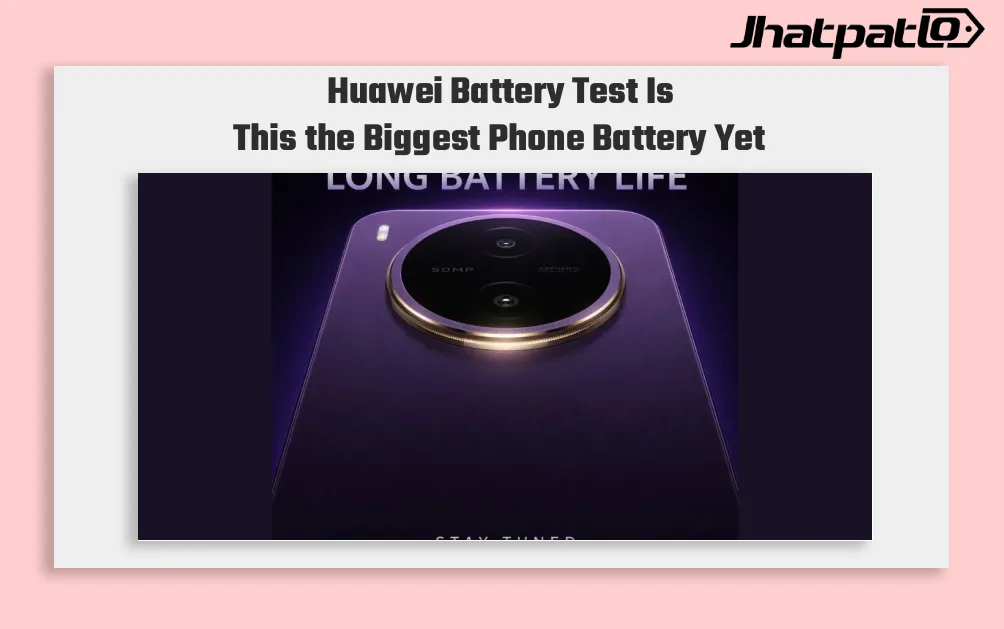
Huawei Could Test a 10000mAh Battery Phone in New Leak
Huawei’s Battery Test Signals a Shift Beyond Fast Charging Huawei is reportedly testing a smartphone battery above 10,000mAh, a move that would push phone endurance into new territory if it reaches a commercial device. The leak also says the company may be working with new battery material an...

Realme P4 Power Tested as iPhone Power Bank
Realme P4 Power tested as iPhone power bank JhatpatLo reports on the Realme P4 Power, unveiled earlier this week with a 10,001mAh battery. Realme markets the device as 43 percent thinner at 9.08 mm and 14 percent lighter at 219 g when compared with a typical 10,000mAh power bank. The piece tests wh...

Xiaomi Power Bank 5i 20000 67W Debuts With a Handy Upgrade
Xiaomi Power Bank 5i 20000 67W has launched in India at Rs. 3,299, bringing a built-in Type-C cable, 67W output, and 20,000mAh capacity in one portable charger. At 415g, it is positioned for people who want faster charging for phones and USB-C laptops while carrying something that still fits travel...

OnePlus N6 charging speed confirmed with 45W SuperVOOC and 8,000 mAh battery
OnePlus N6 charging speed is now official, and the detail gives a clearer picture of what this phone is trying to do. With 45W SuperVOOC confirmed ahead of the June 30 launch, plus an 8,000 mAh battery, the OnePlus N6 looks aimed at users who care more about endurance and practical everyday us...
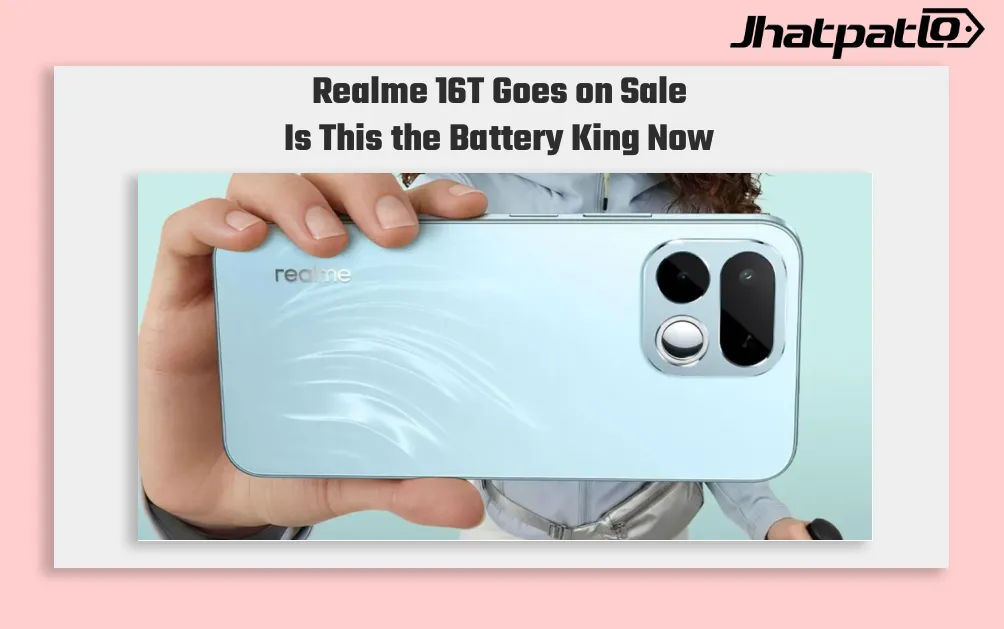
Realme 16T Sale Starts in India With 8000mAh Battery and Rs 29,999 Price
Realme 16T Goes on Sale in India Realme 16T has gone on sale in India starting at Rs 29,999, with the phone’s 8,000mAh battery becoming its main selling point. The device enters the mid-range market with a clear focus on endurance, while the MediaTek Dimensity 6300 chipset leaves a visible tr...

iQOO 15T Specs Leak Suggests 200MP Camera and 8000mAh Battery
Leaks around the iQOO 15T specs leak are pointing to a spec-heavy phone that could sit between the standard iQOO 15 and the rest of the brand’s lineup. Reports from Weibo tipsters Experience More and Digital Chat Station suggest the phone may arrive with a Dimensity 9500 chipset, a 6.82-inch 2...