


OnePlus Pad 4 first impressions show a tablet that feels almost too ambitious to ignore
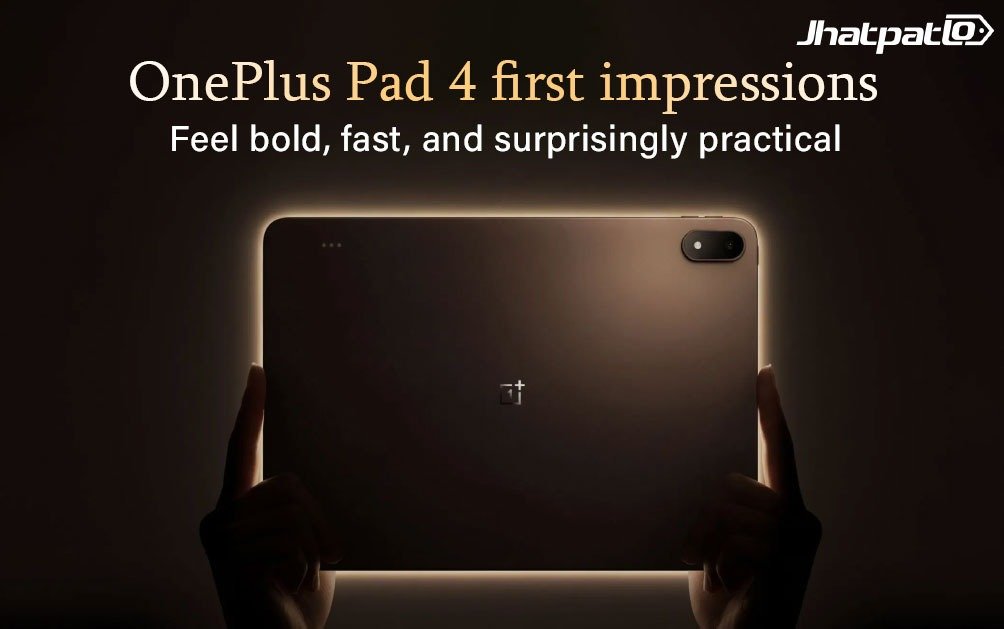
The **OnePlus Pad 4 first impressions** don’t really walk into the room so much as announce themselves. You notice the thinness first, then the size, and then the spec sheet starts doing that slightly intimidating thing where it reads more like a wishlist than a tablet product page. A Snapdragon 8 Elite Gen 5 chip, a 13.2-inch 3.4K display, a huge 13,380mAh battery, and a software setup that clearly wants to pull you away from your laptop. That’s a lot for one device, and honestly, that’s exactly why the Pad 4 feels interesting.
After spending some hands-on time with it ahead of launch, the first impression is pretty simple: OnePlus is no longer treating tablets like side projects. The Pad 4 looks like a serious attempt to build an Android tablet that can actually compete in the high-end space, not just with raw hardware, but with how it helps you work, read, sketch, watch, and multitask without feeling like you’re constantly compromising.
Quick Highlights
- 5.94mm thin and surprisingly light for a 13.2-inch tablet
- 3.4K 144Hz display looks sharp and very polished at first glance
- Snapdragon 8 Elite Gen 5 brings flagship-level headroom
- OxygenOS 16 adds real productivity features, not just marketing fluff
- 13,380mAh battery is massive and could be a real selling point
Slim, light, and a little bit showy in the best way
The first thing that hits you is the design. At 5.94mm, the OnePlus Pad 4 is absurdly thin, and that becomes even more obvious when you remember it’s carrying a giant battery inside. That balance is kind of the whole story here. A lot of thin devices feel delicate or a little fake in the hand, like they’re trying too hard to impress. This one doesn’t. The metal unibody feels solid, and the weight distribution is good enough that it doesn’t feel awkward holding it for a while.
At 672 grams, it’s not featherlight, but for a 13.2-inch tablet, it’s quite manageable. You feel the size, sure, but not in a bad way. It feels like a proper large-screen device rather than a giant slab you regret carrying around. That matters more than people admit, especially with tablets. If a device looks premium but feels tiring after ten minutes, the charm disappears very quickly.
OnePlus is offering two finishes here, Dune Glow and Sage Mist. The Dune Glow unit I’ve seen has a muted bronze tone that looks understated instead of flashy, which is probably the right call. It’s the kind of finish that quietly says “expensive” without screaming for attention. The minimal bezels help too, and the 7:5 aspect ratio gives the Pad 4 a more book-like feel than the usual widescreen tablet shape. That’s a small thing on paper, but in real use it makes documents, web pages, and reading feel more natural.
There’s also a nice practical touch in the audio setup. Eight speakers, split symmetrically across both sides, mean the sound should stay consistent no matter how you hold the tablet. That sounds basic, but plenty of tablets still get this wrong in annoying ways.
The display is the kind of thing that makes you stop scrolling
Now for the bit that will probably sell the tablet to a lot of people before they even touch it: the screen. The OnePlus Pad 4 uses a 13.2-inch LCD panel with a 3392 x 2400 resolution, which works out to 3.4K and 315ppi. On first look, it’s genuinely sharp. Not “good for an Android tablet” sharp. Just plain good.
It also supports a 144Hz refresh rate, adaptive refresh, and a 540Hz touch sampling rate. In normal language, that means movement looks smoother and touch response feels quick. You don’t get that slightly sticky, delayed feeling some tablets can have when you’re swiping through apps or jumping between windows. The first impression is fast, clean, and immediate.
The panel also gets up to 1,000 nits in HBM mode, with 98% DCI-P3 colour coverage and a claimed DeltaE of around 0.7. That last bit matters if you care about colour accuracy, because it suggests the display isn’t just punchy, it’s also pretty controlled. Dolby Vision support is included too, which is nice if your idea of relaxation includes movies and shows looking better than they probably deserve to on a tablet screen.
OnePlus clearly wants this panel to be more than just a big bright rectangle. And from a first glance, it’s working. The extra space compared with a standard 16:10 tablet is noticeable. It feels more useful for documents, split-screen work, and reading. Here’s the thing, though: a great first impression is not the same as a great all-day display. We’ll need longer testing to see how it behaves in actual use, especially for brightness stability and comfort over time.
At a Glance
| Specification | OnePlus Pad 4 | Why it matters |
|---|---|---|
| Display | 13.2-inch LCD, 3392 x 2400, 144Hz | Sharp, fluid, and better for multitasking |
| Chipset | Snapdragon 8 Elite Gen 5 | Flagship performance and long-term headroom |
| Battery | 13,380mAh | Huge battery for work and entertainment |
| Charging | 80W SUPERVOOC | Fast top-ups despite the big battery |
| Software | OxygenOS 16 | More serious multitasking and cross-device tools |
Yes, it uses the same chip as the OnePlus 15
The Pad 4 is powered by the Snapdragon 8 Elite Gen 5, which is a fairly bold move on OnePlus’ part. This is the same chip used in the OnePlus 15, so the tablet isn’t being treated like a slower sibling. It’s being positioned like a performance device in its own right.
OnePlus claims an AnTuTu score of over 4.1 million, which is a big jump on paper compared with the Pad 3. The tablet can be configured with up to 12GB of LPDDR5X RAM and 512GB of UFS 4.1 storage. That’s properly high-end territory. The base 8GB version is still decent, but there’s a catch that’s worth knowing: it only supports two simultaneous free-flow windows, while the 12GB model supports five. If multitasking is part of your life, that’s not a tiny difference. It’s the sort of thing you’d only really notice later, and then wonder why you didn’t just buy the better version.
In the short time I’ve spent with it, the Pad 4 feels snappy in the way you want a premium tablet to feel. Apps open quickly. Switching between windows is smooth. Nothing about the interface gives off “please wait” energy. Of course, sustained performance is the real test. Tablets can feel brilliant for five minutes and then get a little less charming once heat and prolonged workload enter the chat. But out of the box, this thing feels ready.
OxygenOS 16 is where OnePlus gets more serious
This is probably the part that makes the Pad 4 more interesting than just another high-spec Android tablet. OxygenOS 16 leans hard into productivity, and not in a gimmicky way. OnePlus seems to understand that people don’t want “productivity mode” as a buzzword. They want the tablet to be easier to use for actual work.
You can now open up to five free-flow windows, resize them, and juggle apps in a way that feels much closer to a mini desktop environment. File management has been improved with multi-column views, cover previews, drag-and-drop between folders, and OTG support that even surfaces a dedicated folder in the dock. These are the sort of details that sound small until you use them. Then they suddenly feel like the difference between a tablet that’s pleasant and one that’s genuinely useful.
The cross-device stuff is also more ambitious. Through O+ Connect, the Pad 4 can mirror a PC’s display, let you mark up presentations with the Stylo, and share keyboard and mouse input across devices. File transfer also works across Android, iOS, Windows, and Mac. That’s a broad net, and it makes the tablet feel less isolated. Tablets are at their best when they don’t force you to live in one ecosystem bubble.
Then there’s the AI layer. AI Writer, AI Summary, AI Translate, AI Painter, AI Clear Call, and an upgraded AI Recorder are all part of the package. On paper, that sounds like a lot, maybe even a little too much. The real question is whether these tools become useful habits or just features you mention once and forget. That’s something a fuller review will need to answer properly, but at least the direction is clear: OnePlus wants the Pad 4 to help, not just impress.
A battery this big changes the conversation
The number that keeps coming back to mind is the 13,380mAh battery. That’s not just large. It’s enormous for a tablet in this class. OnePlus says it can deliver up to 54 hours of standby, 20 hours of video playback, and around 7 hours of gaming. Those are manufacturer claims, so they need real-world testing, obviously. Still, the size alone gives you a sense of what OnePlus is going for here.
For most people, battery anxiety is one of those invisible annoyances that quietly shapes how you use a device. If you’ve ever used a tablet that constantly hovers around “should I charge this now?”, you know the feeling. A battery this large should make the Pad 4 easier to live with. And since 80W SUPERVOOC charging is included in the box, you’re not stuck waiting around forever when it does need power.
There’s a real lifestyle angle here too. A big tablet battery isn’t just about spec bragging. It means fewer interruptions during travel, longer movie sessions, and less charger hunting during a workday. That’s the kind of convenience people remember.
Stylo Pro and Smart Keyboard finish the picture
OnePlus is clearly trying to build a tablet ecosystem around the Pad 4, and the optional accessories are a big part of that. The Stylo Pro is sold separately and comes with 16,000 pressure sensitivity levels, which is a fancy way of saying it should respond very finely to how hard you press. It also has two tips: one designed for writing with more friction, and one for smoother sketching. That’s thoughtful. A lot of stylus designs pretend to serve everyone and end up serving no one especially well.
The pen also shifts the balance point toward the middle, which should make it feel more natural in the hand, and it supports pinch, double-tap, and swipe gestures on the body itself. Magnetic storage is included, along with Find My Stylo support within a 10-metre range. Nice touches like that matter because styluses are the kind of accessory people either misplace constantly or end up loving if the experience is smooth enough.
The Smart Keyboard sounds promising too, with a cantilevered design, 16.05mm keycaps, and a 109.9 x 59.6mm touchpad. It supports both Windows and Mac layouts, which suggests OnePlus is thinking beyond just casual typing. We didn’t get hands-on with the keyboard this time, so that part still needs proper testing. But if the keyboard is good, the Pad 4 could end up feeling much closer to a lightweight productivity machine than a simple media tablet.
So, what’s the early verdict?
My first impression is that the OnePlus Pad 4 is the company’s most convincing tablet effort so far. It doesn’t feel half-finished or awkwardly ambitious in the wrong places. It feels like OnePlus looked at what makes premium tablets appealing and decided to go after all of it at once: performance, display quality, battery life, software flexibility, and accessory support.
That doesn’t automatically mean it’ll be the best tablet in real life. A lot depends on how well that display holds up over longer sessions, how the chip behaves under heat, and whether OxygenOS 16’s productivity features actually save time instead of adding clutter. Those are the things that separate a flashy first look from a device you’d actually recommend.
But even now, the Pad 4 has done something important. It has made the Android tablet conversation feel a little less sleepy. If you’ve been waiting for a high-end tablet that looks ready to work harder than most of its rivals, this one is worth paying attention to. The big question, of course, is pricing. If OnePlus gets that part right, the Pad 4 could end up being a very tempting alternative for anyone who wants serious performance without jumping straight to an iPad. And honestly, that’s where this gets interesting.
Would you pick a tablet like this for work, or does it still feel more like a luxury second screen? That answer might say more about your setup than the tablet itself.
Related Products




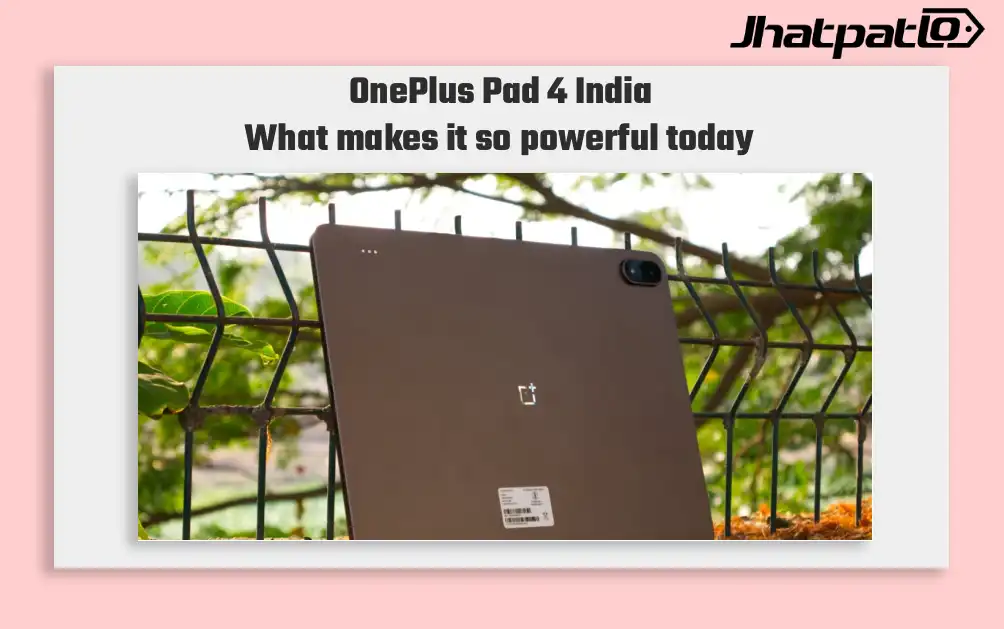
OnePlus Pad 4 launches in India with Snapdragon 8 Elite Gen 5 and 13,380mAh battery
OnePlus Pad 4 arrives with new chipset, display and battery OnePlus Pad 4 launches in India , placing the tablet at the top of its 2026 lineup with a Snapdragon 8 Elite Gen 5 processor, a 13.2-inch 3.4K LCD display and a 13,380mAh battery. The company says it is the largest battery it has...
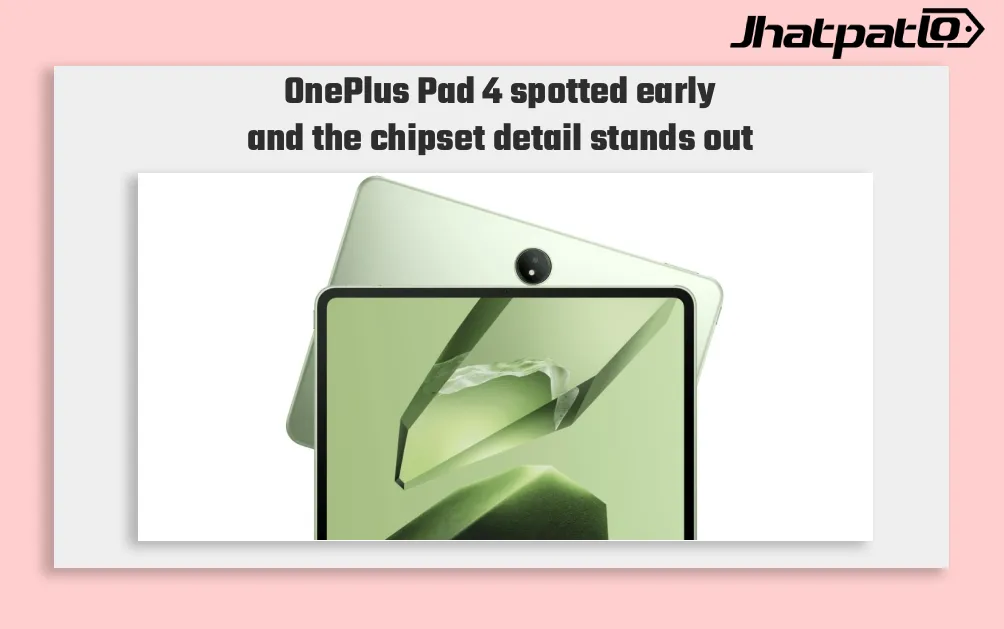
OnePlus Pad 4 Spotted on Geekbench With Snapdragon 8 Elite Gen 5
OnePlus Pad 4 appears on Geekbench OnePlus has started teasing its next tablet in India, and a Geekbench listing has now surfaced for the device that is likely to launch as the OnePlus Pad 4 or the OnePlus Pad 3 Pro. The benchmark entry points to Qualcomm’s Snapdragon 8 Elite Gen 5, along wit...
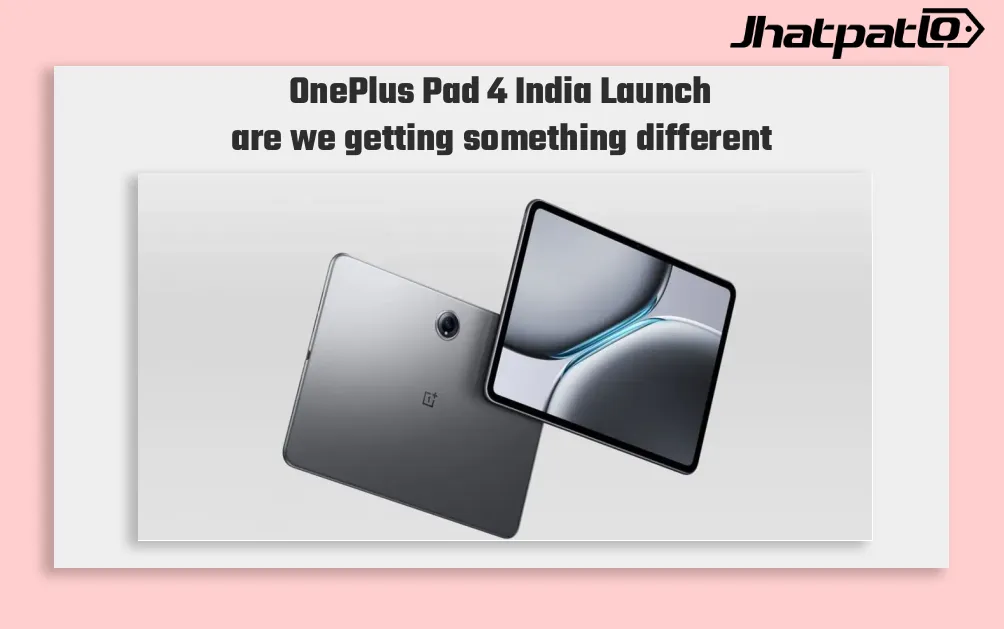
OnePlus Pad 4 India Launch Set for April 30 With Dark Brown Design Teased
OnePlus Pad 4 launch timeline OnePlus Pad 4 India Launch officially in India, with the tablet set to debut on April 30. The company has also shown the device in a dark brown finish, while keeping its specifications under wraps for now. Shortly after teasing a new tablet in India, OnePlus reveal...

Oppo Pad Mini Leak Reveals a Surprise Feature That Changes the Game
Oppo Pad Mini leak details compact tablet with OLED screen and Snapdragon chip Oppo is reportedly preparing to enter the compact tablet segment with a device said to be called the Oppo Pad Mini. Leaked specifications shared by tipster Digital Chat Station point to an 8.8-inch LTPO AMOLED displ...

OnePlus 15T Display Size Confirmed and Geekbench RAM Hint
Display size teased and sensor upgrades OnePlus has begun to reveal details about the OnePlus 15T through official channels and executive posts. In a Weibo post, OnePlus China President Li Jie Louis said the OnePlus 15T will feature a 6.32-inch flat display with rounded corners and slim b...
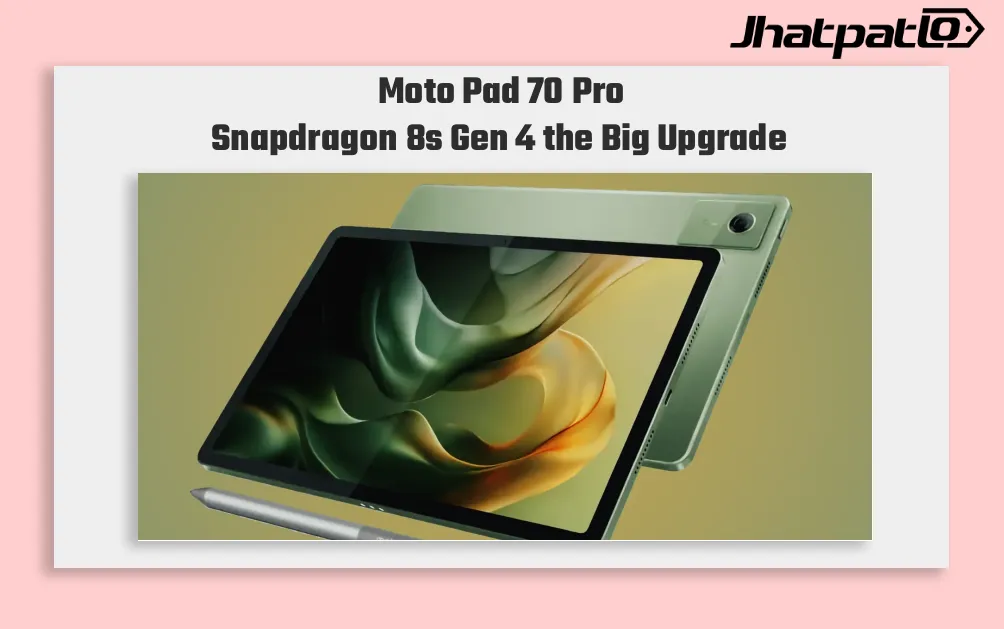
Moto Pad 70 Pro launch in India June 27 with Snapdragon 8s Gen 4
Moto Pad 70 Pro is set to arrive in India on June 27, and the timing is clearly meant to put Motorola into the premium Android tablet conversation. With a Snapdragon 8s Gen 4 chip, a 13-inch 3.5K 144Hz display, and Android 16 out of the box, the tablet is being positioned for buyers who wa...