


Pick the Perfect Laptop in 2025 Easily

How to Pick the Perfect Laptop in 2025 Without Getting Confused
Choosing a laptop in 2025 can honestly feel like solving a puzzle. Intel or AMD? 8GB or 16GB RAM? And then there’s AI stuff popping up everywhere. It’s easy to feel completely lost. But the truth is, once you know what actually matters, it’s not that scary. Let’s break it down.
Know Why You Even Need Your Laptop
Before staring at specs, think about why you need the laptop. Is it just for studying, office work, coding, designing, video editing, or gaming? Different tasks need different machines.
- Light stuff—browsing, typing essays, Netflix: Something easy to carry, not too heavy, with decent battery life.
- Medium-level tasks—coding, graphic design, casual video editing: Stronger CPU and a bit more RAM.
- Heavy-duty work—video editing, 3D modeling, gaming: High-end CPU, dedicated GPU, and color-accurate display.
The Processor Is the Brain of Your Laptop
People mess this part up a lot. Most know Intel i3 or Ryzen 3 are basic, i5/i7/i9 are better. But here’s a twist—sometimes an i5 can beat an i7 depending on generation and series.
Every processor has a generation number like 13th or 14th, and a letter at the end showing what type of user it’s best for. Entry-level users should pick letters focused on efficiency and battery life. Intermediate users fall in the middle. Heavy users need letters indicating strong performance.
Intel Core Ultra laptops give great performance and battery life plus a Neural Processing Unit (NPU) for AI tasks. Snapdragon laptops are ARM-based, so some older apps might not work, but the battery lasts longer.
Want to compare processors? Tools like Cinebench R23 are your friend. Check single core scores for everyday tasks and multi core scores for heavy workloads. That way, you know exactly what you’re getting.
The Display Actually Matters
A lot of people ignore this, but the screen can make or break your experience.
- Budget laptops: TFT displays
- Mid-range: IPS LCD screens
- For creatives: OLED panels for true-to-life colors
If you can’t get OLED, make sure your IPS screen covers at least 100% sRGB or 72% NTSC.
RAM and Storage Are Lifelines
RAM and storage affect how smooth your laptop feels. DDR3 is ancient—avoid it. DDR4 works fine, DDR5 is faster and future-proof.
- RAM: Light users 8GB, heavier tasks 16GB, gaming/big projects 32GB. Check for expandable RAM slots.
- Storage: SSDs are non-negotiable. Basic users: 512GB SSD. Heavy users: SSD + 1TB HDD or expansion options.
GPUs for When You Actually Need Power
GPU matters if you’re editing videos, modeling 3D, or gaming.
| Usage | GPU Type | VRAM | TGP |
|---|---|---|---|
| Light tasks | Integrated | 4GB | Low |
| Heavy tasks | Dedicated (NVIDIA RTX 40/50) | 8GB+ | High |
Don’t Forget the Ports
Ports are underrated but super useful. More ports = more flexibility. Windows laptops usually have plenty; MacBooks have fewer, so a USB hub is a must.
- USB 3.2 or higher
- Thunderbolt for charging, monitors, and backward compatibility
Battery Life That Actually Works
Laptop batteries are measured in watt-hours. More watt-hours = longer battery life. But real-life performance can differ from company claims. Always check long-term user reviews.
Wrapping It Up
Picking a laptop isn’t about grabbing the flashiest brand or highest numbers. It’s about matching specs to your purpose.
- CPU: strong enough for your workload
- Display: easy on the eyes, colors look right
- RAM & Storage: enough for smooth multitasking
- GPU: only if you need it
- Ports: don’t underestimate them
- Battery: reliable for your use
Students, professionals, creatives, gamers—there is a perfect laptop out there for everyone. A little research goes a long way. Once you know what to check, buying a laptop becomes way less stressful.
Take your time, compare options, and pick the one that makes life easier—not more complicated.
Related Products



Acer Aspire 5 AI Launches in India at Rs 79,999 With Core Ultra Chips
Acer brings Aspire 5 AI to India at a starting price of Rs 79,999 Acer Aspire 5 AI Launches in India, with pricing starting at Rs 79,999. The laptop comes with Intel Core Ultra H-series processors, up to Core Ultra 7, along with up to 32GB LPDDR5 RAM and 1TB SSD storage. The new model is built...
Qualcomm Snapdragon C Targets Budget Windows Laptops With Longer Battery Life
Qualcomm Moves Snapdragon C Into Entry Level Windows PCs Qualcomm is bringing its Windows on Arm push to cheaper laptops with the Snapdragon C platform, aimed at devices starting around $300. The company is positioning the chip for thin and light Windows laptops built for browsing, office wor...

iQOO Neo 10 Price in India Updated with New Colour Variants
iQOO Neo 10 Gets New Colours in India iQOO Neo 10 has arrived in two new colour variants, Alpine White and Asphalt Black, while the existing options remain Inferno Red and Titanium Chrome. The phone continues with the same hardware, including a 6.78-inch AMOLED display, Snapdragon 8s Gen 4 ch...
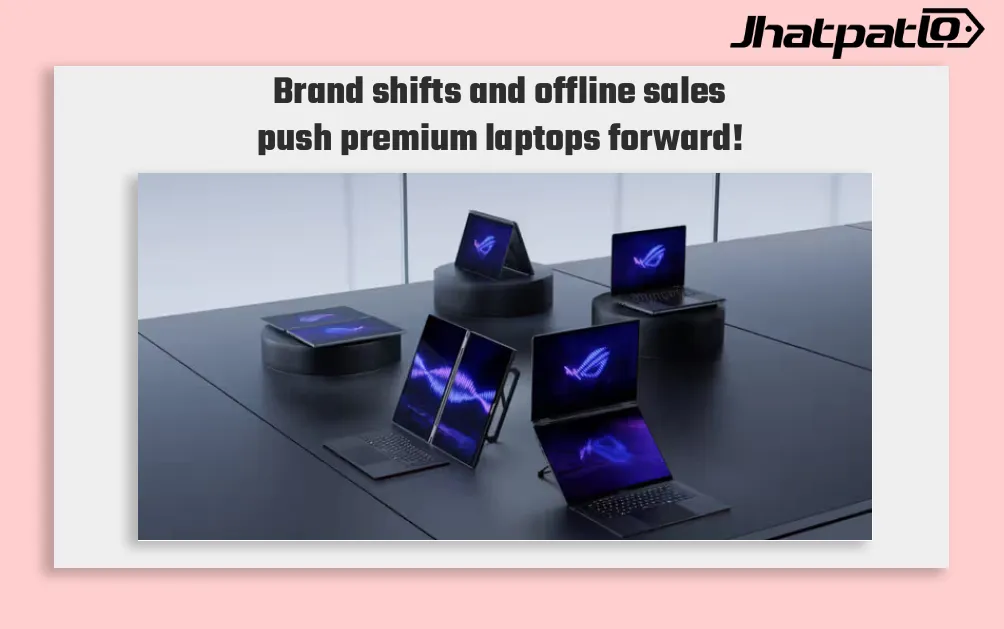
India’s Laptop Buyers Spend More and Research Harder in 2026 Survey
India’s Laptop Buyers Are Moving Toward Premium, Long-Term Purchases India’s laptop buyers are spending more, comparing more devices, and taking longer to decide, according to a new survey from 91mobiles based on responses from more than 3,000 users. The findings point to a market that is moving...

iQOO 15T Specs Leak Suggests 200MP Camera and 8000mAh Battery
Leaks around the iQOO 15T specs leak are pointing to a spec-heavy phone that could sit between the standard iQOO 15 and the rest of the brand’s lineup. Reports from Weibo tipsters Experience More and Digital Chat Station suggest the phone may arrive with a Dimensity 9500 chipset, a 6.82-inch 2...
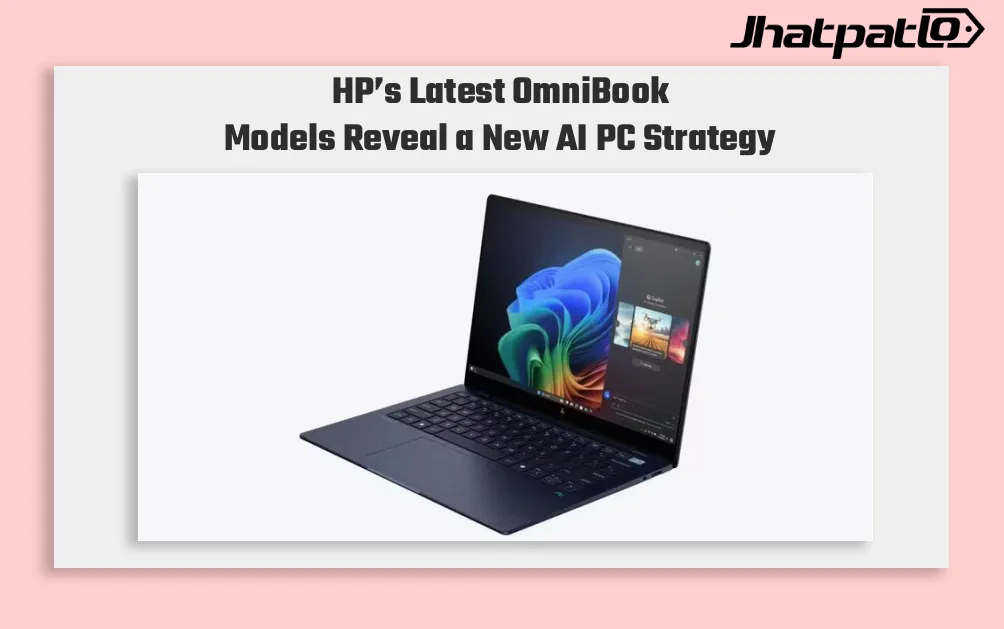
HP OmniBook AI PCs Launch in India With Intel and Snapdragon Options
HP launches OmniBook lineup in India HP has launched the OmniBook Ultra 14, OmniBook X and OmniBook 5 in India, putting AI performance at the center of its new premium laptop push. The lineup includes both Intel Core Ultra and Qualcomm Snapdragon X options on the OmniBook Ultra 14, while the...