


HP OmniBook Ultra 14 review: a sleek ultraportable that leans hard on polish
Introduction
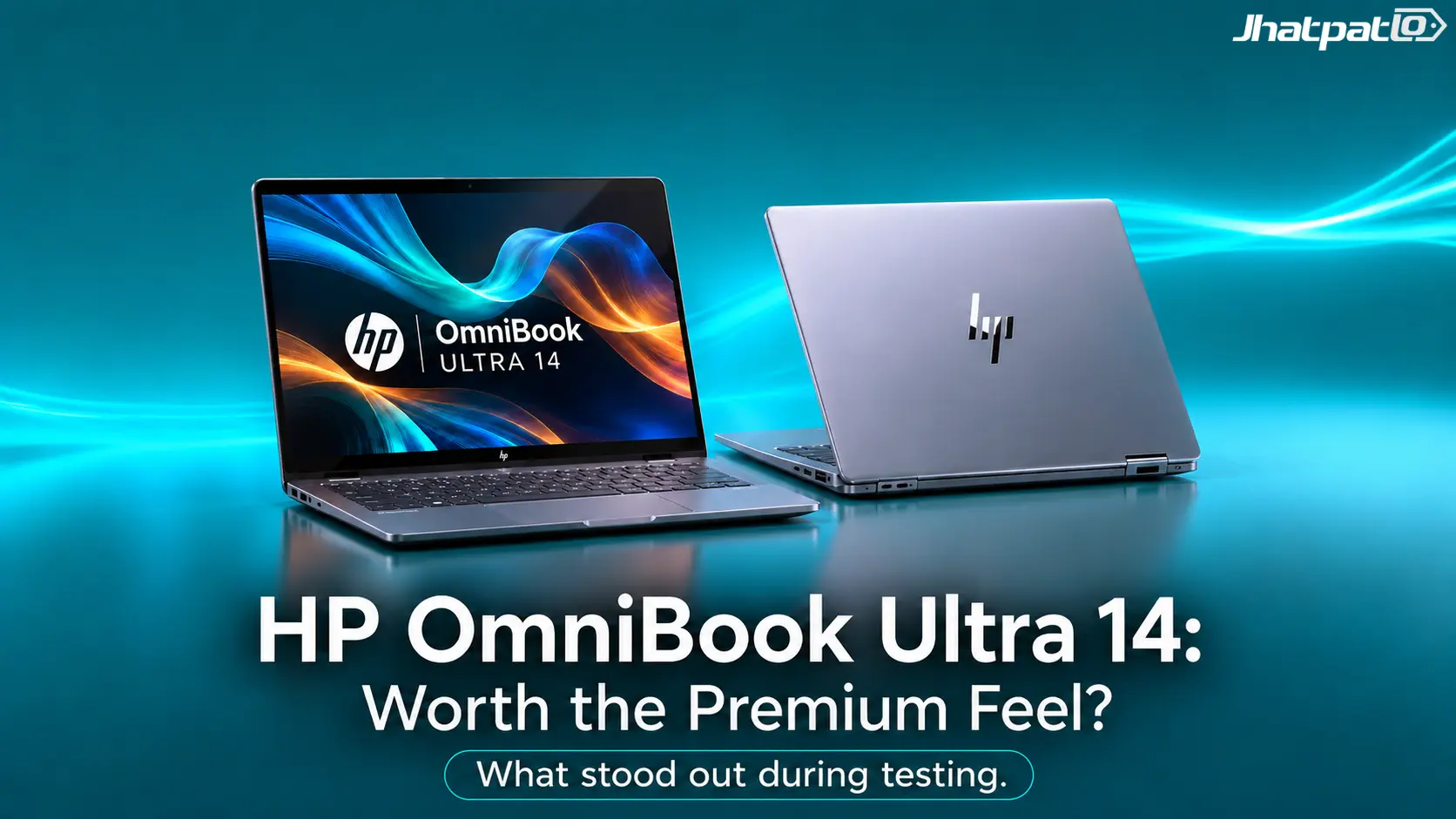
The HP OmniBook Ultra 14 review conversation starts in a pretty familiar place: you want a laptop that feels genuinely premium without turning into a brick in your bag. HP has clearly aimed this one at people who care about the everyday experience just as much as the spec sheet, and that shows up fast. The machine is slim, the screen is excellent, and the whole thing has that quiet, confident look that makes it feel more expensive than a lot of competitors.
But here's the thing: polish always comes with trade-offs. The OmniBook Ultra 14 isn't trying to be the most connected or the most forgiving laptop around. It leans into refinement, portability, and a display that really does pull you in. If that sounds like your kind of balance, this one gets interesting pretty quickly.
Quick Highlights
- Thin, premium aluminum design
- Beautiful 3K OLED panel with 120Hz VRR
- Strong everyday performance for an ultrabook
- Compact 65W USB-C charger is easy to carry
- Ports are limited, so plan ahead
Slim, sophisticated, and surprisingly sharp
The first thing you notice about the OmniBook Ultra 14 is that HP clearly wanted it to look calm, clean, and expensive. There isn't much visual noise here. No overdone angles, no flashy accents, just a restrained premium laptop design that feels intentional. The aluminum shell helps a lot with that impression, and the overall build quality matches what you'd hope for at this price.
That said, slim often means a few compromises sneak in at the edges. Literally. The chassis has some sharpness to it, and if you've used softer, rounded laptops before, you may feel that on your wrists or fingers sooner than you'd expect. It isn't a dealbreaker, but it is one of those small things that keeps reminding you this machine is optimized for thinness first.
The payoff is obvious, though. It's easy to slip into a backpack, easy to carry around all day, and easy to appreciate when you just want a laptop that looks composed on a desk. Some machines try too hard to announce themselves. This one doesn't. It just looks sorted.
Comfortable inputs, promising sound
For a laptop that spends so much effort on the visual side, the practical stuff holds up nicely too. The keyboard feels comfortable enough for long typing sessions, with a layout that doesn't make you fight the machine. You don't always get that on ultra-thin laptops, where keys can feel cramped or slightly hollow. Here, HP seems to have found a good middle ground.
The trackpad also does what it should without drama. It feels responsive, the surface is smooth, and gestures behave the way you'd want them to. That's not glamorous, obviously, but good inputs matter a lot more than people admit. If the keyboard or trackpad is off, you notice it all the time. If they're good, the laptop just disappears into your routine.
The speakers are a pleasant surprise. They're not trying to replace proper desktop audio, and they don't need to. Still, for a thin Windows laptop, they sound fuller and more confident than expected. Voices come through clearly, music doesn't feel totally compressed, and casual streaming is perfectly fine without reaching for headphones immediately. That's a small win, but a real one.
A display worth paying extra for
This is the part of the HP OmniBook Ultra 14 that sticks in your head after you've closed the lid. The 3K OLED panel is gorgeous. It has the kind of contrast that makes dark scenes look genuinely rich, while bright colors have that punch you usually associate with much pricier machines. Text looks crisp, images look sharp, and motion feels smooth thanks to the 120Hz refresh rate and VRR support.
For anyone who spends time reading, editing photos, watching video, or just staring at a lot of windows all day, the screen alone may justify a big chunk of the asking price. It doesn't just look good in a spec sheet way. It changes the feel of the laptop in actual use. Windows pop more, scrolling feels cleaner, and even simple tasks end up looking a little better than they need to.
That's why it matters so much here. Plenty of premium laptops are perfectly fine. This one is memorable because the display gives the whole device a nicer daily rhythm.
| Display feature | HP OmniBook Ultra 14 | Typical premium ultrabook |
|---|---|---|
| Panel type | 3K OLED | IPS or lower-grade OLED |
| Refresh rate | 120Hz with VRR | 60Hz to 120Hz, often without VRR |
| Visual impression | Bright, fluid, and very sharp | Usually good, but less striking |
| Everyday impact | Noticeably premium | Depends more on price tier |
Balancing performance and portability
On paper, the OmniBook Ultra 14 belongs in the premium ultrabook class, and in everyday use it behaves like one. Apps open quickly, multitasking feels smooth, and general productivity work doesn't give it much trouble. That's exactly what most people want from a machine like this. Not maximum power. Just enough speed to make the laptop feel effortless.
Still, the slimmer chassis does seem to encourage a little caution when workloads get heavier and stay there. You can feel the design priorities at work. HP is clearly trying to keep the system cool, quiet, and portable rather than chasing every last bit of sustained output. For web browsing, office work, media, and light creative tasks, that's absolutely fine. If you push harder for long stretches, the machine feels more conservative.
That doesn't automatically mean slow. It means balanced. And balance is often what makes a laptop pleasant to live with. Not every user wants a machine that sprints and then turns into a small heater.
Storage speed and light gaming are the quiet surprises
The surprising standout here is the Gen 5 SSD. Storage speed isn't usually the thing people rave about in a laptop review, but it matters more than you think. Fast storage makes booting, loading apps, moving files, and handling big projects feel snappier. In this case, the SSD helps the OmniBook Ultra 14 feel responsive in a way that reinforces its premium feel.
Light gaming is possible too, though that's not really the main story. The graphics aren't what make this laptop special, and they don't need to be. If you want to play casual titles or older games, it's fine for that kind of job. But the real point is that the machine's strongest hardware story isn't the GPU. It's the way storage speed supports everything else.
- Fast file transfers make daily use feel smoother
- App launches are quick and consistent
- Light gaming is okay, but not the main attraction
- The Gen 5 SSD is more impressive than the graphics
Good endurance, travel-friendly charger
Battery life on the OmniBook Ultra 14 is solid rather than dramatic. It should get you through a normal day of mixed use without making you panic, but this isn't the kind of laptop that tries to set endurance records. That's fine. For many people, especially those who value a thin build and an excellent display, dependable battery life is enough.
What makes the travel story better is the charger. The compact 65W USB-C charger is easy to toss into a bag, and that matters more than it sounds like it should. A bulky power brick can make a light laptop feel less portable in practice. A small one keeps the whole setup feeling clean and low-effort.
So while the battery itself may not be headline-grabbing, the overall mobility package works well. Between the slim body and the travel-friendly charger, this laptop feels designed for people who move around a lot and don't want extra hassle.
FAQ
Some quick questions around the price, the compromises, and where the OmniBook Ultra 14 actually fits.
Q: Is the HP OmniBook Ultra 14 worth its premium price?
Only if the display, build, and portability matter more to you than raw value. If you're shopping strictly for the most specs per dollar, this probably won't win your heart. But if you care about how the laptop feels every day, the premium price starts to make more sense.
Q: Does the slimmer design hurt performance?
Not in everyday use, but it does seem a bit more conservative than the OmniBook X 14 under heavier sustained workloads. So, for normal productivity work, you likely won't feel limited. But if you're the kind of person who keeps long, demanding tasks running for hours, the slimmer build may show its priorities.
Q: What is the biggest drawback?
The limited port selection and sharp chassis edges are the easiest things to notice in daily use. Those are the little annoyances that can shape how a laptop feels after a week, not just on the first day.
Q: Who is this laptop really for?
People who want a refined, premium Windows ultraportable and are willing to pay for the finish. If the screen, design, and portability matter more to you than bargain pricing, this is aimed squarely at that kind of buyer.
Conclusion
The OmniBook Ultra 14 is not trying to be the loudest or fastest machine in the room, and that is mostly the point. It wins by being polished, easy to carry, and genuinely pleasant to use in the ordinary moments that make up most of a laptop's life. That's where it feels most convincing.
If you want a premium Windows laptop with a gorgeous OLED display, a tidy aluminum build, and a compact charger that won't annoy you on the road, this makes a strong case. Just go in knowing that the slim chassis comes with a few compromises, especially around ports and edge comfort. For the right buyer, though, those trade-offs are worth it.
Related Products


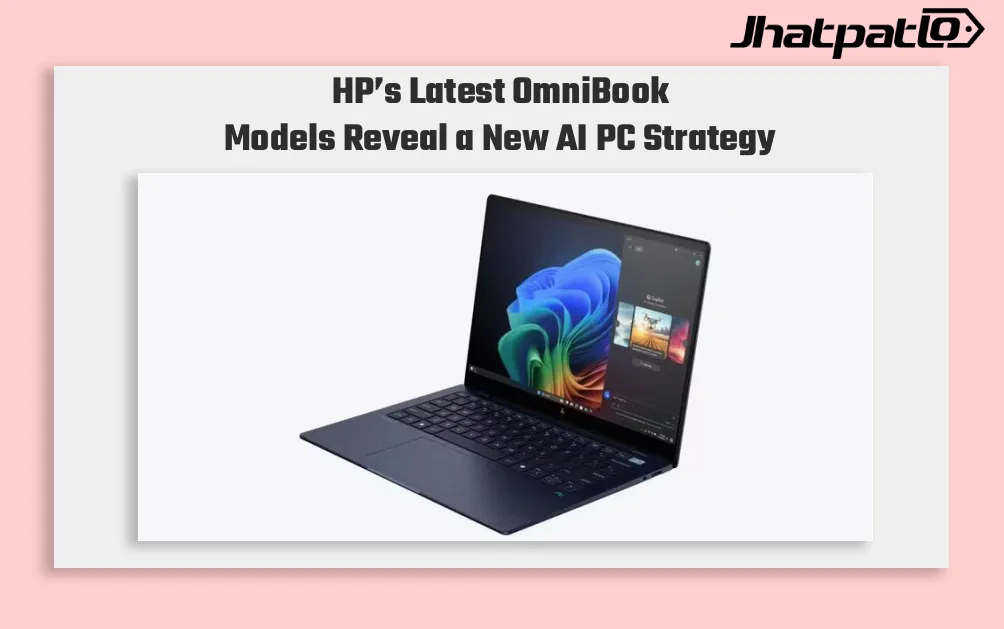
HP OmniBook AI PCs Launch in India With Intel and Snapdragon Options
HP launches OmniBook lineup in India HP has launched the OmniBook Ultra 14, OmniBook X and OmniBook 5 in India, putting AI performance at the center of its new premium laptop push. The lineup includes both Intel Core Ultra and Qualcomm Snapdragon X options on the OmniBook Ultra 14, while the...
HP launches HyperX OMEN 15 with RTX 5060 in India
For JhatpatLo, HP has launched the HyperX OMEN 15 gaming laptop in India, the first device to debut under its new HyperX gaming brand unveiled at CES 2026. HP says the laptop is designed to handle modern AAA games, esports titles, and content creation workloads with sustained performance. HyperX...
HP OmniPad 12 India sale starts at Rs. 48,999 with Snapdragon chip
HP OmniPad 12 India sale is now live through HP’s own store and major retail channels, with prices starting at Rs. 48,999. The tablet comes with a detachable keyboard, Android 16 and a Snapdragon SM6475Q-class chip, placing HP in the crowded Android 2-in-1 segment for buyers looking at bot...
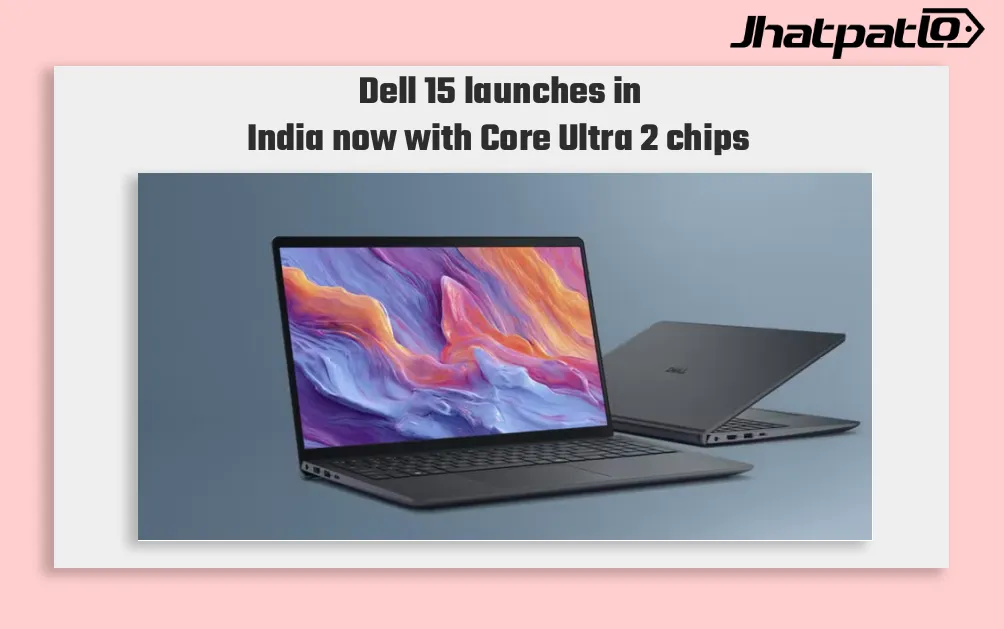
Dell 15 Launches in India With Intel Core Ultra 2 Series H Processors
Dell 15 launches in India with Core Ultra 2 series H chips Dell has launched the Dell 15 in India with Intel Core Ultra 2-series H processors, a dedicated NPU for on-device AI, and a starting price of Rs 69,699. The laptop is being sold through Dell.com, Dell Exclusive Stores, and large-format...

Samsung Galaxy Book 6 Ultra Goes On UK Sale With 16 inch AMOLED Display and Nvidia GeForce 5070
Samsung has introduced the Galaxy Book 6 Ultra, Galaxy Book 6 Pro, and Galaxy Book 6 in the United Kingdom, following their showcase at CES 2026 in January. Prices start at £2,999 for the Ultra, with pre-orders opening February 25 and official sales beginning March 11. The company also plans a...
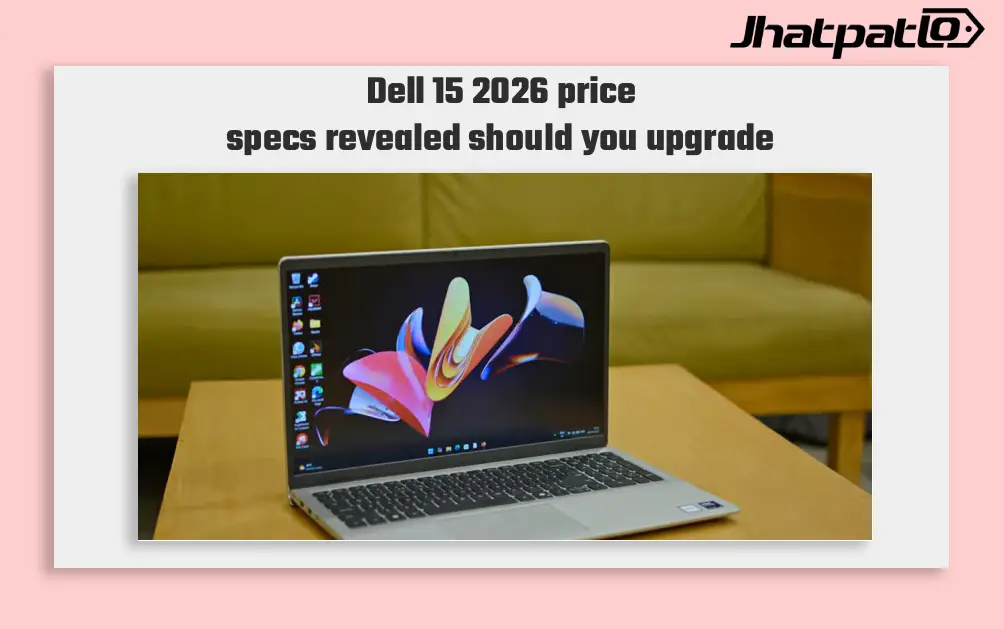
Dell 15 2026 Launches in India With Intel Core Ultra 7 and 15.6 Inch Display
Dell 15 2026 arrives in India Dell 15 (2026) launched in India, waith the laptop going on sale through Dell India’s online store, authorised offline outlets and other multi-brand stores. The new model comes in two colour options, two RAM choices and two storage configurations, and can be conf...