



Epson L130 Ink Tank Printer 5760 x 1440 dpi
₹10,999
₹9,799
- Usage: Home and small office printing with reliable colour and sharp text.
- Capacity: 150 sheet input, 30 sheet output, high yield ink bottles.
- Controls: touch responsive; simple print flow.
- Durability: 9 W operation and heat-free technology for efficient use.
- Warranty: 1 year onsite or 15000 pages; Epson support available.
Epson L130 Ink Tank Printer Price Comparison & History in India

Epson L130 Ink Tank Printer Price History & Trends
More Products from Computing


Epson L130 Ink Tank Printer Features & Overview
The Epson L130 is a compact Ink Tank printer designed for home and small office use. It prints in colour and sharp black text with up to 5760 x 1440 dpi resolution, making documents and photos look clear and vibrant. A single paper tray handles plain A4 sheets, and the device supports up to 150 sheets in its input path. Ink is supplied via four refill bottles (T6641 to T6644), so cartridge swaps aren’t part of the daily routine. The unit runs on a modest 9 W power draw and uses USB 2.0 for simple connectivity. It is a Print Only device with touch controls that respond with a quiet, tactile click when you press settings. In use, you load pages, press print, and the job moves along smoothly. You’ll notice a quiet operation; you don’t think about it until a batch of pages finishes and you hear a brief pause then a soft finish.
Usage
Designed for everyday tasks, the L130 handles memos, reports, and colour documents with ease. The 5760 x 1440 dpi output keeps text crisp and colors bright on A4 paper, which matters when you’re sharing drafts with teammates. You’ll appreciate the simple setup and the straightforward workflow that fits a busy desk without fuss.
Capacity
The input sheet capacity sits at 150 while the output tray holds about 30 pages. Print speeds are practical: 27 ppm black and white and 15 ppm colour on plain paper, which helps in mixed-task days when you’re balancing drafts with final copies. Box contents include the four ink bottles, so you’re ready to print long runs from the start.
Controls, Durability & Safety
The printer uses touch controls that feel responsive and durable. Heat-free technology and the low 9 W power draw help keep electricity use in check, even during longer print sessions. Built for steady use, it pairs reliably with standard office tasks and is supported by Epson’s service network; the 1 year onsite warranty or 15,000 pages is the usual safety net.
Installation / Warranty
Installation is supported by Epson; you can request free installation for this model through their brand support line. The setup is uncomplicated, and the unit fits neatly on a typical desk while staying relatively quiet during operation.
Epson L130 Ink Tank Printer Technical Specifications
| Model |
L130 |
|---|---|
| Brand |
Epson |
| Printer Type |
Ink Tank |
| Functions |
|
| Printer Output |
Colour |
| Connectivity |
USB 2.0 |
| Paper Size |
A4 |
| Maximum Print Resolution |
5760 x 1440 dpi |
| Print Speed Black/White |
27 ppm |
| Print Speed Colour |
15 ppm |
| Maximum Input Sheet Capacity |
150 |
| Number Of Trays |
1 |
| Duplex |
Manual |
| Ink Bottles |
T6641 (Black), T6642 (Cyan), T6643 (Magenta), T6644 (Yellow) |
| Box Contents |
Ink Bottles (T6641-4) |
| Power Consumption |
9 W |
| Warranty |
1 year onsite or 15,000 pages |
| Special Features |
Ink Tank, Heat-Free Technology |
| Boxed Dimensions |
Not specified |
Epson L130 Ink Tank Printer FAQs
The L130 uses refillable ink bottles that are super cost effective, letting you print up to 4,500 pages in black and 6,500 in colour before needing a refill, so you get real savings on ink costs.
It offers a high resolution of 5760 x 1440 dpi, which means sharp text and vibrant photos, making it great for both everyday documents and occasional colourful prints.
It’s fairly quick for an ink tank printer, with up to 27 pages per minute in black and white, and 15 ppm in colour, suitable for home or small office use where you don’t want to wait ages.
No, the duplex printing is manual, so you’ll need to flip the pages yourself if you want double-sided prints, which is common in this printer category.
Yes, it’s designed to be compact with dimensions around 48.7 x 22.8 x 13.5 cm and weighs about 2.8 kg, so it fits comfortably in tight home or office spots without taking up too much space.
Related Articles

Best Printers for Home Use That Solve Everyday Printing Problems
Printing at home has become more than a luxury; it’s a quiet daily necessity for students, freelancers, and busy households. You might reach for a printer thinking, “It just needs to spit out pages,” only to end up chasing jams, messy cartridges, or hidden costs that creep up every month. The ri...

The Best 3D Printers for Home Use in 2026 That Are Worth Buying
Printing at home used to feel like a niche hobby reserved for tinkerers. In 2026, however, desktop 3D printing has matured into a practical, quiet, and surprisingly approachable tool. Whether you want to print functional parts for around the house, little toys for the kids, model scenery f...

EvoFox Ronin X75 review shows budget keyboards can sound expensive without trying too hard
Mechanical keyboards have become a funny little arms race. Every other board promises premium vibes, every brand shouts about RGB, and somehow a lot of them still end up feeling a bit hollow after the novelty wears off. That’s exactly why the EvoFox Ronin X75 review stands out. It doesn’t...

Looking for a Laptop Under 40K? Here Are the Best Models
Hidden Gems Under 40k The Surprising Laptops People Keep Sleeping On When good laptops didn’t need to cost a fortune There was a time when a decent machine for gaming, editing, or multitasking felt like a luxury purchase. Anything smooth or stable usually sat in the “don’t-even-look-at-the-price-...

Logitech MX Master 4 Review revealing the unexpected weakness users find
If you’ve ever tried to work on a cramped, noisy, too-light mouse for an entire day, you already know the feeling: your hand starts complaining long before your brain does. That’s exactly the space the Logitech MX Master series has always dominated. It’s the mouse people recommend when som...

Logitech MX Master 4: Overhyped or the Best Creator Mouse Yet?
So you’ve built a workspace where speed and precision aren’t just nice to have—they’re essential. A premium mouse can be the quiet workhorse that keeps creative projects moving, or a distraction that slows you down. The Logitech MX Master 4 aims to be the former, building on a legendary li...
Best Alternative Epson L130 Ink Tank Printer







Related News
HP Launches Six DeskJet All in One Printers in India With Dual Band WiFi
HP DeskJet All in One Printer Lineup HP has rolled out a new family of DeskJet printers for home users in India, with six models spread across the DeskJet, DeskJet Ink Advantage and DeskJet Ultra Ink Advantage lines. The lineup targets everyday printing, scanning and copying tasks and is...
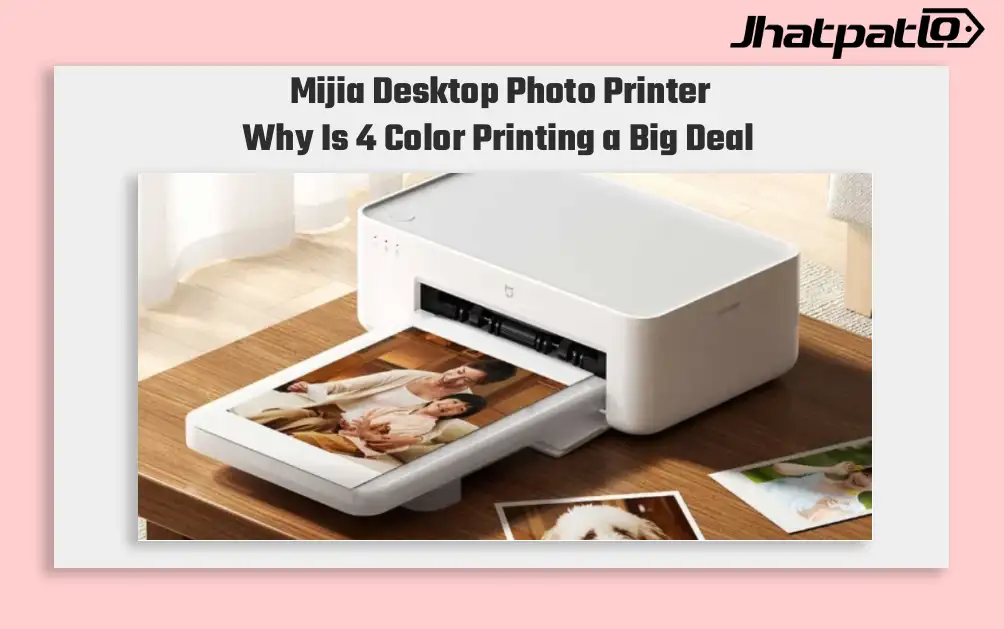
Mijia Desktop Photo Printer 2 Brings 4 Color Printing to Xiaomi Buyers
Xiaomi’s Mijia Desktop Photo Printer 2 has arrived in China with a clear focus on home photo printing. It launches at 699 yuan, goes on sale July 13, and replaces the older 1S model with 4-color dye sublimation, Bluetooth 5.2, and a few software features aimed at making phone printing simp...

Samsung Tandem OLED Laptop Panels Reach True Black 1400 Brightness
Samsung Display’s notebook OLED panels are moving into a brighter class, and the shift is being marked by VESA DisplayHDR True Black 1400 certification. The new Tandem OLED setup pushes peak brightness to 1,600 nits at the panel level, while also improving lifespan compared with a conventi...

Samsung Galaxy S27 Ultra Could Get Thinner Camera Module With Inkjet Printing
The Samsung Galaxy S27 Ultra camera leak suggests Samsung may use inkjet printing across parts of the rear camera stack, not just one lens component. The reported change could make the module thinner, reduce flare, and leave more room for other hardware inside the phone. Matte ink lens...
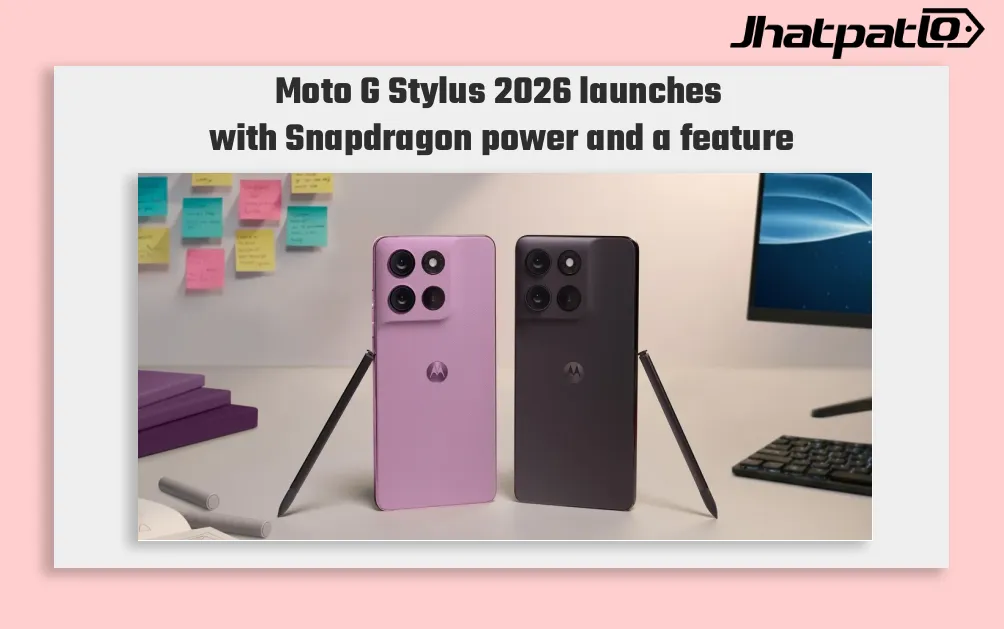
Moto G Stylus 2026 Launches With Built-In Active Stylus and Snapdragon 6 Gen 3
Moto G Stylus 2026 launches in US and Canada Moto G Stylus (2026) has been launched in the US and Canadian markets, arriving as the successor to the Moto G Stylus (2025), which was announced in April 2025. The new model keeps the built-in active stylus as its key feature and comes with a Snap...

ThinkBook 14 2-in-1 G6 IPL Global Launch With Panther Lake Chips
Lenovo has started a global release of the ThinkBook 14 2-in-1 G6 IPL, bringing the 14-inch convertible to the US and Canada after its MWC debut. The lineup begins with a Core Ultra 5 325 and goes up to a Core Ultra 7 355 with 32 GB RAM, placing it in the premium business-laptop segment....