


Googlebook phone integration features now work on Galaxy with One UI 9
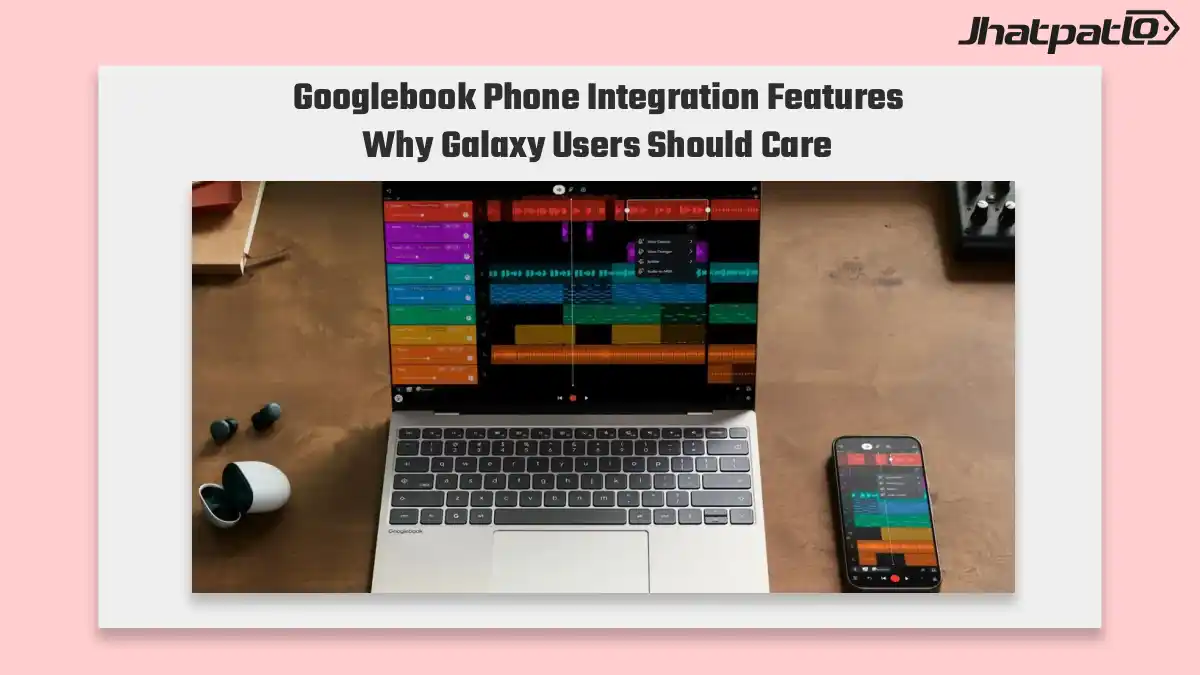
Samsung Galaxy phones on One UI 9.0 are now seeing Googlebook phone integration features work more reliably, after early setup issues on the new laptop platform. The fix is important because it restores core cross-device functions like Cast My Apps, Continue On, Notification Sync, and Quick Access, which help Googlebook feel more complete alongside Windows and Apple-style phone pairing.
The Googlebook phone integration features are now reportedly available on Galaxy devices running One UI 9, bringing closer connectivity between compatible Android phones and Google’s upcoming laptop platform. The integration could make it easier for users to access phone content, manage notifications, and move between devices with fewer interruptions. However, the exact features and device compatibility may depend on Samsung’s software rollout and Google’s final implementation.
What You Need to Know
- Galaxy devices running One UI 9.0 can now use Cast My Apps on Googlebook, allowing apps to move across devices without the launch-day dead ends that affected early users.
- Continue On on Googlebook is also working across Galaxy phones, which improves task handoff and makes the Android laptop experience more practical for everyday use.
- Notification Sync and Quick Access for Galaxy files rely on the latest Cross-Device Services update fix and Google Play Services update fix to function properly.
- If the required updates are missing, Googlebook support still recommends restarting the device, showing that some early software friction remains in the setup process.
The Googlebook phone integration features matter beyond convenience, as seamless cross-device connectivity is becoming essential for Android laptops. When phone-to-laptop tools fail, the overall experience can feel incomplete. With Samsung Galaxy phones reportedly working more smoothly with Googlebook, the integration could bring users closer to the consistent device pairing they expect from established platforms.
Cast My Apps and Continue On now work across Galaxy and Googlebook
Galaxy users on One UI 9.0 can now run Cast My Apps on Googlebook and hand off tasks with Continue On on Googlebook, instead of running into the dead ends some saw at launch. That is a meaningful change because these are the features that make a laptop and phone feel connected rather than just compatible.
In practical terms, the update improves the basic cross-device handoff experience between Samsung Galaxy phones and Googlebook. It also helps Googlebook present a more usable first-day experience, which is especially important in a category where continuity features are not a bonus anymore. They are part of the pitch.
The early glitches did not just affect one app or one small corner of the system. They touched the broader idea of phone integration, which can make or break a new laptop platform. When Cast My Apps and Continue On work as intended, the setup feels less experimental and more finished.
Notification Sync and Quick Access depend on updated services
Notification Sync with Galaxy phones and Quick Access for Galaxy files both depend on the latest Cross-Device Services update fix and Google Play Services update fix to behave properly. That detail matters because it means the feature set is not entirely automatic. Users need the right service updates in place before the integration works the way it should.
If those updates are missing, Googlebook support still tells users to restart. That is a familiar kind of early-platform troubleshooting, and it suggests the Galaxy integration is still settling in. It also shows that while the core features are now working, the surrounding software experience may still need some cleanup.
For new Googlebook owners using Galaxy phones, the main takeaway is simple: the integration story is improving, but it still depends on software readiness. Notification Sync and Quick Access are useful only when the supporting services are current. In other words, the features are there, but the setup still has a few moving parts.
That is often how early cross-device ecosystems evolve. The headline features arrive first, then the smaller service fixes make them reliable enough for everyday use. Here, that pattern seems to be playing out with Samsung Galaxy phones and Googlebook under One UI 9.
For now, the important part is that Googlebook’s phone integration features appear to be functioning properly on Galaxy devices with One UI 9.0. That gives the platform a better shot at delivering the kind of connected experience users expect when they move between phone and laptop during the day.

Related Products







Asus Googlebook renders leak before September 21 pre-orders
Asus Googlebook renders have leaked again, and this latest set gives the clearest look yet at Google’s new notebook push before September 21 pre-orders. The images point to a dedicated G key, a rainbow glowbar on the lid, and a more conventional chassis than the branding might suggest. Th...

Samsung Android laptop Geekbench leak shows XE940XSA with Android 17
Samsung’s rumored Android-powered laptop has appeared in Samsung Android laptop Geekbench results, with the listing pointing to the XE940XSA running Android 17 with 16GB of RAM and a Snapdragon X Elite chipset. The leak offers the clearest sign yet that Samsung may be testing a new kind of...
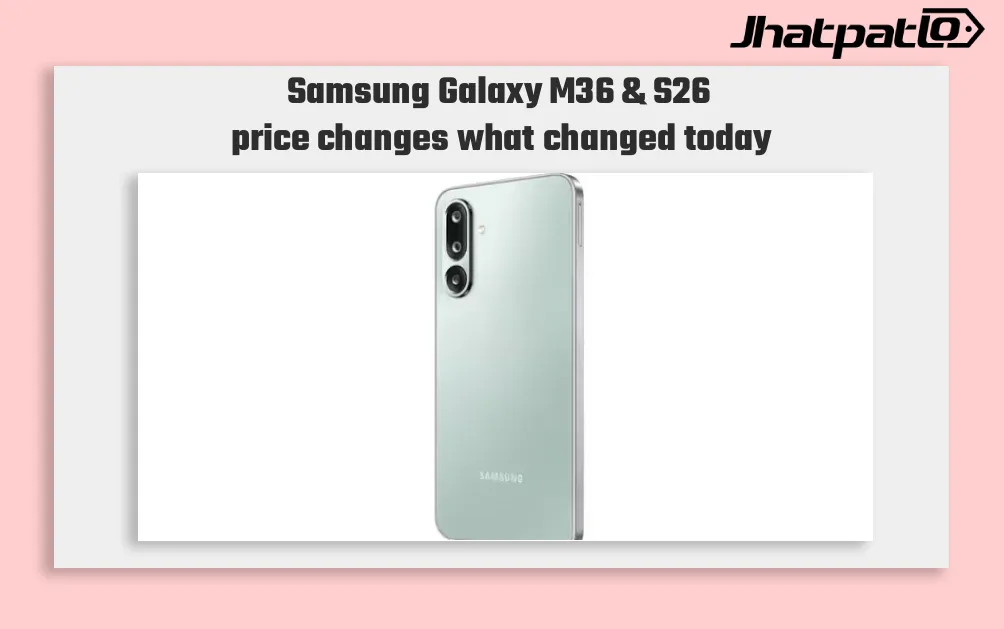
Samsung Galaxy M36 and F36 Rise Rs 1,000 as S26 Series Gets Up to Rs 9,000 Cut
Samsung moves prices in two directions Samsung Galaxy M36 and S26 price changes Rs 1,000 across several Galaxy M and F series models in India from May 1, while discounts of up to Rs 9,000 are now available on the Galaxy S26 series and select A-series phones. The lower prices on the newer line...
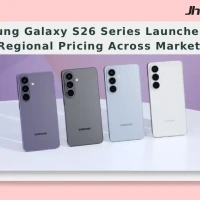
Samsung Galaxy S26 Series Launches with Regional Pricing Across Markets
Samsung Galaxy S26 Series Price in India US UAE and Other Regions Samsung unveiled the Galaxy S26 series during Galaxy Unpacked February 2026 in San Francisco, California. The lineup includes the Galaxy S26 Ultra, Galaxy S26 Plus, and Galaxy S26. The phones are currently on pre-order in India...

Samsung Galaxy A06, A56 and F17 Prices Tipped to Rise in India From April 10
Samsung Galaxy A, F series price hike tipped Samsung is said to be revising prices of several Galaxy A and F series smartphones in India from April 10, according to a leaked product price revision document shared by tipster Abhishek Yadav. The report names the Galaxy A06, Galaxy A07, Galaxy A...