


Samsung Launches One UI 8.5 Beta and the hidden upgrades everyone wants to try
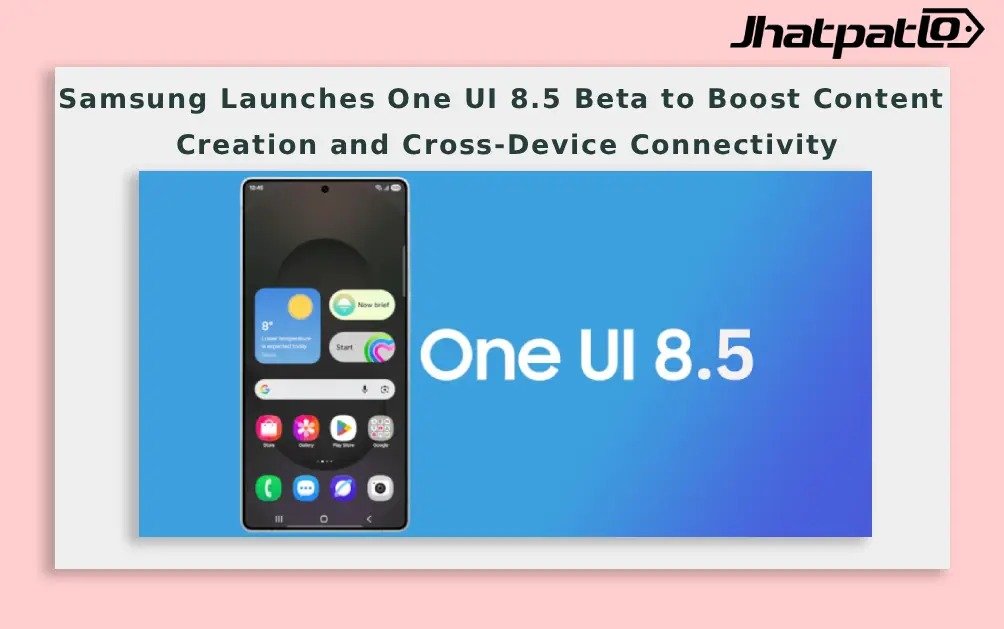
Samsung Launches One UI 8.5 Beta Program, Users Will Be Able To Create, Connect And Share Content
Today, Samsung Electronics has announced the launch of the One UI 8.5 beta program, which offers fresh and streamlined features for the creation, connection, and protection of your content within the Galaxy ecosystem. One UI 8.5 will allow you as a user to accomplish more with less effort through a variety of improved features for the creation, management, and security of your content. The beta is positioned as a move to streamline workflows for photographers, multitaskers and those who work across Galaxy devices.
With One UI 8.5, additional improvements have been made to both the Photo Assist app and the process of editing photos through multiple steps. There will now be less interruption when generating new photos and users can continuously edit images without needing to save every time (you will be able to see the entire edit history and choose your preferred edits). The improved sharing capabilities are highlighted by Quick Share being able to detect faces in the photos and will actively recommend whom to send them to.
Samsung has also stated that the experience was created to be seamless, so the process of creating, editing, and sharing flows easily without interruption, as well as providing ease of use while performing day-to-day tasks.
Cross Device Connectivity & Enhanced Security Features
The new features incorporated into One UI 8.5 beta allow for the easy use of cross device functionality such as easy file management, sharing of network connections, and communication with devices located in close proximity. A notable addition is Audio Broadcast, which enables broadcasting audio to LE Audio-supported devices via Auracast. In addition to audio from media sources, users can now broadcast their voice using the Galaxy phone’s built-in microphone, a setup described as useful for group situations such as tours or events.
Storage Share is designed to make the Galaxy ecosystem more fluid by showing files from other Galaxy devices—tablets and PCs included—directly in My Files. It also enables users to access their phone’s files from other Samsung devices, including Samsung Smart TVs. These cross-device capabilities are framed as a core part of the One UI 8.5 experience, aimed at reducing switching between devices during daily tasks.
Security and Privacy Controls
One UI 8.5 places emphasis on clearer control over security settings. Theft Protection is highlighted as a feature to keep phones and data secure if a device is lost or stolen. A Failed Authentication Lock automatically locks the screen after too many failed verification attempts by fingerprint, PIN or password. Identity Check is described as adding an extra layer of protection for more settings than before.
Generative Edit is called out as a feature within Photo Assist that requires a network connection and a Samsung Account login. It may resize images, and watermarks appear on AI-generated output when saved. The documentation notes that screen images are simulated for illustrative purposes and that the actual UX/UI may vary.
Availability and How to Join
The One UI 8.5 beta program will be first available to Galaxy S25 series users in select markets including Germany, India, Korea, Poland, the United Kingdom and the United States from December 8. Galaxy users can apply to join the beta program via the Samsung Members app.
Footnotes cover device compatibility and network requirements. Generative Edit requires a Samsung account and network connectivity; Quick Share requires Bluetooth Low Energy and Wi-Fi, and availability may vary by device, region and model. Some features are described as available on devices with One UI 7 or higher and with specific hardware and software configurations; details vary by region and device family.
Key features and flows
- Photo Assist enhancements, continuous editing history, smoother sharing with Quick Share
Cross-device tools
- Storage Share, My Files integration across Galaxy devices including TVs, and Auracast audio broadcasting
Security options
- Theft Protection, Failed Authentication Lock, Identity Check
Requirements
- Availability starts December 8 for Galaxy S25 series in listed markets; join via Samsung Members
Developers and users should expect a staged rollout with variations by model and region. The beta’s emphasis on cross-device interactions and enhanced content creation tools aligns with Samsung’s broader strategy to unify experiences across Galaxy hardware and software platforms.
Related Products





Moto Edge 70 Max price in India starts at Rs 49,999 with Snapdragon 8 Gen 5
Moto Edge 70 Max price in India starts at Rs 49,999, and that puts Motorola’s latest flagship into a crowded premium Android segment. The phone focuses on high-end performance, a large AMOLED display, strong battery life and durability features. Here is a clear look at the launch details,...

iPhone Air 2 May Get Standard A20 Chip Instead of A20 Pro
A new iPhone Air 2 A20 chip leak to a new chip rumor, and the detail that stands out is simple: the standard A20 may be used instead of the A20 Pro. That would keep the Air focused on its thin-and-light identity while leaving the stronger silicon for the iPhone 18 Pro lineup. Here’s what the leak su...
Samsung Galaxy M67 Geekbench Leak Points to Exynos 2200 Power
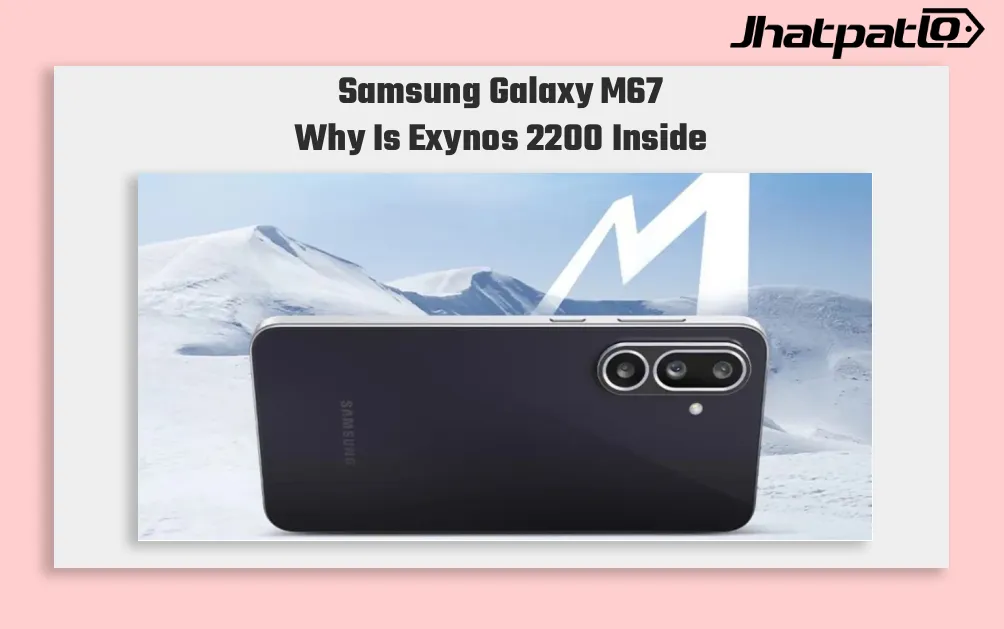
Geekbench leak shows an early benchmark listing tied to the M-series phone, and it points to something a little unusual for this segment: Exynos 2200, 8GB RAM, and Android 17. The numbers are also notable, with scores of 1,435 in single-core and 3,744 in multi-core testing, which place it...

Vivo X500 Pro Max leak points to LPDDR6 RAM and 8,000mAh battery
Vivo X500 Pro Max leak details suggest the engineering prototype is being pushed hard on endurance and top-end hardware. The phone is tipped to combine a 6.85-inch 2K 144Hz LTPO panel, LPDDR6 RAM, and Dimensity 9600 Pro silicon, setting up an early clash in the premium Android flagship segment.Leaks...

Poco F9 Ultra battery leak points to 8,050mAh and 100W charging
Poco F9 Ultra battery leak details surfaced in HyperOS code, pointing to an 8,050mAh cell for the global model and a 100W charging setup. The Poco F9 Pro is also tipped to use a 6,330mAh battery with the same 100W limit, while both phones are still expected to keep the Snapdragon 8 Elite G...

Edifier R1000TC II Bluetooth 6.0 Brings 42W Desktop Audio
Edifier has launched the R1000TC II in China with Bluetooth 6.0, dual-device pairing, and a 42W output rating. For desktop users, the more practical detail is the mix of wireless convenience, USB sound card support, and RCA input in one active bookshelf speaker pair. It is a fairly direct...