


Brave Ark Tablet Review reveals why powerful hardware still feels unfinished

I was halfway through an important presentation when the Brave Ark Pen just stopped working. Not because the battery died. Not because it lost connection in some obvious way. It simply refused to register on the screen, and that tiny failure changed the whole mood of the device for me. I had to switch to my finger, scramble through the rest of the slides, and sit there with the slightly awkward realization that this tablet is exactly what happens when ambitious hardware reaches your hands before the software has caught up.
And honestly, that’s the story of the Brave Ark Tablet review in one sentence. On paper, this thing looks almost too good to exist at its price. A Snapdragon 8s Gen 3 chip, a giant battery, a 12.95-inch display, and an included stylus for ₹34,999? That sounds like a very bold first move from a new Indian brand. But once you start actually using it, the shine wears off fast. It feels less like a finished product and more like a prototype that escaped the lab early.
Quick Highlights
- Massive battery easily lasts a full day and more.
- Fast Snapdragon performance is not the problem here.
- Stylus and PC mode look useful, but feel unfinished.
- Heavy build and weak software updates hurt the value.
- Best suited for desk use, not constant carrying.
Now, the weird part is that the Brave Ark doesn’t feel cheap in the usual way. In fact, it feels almost the opposite. It’s dense, serious, and clearly trying to look like a productivity machine rather than a giant entertainment slab. But there’s a difference between “solid” and “pleasant,” and this tablet keeps running into that gap.
Built like a tank, carried like one too
The first thing you notice is the body. Brave has gone with an aluminum design that feels rigid and reassuring in the hand. The boxy frame gives it a bit of a professional vibe, and the silver octopus logo on the back is the kind of branding choice that says, “We want you to remember us.” Fair enough. It does stand out.
But then reality shows up in your shoulders. The tablet weighs 706 grams on its own, and once you attach the keyboard and kickstand cover, you’re carrying close to a kilogram. That’s laptop territory. Maybe even worse, because a laptop at least gives you a proper hinge and a more stable typing experience.
For desk use, the Brave Ark is fine. For commuting, handholding, or reading in bed, it becomes a little exhausting. It’s the kind of tablet that makes sense in a meeting room, on a kitchen counter, or propped up for Netflix while you’re doing something else. But if you want something light and easy to toss into a bag, this isn’t it.
There are also a few details that feel surprisingly unfinished for a device asking this much money. There’s no water or dust resistance, which isn’t shocking, but it does mean you need to be a bit careful. And then there’s the missing fingerprint scanner. That one feels harder to excuse. For a device aimed at productivity, typing in a PIN every time can get old fast. Small inconvenience? Yes. But these small inconveniences add up.
A huge display that doesn’t always feel huge
The 12.95-inch 2.8K display sounds like a dream on paper, and at first glance it does impress. The slim bezels and 144Hz refresh rate make the whole thing feel modern and quick. Scrolling is smooth, animations look lively, and sketching on a big canvas is genuinely satisfying.
But larger screens are a little sneaky. Once you stretch a resolution this far across nearly 13 inches, sharpness starts to matter more than the spec sheet suggests. Text doesn’t look quite as crisp as it should, especially if you’ve used sharper tablets before. It’s not bad, just not as premium as the dimensions suggest.
Video playback is where the cracks become more obvious. Indoors, brightness is acceptable. Take it outside, though, and the screen washes out fast. Add the lack of HDR support, and streaming looks flatter than you’d expect from a panel this size. Netflix, YouTube, and even casual movie watching can feel a bit dull, like the image is sitting behind a thin layer of fog. That’s a shame, because this is exactly the kind of screen that should be great for media.
If you’re mostly using it for notes, reading, spreadsheets, or light creative work, the display still has appeal. But if your idea of a tablet is “big screen = great movie machine,” the Brave Ark doesn’t fully deliver that fantasy.
Ark Pen and PC Mode: smart ideas with messy execution
Brave deserves credit for including the Ark Pen in the box. A lot of brands treat the stylus as a separate purchase, which is frankly annoying. Here, you get it right away, and that alone gives the tablet a stronger value proposition.
The pen itself feels comfortable, and the three customizable buttons are genuinely useful. You can set shortcuts for screenshots, music controls, and even a slide laser pointer. That’s clever. It’s the kind of feature set that makes a tablet feel more flexible than an iPad in some work scenarios. On paper, at least.
In practice, the pen can be frustrating. During testing, it disconnected randomly more than once. Sometimes the screen got confused between my resting hand and the stylus, which led to stray marks across notes and sketches. That’s the kind of thing that makes you stop trusting the device, and once that happens, the whole “creative productivity” pitch starts to wobble.
There’s also a very odd software mismatch: pressing the pen’s shortcut button opens Google Keep, while the tablet’s default note-taking app is Microsoft OneNote. It’s a tiny thing, but tiny things matter when they pile up. You start to feel that nobody sat down and asked, “Would a normal user be confused by this?” That’s not a great sign.
Then there’s PC Mode, which is one of Brave’s biggest selling points. The idea is good. You get a desktop-like layout with a taskbar and floating windows, making the tablet feel more like a laptop replacement. But the execution is rough around the edges. Windows stutter when dragged, the interface sometimes feels sluggish, and the whole thing has that rushed beta-test energy. You can use it, sure. You’ll just keep noticing that it should be better.
Fast enough to embarrass the software
Here’s the strange upside: the hardware performance is not the problem. Quite the opposite. The Snapdragon 8s Gen 3 inside the Brave Ark is fast enough to handle demanding browser tabs, editing tasks, multitasking, and gaming without breaking a sweat. It stays cool too, which matters more than people sometimes realize. A hot tablet is an annoying tablet.
For games, performance is smooth and responsive. Apps open quickly. Switching between tasks feels easy. There’s real muscle here, and you can tell Brave didn’t cheap out on the chipset. The trouble is that all of this power is being held back by software that can’t quite keep up.
And then there’s one of those odd missing features that makes you pause: there’s no gyroscope. That’s a strange omission for a tablet this capable, especially if you care about certain games or motion-based apps. It’s not a dealbreaker for everyone, but it does make the device feel slightly less complete than it should.
The software itself is clean, which is nice. No bloated junk apps cluttering the experience, no awkward third-party nonsense installed everywhere. But it’s also pretty plain, and there are missing basics too, like a dedicated photo gallery. This is where the Brave Ark starts feeling less like a polished consumer product and more like a carefully assembled demo unit.
The battery is the one thing that just refuses to quit
If there’s one part of this tablet that feels almost suspiciously good, it’s the battery. Brave has packed in a gigantic 14,550mAh battery, which is larger than what you’ll find in some of Samsung’s priciest tablets. That’s not a small advantage. It’s a huge one.
In real use, the battery life is excellent. You can expect roughly 12 to 14 hours of screen time, depending on what you’re doing. If your usage is lighter, the Brave Ark can stretch across an entire weekend without panic charging. That’s the kind of stamina people actually remember. When a device lasts this long, it quietly changes how you use it. You stop hunting for chargers all day.
The included charger does take around two and a half hours to fully top it up, which is fair enough given the battery size. That’s not super fast, but it’s a reasonable trade-off for endurance this strong. If you’re someone who values not having to think about power banks and wall sockets, this tablet does have real appeal.
Should you buy the Brave Ark Tablet?
This is where things get tricky. The Brave Ark Tablet is clearly a statement product. It proves that a new Indian brand can build something ambitious, powerful, and surprisingly competitive on paper. The hardware is not a joke. The battery is excellent. The stylus inclusion is smart. The performance is strong. There’s a lot to admire here.
But admiration is not the same as recommendation.
The tablet is held back by unfinished software, unreliable stylus behavior, buggy PC Mode, and an awkward lack of confidence around updates. That last part might be the biggest problem of all. Brave hasn’t promised future software updates, which means if you buy this tablet today, you’re basically betting that the current software is good enough forever. That’s a risky bet for any device, and especially risky for a first-generation product from a new brand.
At ₹34,999, the Brave Ark is competing with tablets like the Xiaomi Pad 7 and the OnePlus Pad 2. Those devices may not have a battery this large, but they’re more polished, more dependable, and backed by brands with a much better track record for support. That matters. A lot.
So, if you want a tablet that lives mostly on a desk, lasts forever on a charge, and gives you a big screen for notes or basic productivity, the Brave Ark can still make sense. But if you want something reliable, refined, and future-proof, this probably isn’t the one to buy right now.
The Brave Ark shows promise, and that’s the frustrating part. You can see what it wants to be. You can almost respect the ambition. But almost isn’t enough when the software keeps tripping over the hardware. Maybe version two will get it right. Until then, it feels like a very expensive glimpse of what could’ve been.
And that’s the question, really: would you rather gamble on raw potential, or wait for the polished thing that just works?
Related Products




Brave Ark 2 in 1 Android PC Launches in India With 14550 mAh Battery
Brave Ark 2 in 1 Android PC was launched in India on Friday as the company's new all in one Android powered device. The model is available in a single Galactic Blue color and configuration and can be bought through Amazon in the country. It runs Android 15 and is powered by Qualcomm's Snapdragon...
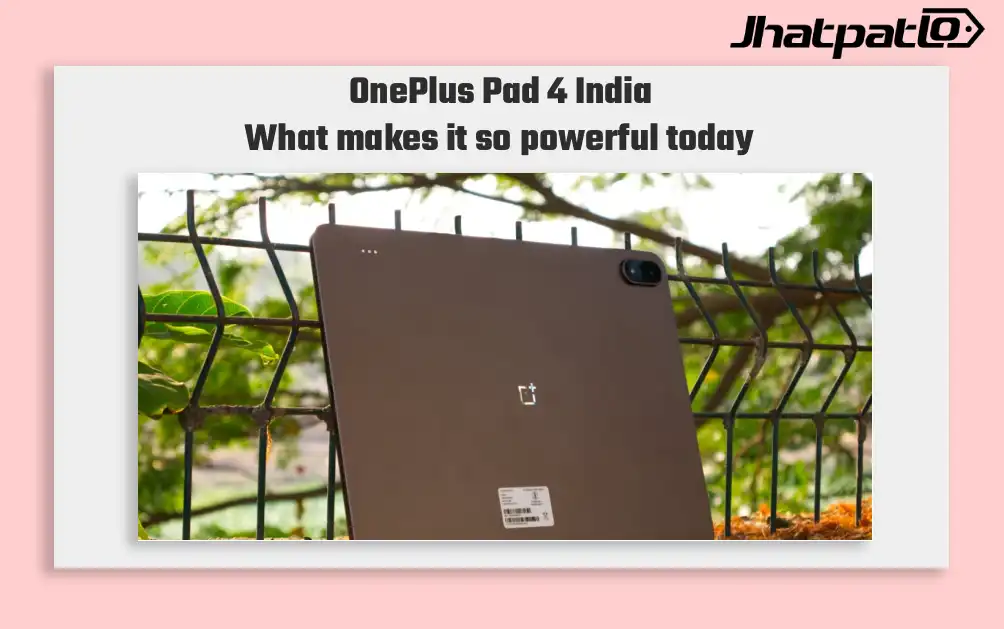
OnePlus Pad 4 launches in India with Snapdragon 8 Elite Gen 5 and 13,380mAh battery
OnePlus Pad 4 arrives with new chipset, display and battery OnePlus Pad 4 launches in India , placing the tablet at the top of its 2026 lineup with a Snapdragon 8 Elite Gen 5 processor, a 13.2-inch 3.4K LCD display and a 13,380mAh battery. The company says it is the largest battery it has...
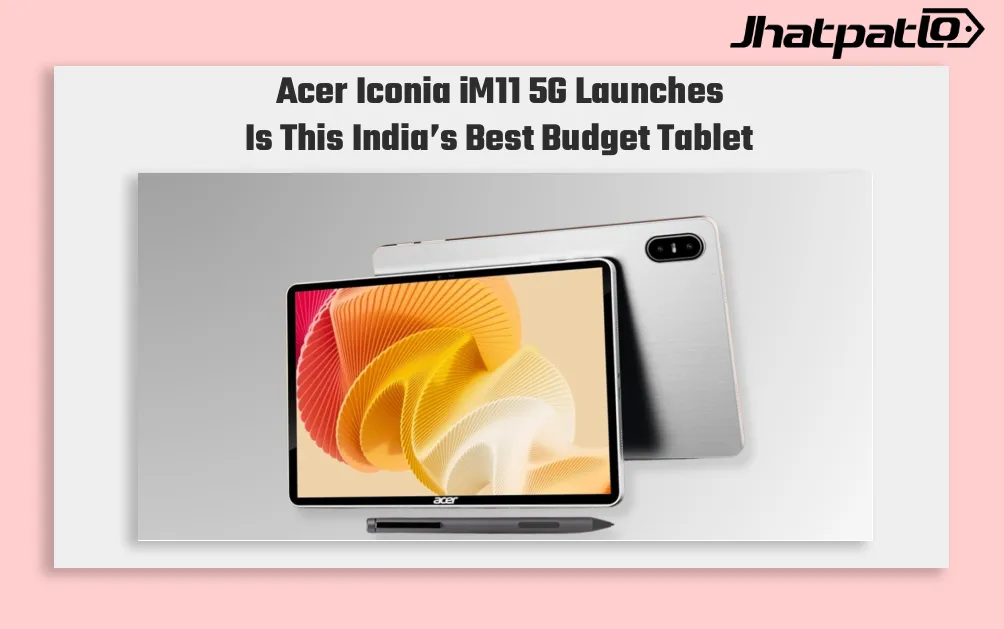
Acer Iconia iM11 5G Launches in India at Rs 25,499
Acer launches Iconia iM11 5G in India Acer Iconia iM11 5G Launches in India with a starting price of Rs 25,499, placing the tablet in the country’s mid-range Android segment. The device comes with stylus support, Android 15, 5G connectivity and optional keyboard accessories, with Acer aiming...
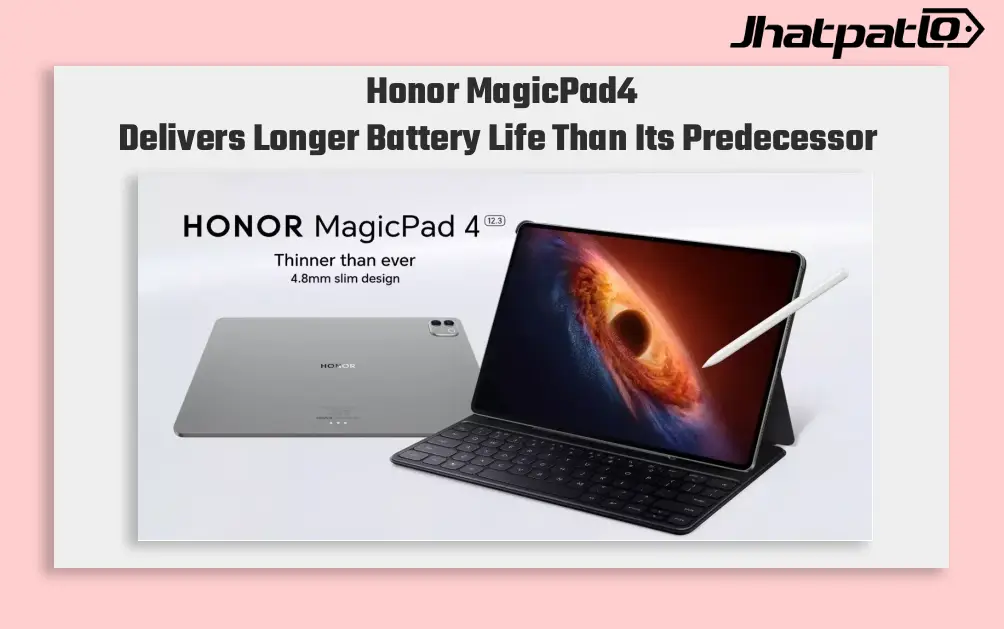
Honor MagicPad4 Battery Test Shows Mixed Endurance and Charging Results
Honor’s MagicPad4 puts up a decent battery result on paper, but the testing data shows a more uneven story once real use patterns are included. The 12.3-inch tablet improves over the MagicPad 2, yet weak web browsing and average charging speed keep it from standing out among premium Android tablets....
Honor Pad 20 Pro brings Snapdragon 8s Gen 4 and 10,100mAh battery
Honor has announced the Pad 20 Pro Paperlike Edition, a new Android tablet built around the Snapdragon 8s Gen 4, a 12.1-inch 3K 165Hz LCD, and a 10,100mAh battery. The Honor Pad 20 Pro Paperlike Edition, Snapdragon 8s Gen 4 tablet is pitched at note-takers and artists first, with stylu...

iQOO Neo 10 Price in India Updated with New Colour Variants
iQOO Neo 10 Gets New Colours in India iQOO Neo 10 has arrived in two new colour variants, Alpine White and Asphalt Black, while the existing options remain Inferno Red and Titanium Chrome. The phone continues with the same hardware, including a 6.78-inch AMOLED display, Snapdragon 8s Gen 4 ch...