


ColorOS 16 photo management adds date edits and library controls
Oppo’s ColorOS 16 update brings several photo management changes that make the Photos app easier to clean up and browse. The update lets users correct wrong capture times, sort older shots more easily, hide customized albums, and use batch favourites for faster curation. It also adds scan text from photos, immersive viewing mode, by date viewing mode, and basic document tools such as rotate, straighten, and glare removal. For anyone dealing with a crowded camera roll, these are practical changes that improve how Oppo phones handle photo libraries and document images.
News Highlights
- ColorOS 16 now lets Oppo users edit incorrect capture times, which helps fix photos that were saved with the wrong date and makes old albums easier to organize.
- The update adds hidden customized albums and a batch favourites option, cutting down the number of taps needed to sort and protect private or important images.
- Scan Text is now part of the Photos app, giving users a quicker way to pull text from images without opening a separate tool.
- Oppo also adds immersive viewing mode, by date viewing mode, and document cleanup tools like rotate, straighten, and glare removal for better browsing and archiving.
ColorOS 16 photo management adds date edits and library controls
ColorOS 16 photo management now gives Oppo users a way to correct wrong capture times and reorganize older shots inside the Photos app. That is the main change here, and it matters most for people whose camera rolls have become difficult to sort over time. It also brings Oppo closer to the kind of library control Android users often expect from Google Photos and Samsung Gallery.
The update is not just about one editing tool. It is really a set of small controls that make the whole library easier to manage. For many users, that is the difference between a gallery that feels cluttered and one that is actually usable day to day.
ColorOS 16 adds hidden albums and batch favourites for faster sorting
Oppo is also adding hidden customized albums and a batch favourites option. These features are aimed at faster cleanup, especially for people with large photo libraries that include personal shots, screenshots, downloads, and random camera images all mixed together.
Hidden albums help with privacy and separation, while batch favourites reduce the effort needed to mark multiple photos at once. The result is fewer repeated taps and less time spent moving through the same folders. That kind of improvement sounds small, but it is exactly the sort of thing people notice after a few weeks of regular use.
For mid-range and flagship Android phones, this is the kind of refinement that tends to matter more than a flashy redesign. It does not change how photos look at first glance, but it changes how practical the app feels when the library gets crowded.
Scan Text and viewing tools make ColorOS 16 better for documents
ColorOS 16 also adds scan text from photos, along with immersive viewing mode and by date viewing mode for faster browsing. These tools make the Photos app more useful when users are not only looking at snapshots, but also trying to find receipts, notes, or other document images saved in the gallery.
Oppo is also folding in rotate, straighten, and glare removal tools. Those are straightforward editing options, but they matter when a photo is meant to preserve information rather than just capture a memory. In practice, they can make a document image easier to read and easier to store in an organized way.
That leaves the Photos app feeling less like a basic image folder and more like a lightweight capture and archive tool. On premium Oppo phones, that may be the biggest point of the update. It gives users more ways to manage mixed photo libraries without jumping between apps or relying on extra software.
Overall, ColorOS 16 focuses on practical cleanup rather than dramatic change. The update is built around control, faster browsing, and a smoother way to handle both personal photos and document images. For users with messy galleries, that is probably the part that will matter most.

Related Products





ColorOS 17 design upgrade brings cleaner UI before next month
Oppo is pushing a cleaner ColorOS 17 design upgrade before next month, with readability, consistency, and reduced visual clutter at the center of the update. Chen Xi says the team spent months tuning visual materials, and the redesign goes beyond the home screen to include system apps and...
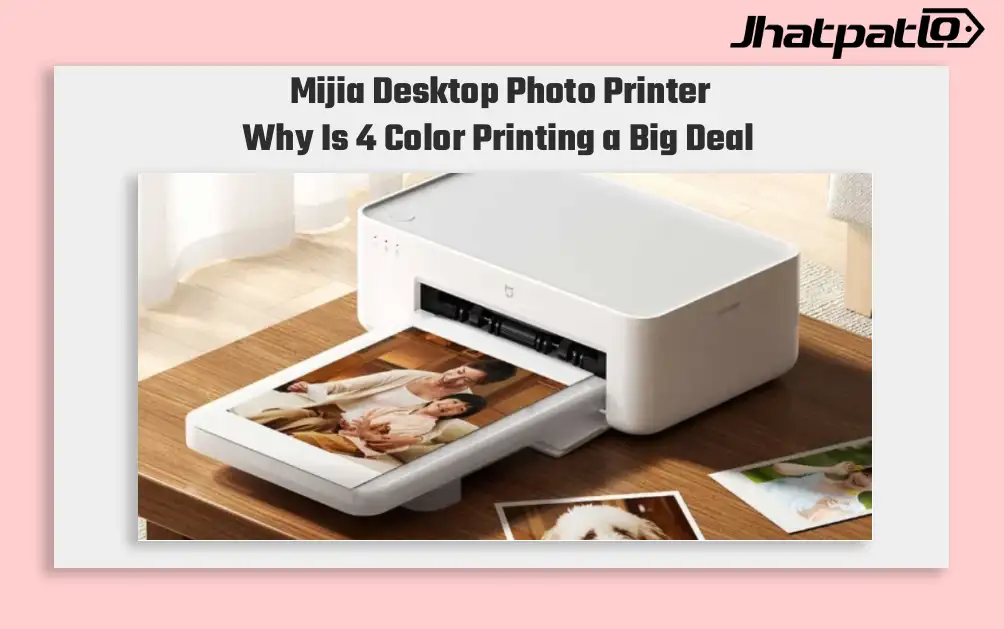
Mijia Desktop Photo Printer 2 Brings 4 Color Printing to Xiaomi Buyers
Xiaomi’s Mijia Desktop Photo Printer 2 has arrived in China with a clear focus on home photo printing. It launches at 699 yuan, goes on sale July 13, and replaces the older 1S model with 4-color dye sublimation, Bluetooth 5.2, and a few software features aimed at making phone printing simp...

Apple Music Introduces AI Playlist Playground in iOS 26.4 Beta 1
Overview Apple has released the first iOS 26.4 developer beta, introducing Playlist Playground, an AI powered feature for Apple Music. The tool is described as part of Apple Intelligence and can generate playlists from simple text prompts that describe moods, genres, or themes. The beta is li...

Honor Magic 9 ARRI Cinema Mode Adds 3 Second Clips and Dual 3D Biometrics
Honor Magic 9 series now has an ARRI Cinema Mode that turns a long press into a user-started 3-second clip, while the lineup also adds dual 3D biometrics with 3D ultrasonic fingerprint recognition and 3D face recognition. The update matters because it gives the phone more controlled video...

Microsoft Mulls Merging Game Pass Premium and PC Game Pass Plans
Microsoft is reportedly considering further simplifying its Game Pass lineup by merging the Premium tier with PC Game Pass. The move would tighten the current lineup after a year of price increases and plan changes across the service. In October, Microsoft replaced Game Pass Core and Stand...