


Galaxy S24 Ultra battery drain hits after One UI 9 update

Galaxy S24 Ultra battery drain reports are now centered on one extreme case: 95% battery gone in 5 hours 20 minutes, with 3 hours 15 minutes of screen time. The phone was running QHD and LTE only, which makes the post-update drop stand out as a serious outlier for Galaxy S24 Ultra owners after the One UI 9 update.
What You Need to Know
- One Galaxy S24 Ultra case showed unusually heavy battery loss after the One UI 9 update, with nearly all charge gone in just over five hours of use.
- The phone was set to QHD resolution and LTE only, which helps frame the battery drain as more than a simple background-use complaint.
- Samsung Members battery diagnostics are important here because they can help separate a hardware fault from a software-related drain pattern.
- Owners are first trying low-risk fixes like updating apps, clearing the system cache partition, and using the Light performance profile before considering service-center repair.
Samsung Members battery diagnostics point to whether this is hardware or software
The affected unit was already pushed toward a service-center check by Samsung’s support team, which is the main clue in this case. That matters because a battery health check inside Samsung Members can help show whether the problem is a bad cell or a software-related drain pattern after the One UI 9 update.
For Galaxy S24 Ultra owners, that distinction is important. If the battery diagnostics point to hardware, waiting on software changes is unlikely to help much. If the results suggest a software issue, then the drain may improve after the system settles, apps are updated, or Samsung makes further changes. In other words, the diagnostics are less about curiosity and more about deciding what to do next.
The report does not prove that every Galaxy S24 Ultra is affected the same way. It does, however, show why Samsung Members is one of the first places users are looking when battery life changes sharply after an update. A single extreme case can be an outlier, but it can also be the kind of case that reveals whether the issue is isolated or tied to the update itself.
Clear system cache partition and Light performance profile are the first fixes owners are trying
Most of the practical response so far is basic, but it is still worth trying before moving to more serious steps. Owners are updating apps, clearing the system cache partition, and reducing background activity for apps they do not use often. Those steps are common after a major update because cached system data and app behavior can sometimes affect battery life in the short term.
Another obvious step is using Samsung battery protection tools and the Light performance profile. For users trying to protect Galaxy S24 Ultra screen on time, those options can help reduce unnecessary strain while the phone adjusts after the update. They are not a guaranteed fix, and the outline does not claim they solve every case, but they are the first practical changes people are testing.
This approach also makes sense while Samsung’s Android 17 rollout settles. Some battery drain after an update can be temporary, especially when system services and apps are still recalibrating in the background. That said, a result as severe as 95% gone in 5 hours 20 minutes is hard to ignore. It is the kind of reading that makes owners look for confirmation from diagnostics rather than assuming normal post-update behavior.
At this stage, the safest reading is simple: start with low-risk fixes, check battery health in Samsung Members, and watch whether the drain repeats under similar conditions. If it does, the service-center route becomes more relevant. If it does not, the issue may be tied to post-update settling rather than a lasting hardware fault.
For now, the Galaxy S24 Ultra battery drain reports are less about a broad confirmed failure and more about a serious case that needs sorting out. The update angle, the extreme usage result, and the support response all point to a problem that owners will want to monitor closely rather than dismiss.

Related Products





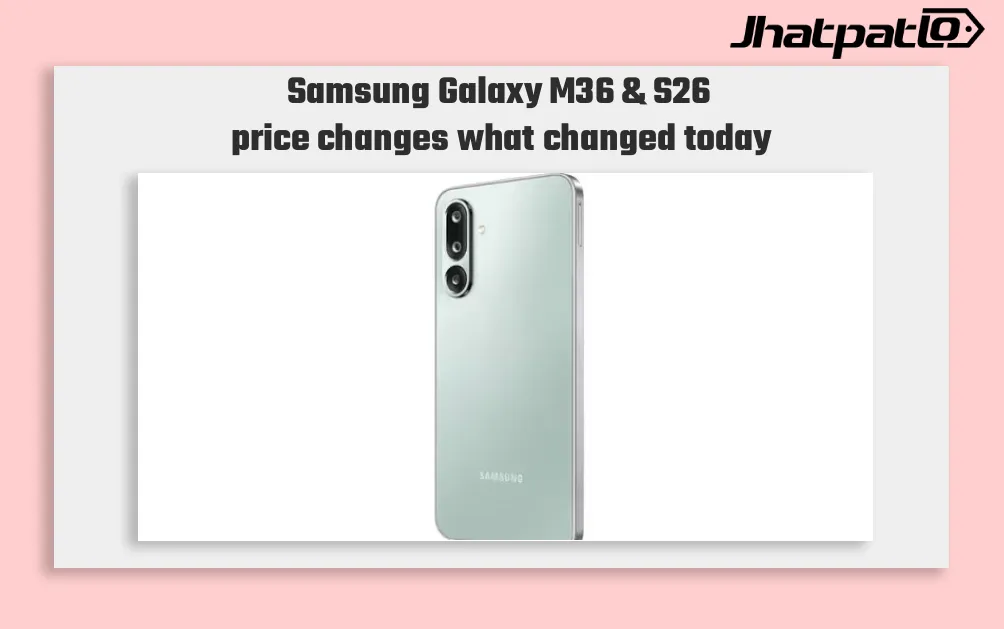
Samsung Galaxy M36 and F36 Rise Rs 1,000 as S26 Series Gets Up to Rs 9,000 Cut
Samsung moves prices in two directions Samsung Galaxy M36 and S26 price changes Rs 1,000 across several Galaxy M and F series models in India from May 1, while discounts of up to Rs 9,000 are now available on the Galaxy S26 series and select A-series phones. The lower prices on the newer line...
Galaxy Tab S12 Ultra launched with Dimensity 9500 and 11,600mAh
The Galaxy Tab S12 Ultra launched with a Dimensity 9500 chip, an 11,600mAh battery, a 14.6-inch Dynamic AMOLED 2X display, Android 17, and One UI 9. Alongside it, Samsung has introduced the Galaxy Tab S12+, with both tablets positioned as premium Android options featuring Galaxy AI, Wi-Fi...
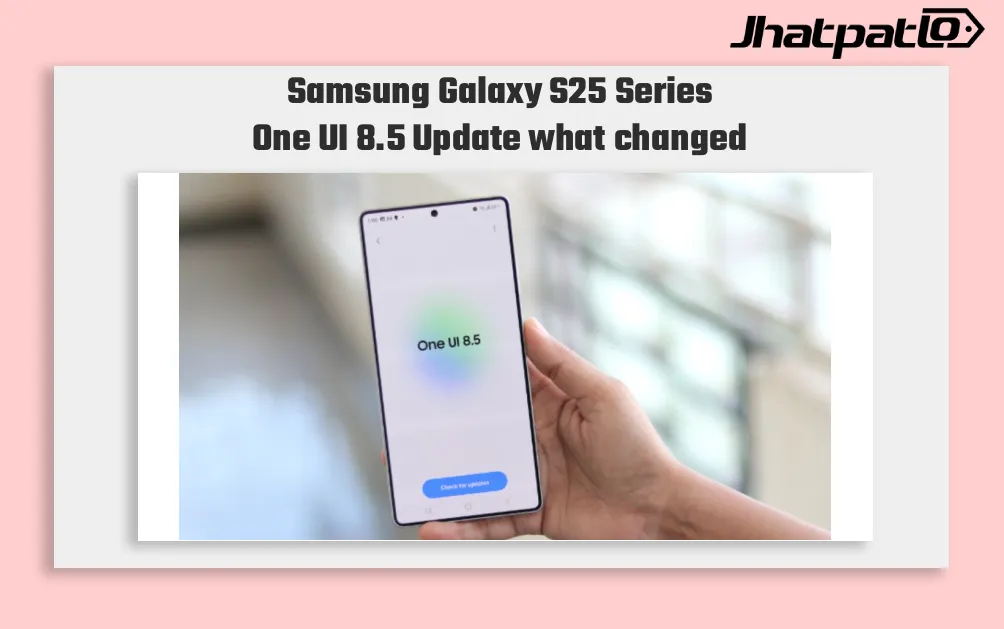
Samsung Galaxy S25 Series One UI 8.5 Update could start rolling out April 30
Samsung Galaxy S25 Series One UI 8.5 Update on April 30 Samsung may have given Galaxy S25 series owners a clearer timeline for the One UI 8.5 stable update, though the schedule is still not official. A screenshot shared on X suggests the rollout could begin in Korea on April 30, with a wider...

Samsung Galaxy S26 Series Launches with Regional Pricing Across Markets
Samsung Galaxy S26 Series Price in India US UAE and Other Regions Samsung unveiled the Galaxy S26 series during Galaxy Unpacked February 2026 in San Francisco, California. The lineup includes the Galaxy S26 Ultra, Galaxy S26 Plus, and Galaxy S26. The phones are currently on pre-order in India...

Samsung Galaxy A06, A56 and F17 Prices Tipped to Rise in India From April 10
Samsung Galaxy A, F series price hike tipped Samsung is said to be revising prices of several Galaxy A and F series smartphones in India from April 10, according to a leaked product price revision document shared by tipster Abhishek Yadav. The report names the Galaxy A06, Galaxy A07, Galaxy A...