


Google Pixel Private Space bug exposes hidden apps after theme switch
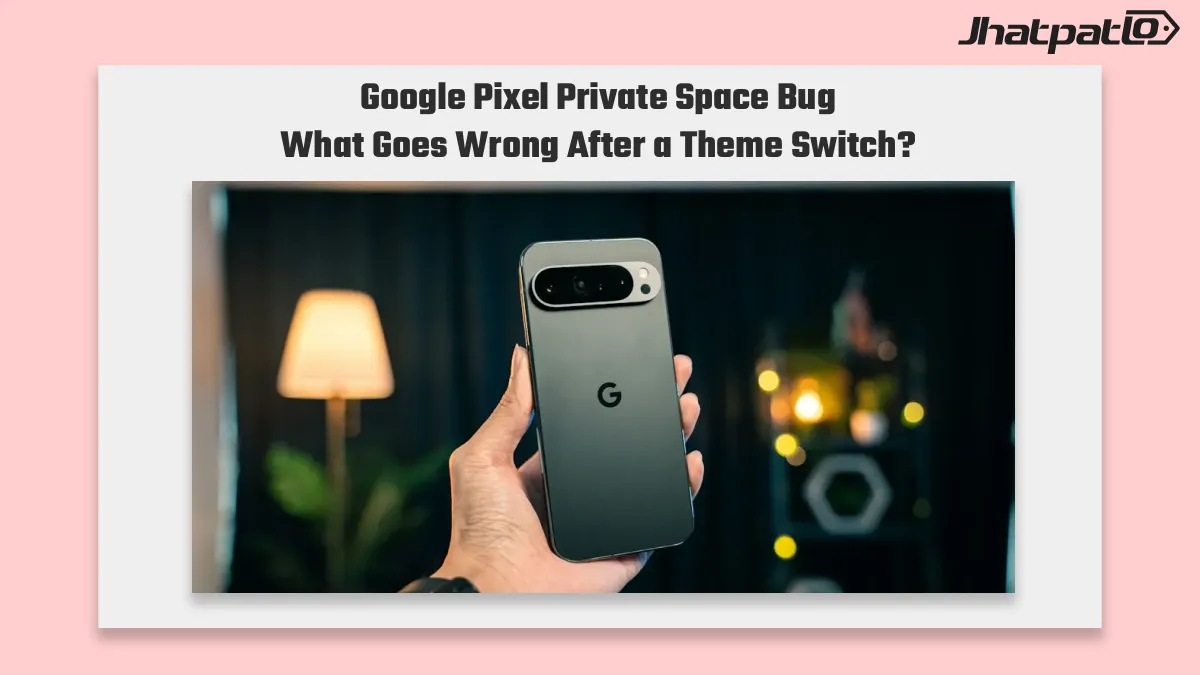
Google Pixel Private Space bug reports now show the hidden app drawer can reappear when users toggle between light and dark mode. The issue has survived the November Android 17 QPR2 update, which leaves Pixel owners relying on Private Space with a privacy flaw Google still hasn’t closed.
News Highlights
- The bug affects Pixel phones using Private Space, where hidden apps can become visible again after switching between light and dark themes.
- It is not limited to manual theme changes, since automatic light and dark mode switching can also trigger the issue on some devices.
- Reports mention Pixel 9, Pixel 10, Pixel 10 Pro, and a reproduced Pixel 8 case, suggesting the problem is not isolated to one model.
- Google has acknowledged the issue in Issue Tracker, but the latest update still points to the development team rather than a shipped fix.
Pixel dark mode bug still shows Private Space in the app drawer
The private space bug on Google Pixel phones is drawing attention because it affects a feature meant to keep sensitive apps out of sight. Google Pixel Private Space bug Reports say the hidden app drawer can reappear after users switch between light mode and dark mode, which means apps that were supposed to stay tucked away may briefly show up again.
This does not seem limited to people changing themes by hand. Google Pixel Private Space bug Phones set to switch modes automatically can trigger the same behavior on their own, which makes the issue more unpredictable. For anyone using Private Space to separate private apps from the main app list, that matters a lot.
Reports from Pixel 9, Pixel 10, and Pixel 10 Pro owners suggest the problem is not tied to a single phone. The range of affected devices makes the bug more than a one-off glitch, especially since it involves a privacy feature people likely expect to work consistently.
The timing also raises concerns. The issue is still present after the November Android 17 QPR2 update, so the update did not close the gap. That leaves Pixel users with a feature that can fail in a way that is visible and easy to notice, even if only for a moment.
Google Issue Tracker says the Private Space fix is still pending
Google has acknowledged the bug in an Issue Tracker report, which confirms the company is aware of it. But the latest response appears to be a standard handoff to the development team, not a sign that a fix is ready. That leaves the situation unresolved for now.
There is also a reproduced Pixel 8 dark mode glitch, which strengthens the case that this is a real software issue rather than a user mistake. When the same behavior can be reproduced across more than one device family, it becomes harder to treat it as a rare edge case.
For users, the problem is less about a visual quirk and more about trust. Private Space is meant to hide sensitive apps from casual view, and a theme switch should not interrupt that expectation. If the hidden drawer can reappear during normal use, the privacy model feels weaker than it should.
At the moment, the practical takeaway is simple: Pixel owners who rely on Private Space may want to be aware of the bug until Google ships a fix. There is no indication in the available report that the company has closed the issue yet, so the risk remains open.
For now, the bug sits in an awkward place between convenience and privacy. It is not the kind of issue most users would notice immediately, but it affects something important enough that it should not stay unresolved for long.

Related Products




Android 17 QPR2 Beta 5 rollout Adds Audio Streams And UI Fixes
Android 17 QPR2 Beta 5 is now rolling out to Pixel 6a and newer devices with build CP41.260828.005.A6. The update is less about big new features and more about tightening the beta ahead of December, with a focus on stability, Bluetooth reliability, and cleaner Pixel UI behavior for enrolle...

Android 17 Beta 3 Brings App Bubbles to All Apps on Pixel Phones
Android 17 Beta 3 rolls out to eligible Pixel phones Google has shipped Android 17 Beta 3 to eligible Pixel phones, with the new build focused on bug fixes, Pixel UI refinements and a small set of feature changes. The update brings Bubbles support for every app, a redesigned screen record...
Android 17 QPR3 Beta 1 Brings Pixel Fixes and Notes Tile
Android 17 QPR3 Beta 1 is now available first for Pixel phones, and the biggest story is not a flashy redesign. Google says the update fixes 20 issues, adds a Notes tile on Pixel 11 hardware, and gives Pixel users an early look at the next round of software cleanup. That matters because t...

Android 17 Beta 4 Rolls Out to Pixel Devices Ahead of Stable Release
Android 17 Beta 4 begins reaching Pixel phones Google has started rolling out Android 17 Beta 4 Rolls Out for Pixel as the final scheduled beta in the release cycle. The update is aimed at refining performance, stability and user experience before the stable public rollout expected in the nex...

Pixel 11 Leak Reveals Pixel Glow LED and Possible Thermometer Removal
A Pixel 11 leak from the Mystic Leaks Telegram channel points to a notable design shift in Google’s upcoming flagship phone lineup. The report says Google may remove the thermometer sensor from Pro models and replace it with a new RGB LED system called Pixel Glow, alongside Tensor G6 chip u...