


Google Play Store Adds Wake-Lock Labels Flagging Battery-Draining Apps
Overview
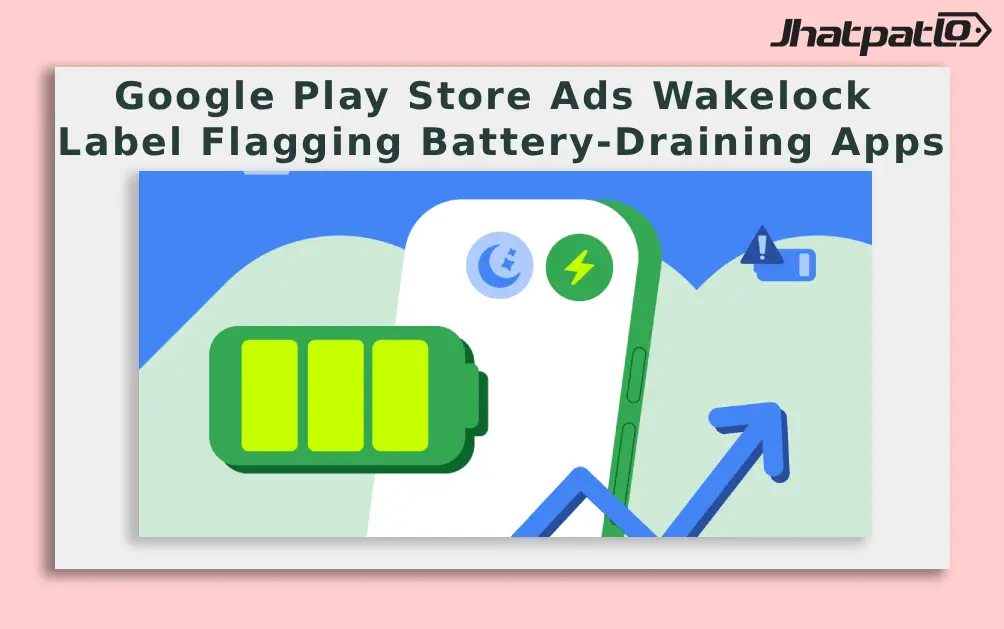
Google has announced that the Play Store will begin displaying wake-lock warning labels on Android apps that drain battery life. The labels are part of a broader set of technical quality treatments designed to curb excessive background activity. The rollout started on March 1 and will be gradually expanded to impacted apps over the coming weeks. Officials said apps that consistently exceed the stated threshold will face notable changes in how they appear in the store, including removal from certain discovery surfaces like recommendations.
The changes come as Google seeks to address battery drain linked to Android’s partial wake lock mechanism. Partial wake locks allow an app to keep the device CPU active when the screen is off, a once-useful capability that can drive higher power consumption if not managed carefully. In the company’s own terms, the threshold for what they call a bad behavior is when more than 5 percent of user sessions in the past 28 days show sustained wake-lock activity.
What Google announced and how it works
In a recent blog post, Google said the Play Store started rolling out wake-lock technical quality treatments to curb battery drain. The plan is to reach affected apps over the following weeks, with warnings emitted for those that exceed the Excessive Partial Wake Lock threshold in Android vitals. If an app crosses the threshold, it will be listed in the Play Store with a warning and will be excluded from discovery surfaces such as recommendations. The company shared an image illustrating the warning text used in the Play Store, which reads: This app may use more battery than expected due to high background activity.
Details of the wake-lock policy and user impact
Partial wake locks let an app keep the CPU running even when the screen is off. Google notes that the practice can lead to higher battery consumption, which is why it has defined a threshold to distinguish acceptable from problematic behavior. Specifically, an app is considered to exhibit bad behavior when it keeps a partial wake lock active for an average of two hours or more while the screen is off in more than 5 percent of user sessions during the past 28 days. The company also acknowledged that Android does allow wake locks in certain cases where there are clear user benefits and the behavior cannot be optimised further, such as for audio playback, location services, or ongoing data transfers started by a user.
- Threshold: wake lock active for an average of two hours or more while the screen is off, in over 5% of sessions in the last 28 days.
-
-
: these apps will be excluded from discovery surfaces, including recommendations. -
-
-
: Google offered several solutions for reducing wake-lock usage in use cases such as background syncing, location tracking, sensor monitoring, and network communication. -
: Whoop has begun addressing the issue by applying Google's recommendations to optimise background behavior.
Context and next steps
Officials described the changes as an effort to balance app functionality with battery efficiency. The rollout will continue in the coming weeks as more apps are evaluated under the wake-lock labeling program. Google’s guidance emphasises minimizing unnecessary wake-lock usage while preserving legitimate background tasks. As the program expands, users may encounter warnings on affected apps, and those apps may be less likely to appear in discovery surfaces until they address the underlying issues. For developers, the blog post outlines practical approaches to reduce wake-lock usage in common background tasks, a step that has already seen some implementation from affected apps.
In summary, Google is enforcing more visible battery-impact warnings and adjusting app discovery for those that rely heavily on background CPU activity. The company plans further updates as the rollout progresses and more apps are assessed against the wake-lock threshold.
Related Products


Wear OS 7 Adds Live Updates and Smarter Widgets for Android Watches
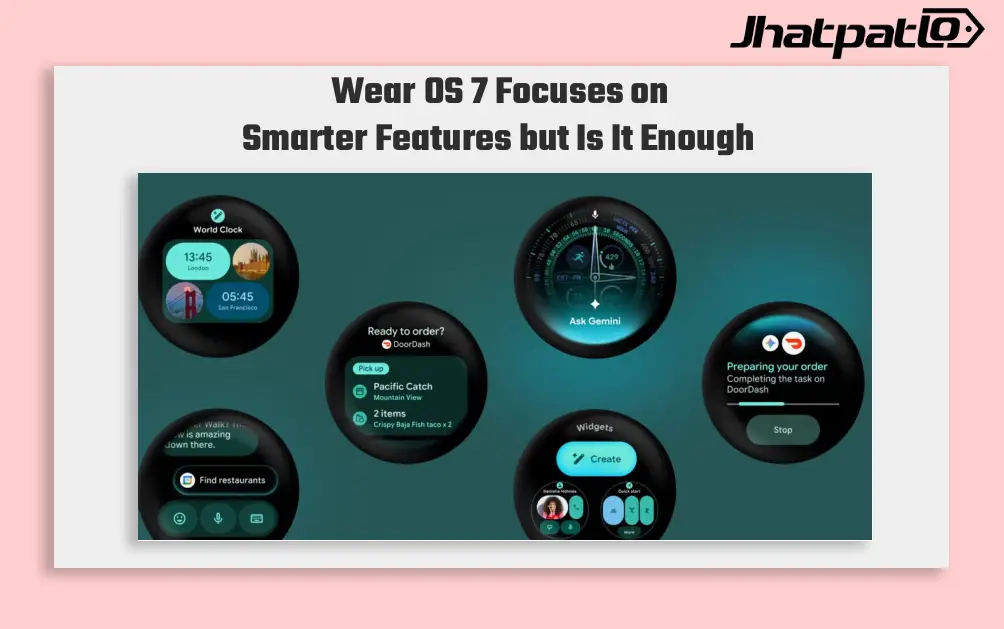
Wear OS 7 focuses on everyday smartwatch use Google used I/O 2026 to present Wear OS 7 as a usability update rather than a routine redesign. The update brings Live Updates, redesigned Wear Widgets, Gemini-linked voice actions and up to 10 percent better battery life, with the changes aimed at...
Android 17 Beta 3 Reportedly Adds Notification Rules for Apps and Contacts
Android 17 Beta 3 references Notification Rules feature Google is said to be working on a new notification control system for Android 17, with references to a feature called Notification Rules spotted in Beta 3. According to a report, the feature could give users more detailed control over al...
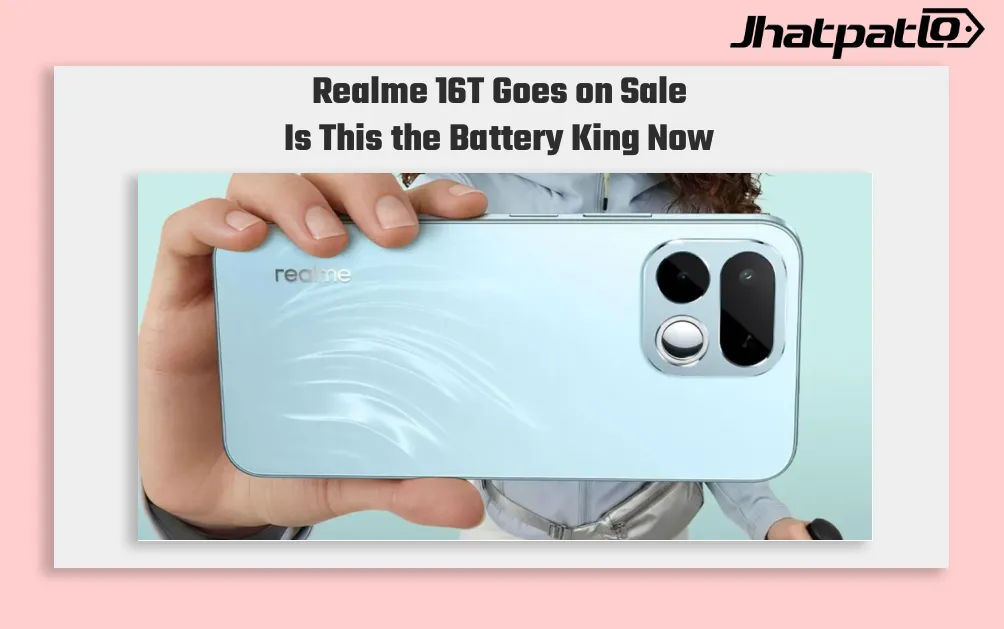
Realme 16T Sale Starts in India With 8000mAh Battery and Rs 29,999 Price
Realme 16T Goes on Sale in India Realme 16T has gone on sale in India starting at Rs 29,999, with the phone’s 8,000mAh battery becoming its main selling point. The device enters the mid-range market with a clear focus on endurance, while the MediaTek Dimensity 6300 chipset leaves a visible tr...

Google Pixel Freezes on Lock Screen After March 2026 Update
March Update Caused Freezing Problems Earlier this month, Google released the March 2026 version drop for the Pixel. This latest update included new features like Circle to Search and newly expanded Magic Cue restaurant recommendations; however, many users also report a third wave of new so...

Pixel Watch phone unlock leak points to PIN-free wrist access
Pixel Watch phone unlock has shown up in Google code tied to the Connected Phone & Watch app, pointing to a possible setup where a paired Pixel Watch could wake up automatically when the connected Pixel phone is already unlocked. If it ships, the change would reduce repeated PIN prompt...

Realme Launches Buds Air8 Pro and Watch S5 on May 22
Realme widens its ecosystem push Realme Buds Air8 Pro and Watch S5 Launch in India on May 22, alongside the Realme 16T. The new products place the company’s focus on affordable ecosystem devices, with features such as 55dB adaptive ANC in the earbuds and a claimed 20-day battery life for the...