


Motorola Edge 70 Pro vs Nothing Phone (4a) Pro software comparison feels close, but the details matter
 Pro software.jpeg)
If you’ve been eyeing a clean Android phone in the sub-Rs 40,000 range, this is exactly where things get a little tricky. The Motorola Edge 70 Pro vs Nothing Phone (4a) Pro software comparison looks simple at first: both phones promise a near-stock feel, both avoid the heavy, messy Android skins that many people quietly dislike, and both clearly want to appeal to users who care about style as much as usability. But once you spend time with them, the difference starts showing in small, meaningful ways.
That’s the part people often miss. A “clean” interface doesn’t automatically mean the same thing on every phone. One brand can give you a calm, polished experience with a few smart extras, while another can go even more minimal and still feel more intentional. So, when you’re choosing between these two, the real question isn’t just which one is cleaner. It’s which one feels better to live with every day.
Quick Highlights
- Nothing Phone (4a) Pro is cleaner out of the box.
- Motorola Edge 70 Pro offers more customization and AI tools.
- Both run Android 16 with three major OS upgrades.
- Motorola has more pre-installed apps and a few extra distractions.
- Nothing keeps the UI simpler, but it’s also less flexible.
Here’s the thing: both phones are very good at making Android feel less noisy. But they don’t take the same route. Motorola leans toward useful extras, gestures, and AI-driven features. Nothing stays more stripped back, more visual, and honestly a bit more self-aware in its design. If you like your phone to disappear into the background, that matters. If you like your phone to actively help you, that matters too.
Software version: same Android base, different personality
Both the Motorola Edge 70 Pro and the Nothing Phone (4a) Pro run on Android 16 out of the box. That already puts them in a strong position, because the core Android experience is modern, current, and familiar. But the custom layer on top changes the feel quite a bit.
Motorola uses Hello UI, while Nothing runs Nothing OS 4.1. Both were tested on the April 2026 security patch, so they’re current in the way that really counts. Still, the skins don’t behave the same. Hello UI tries to remain close to stock Android, but it adds a little more functional weight. Nothing OS, on the other hand, is trying to build a complete identity around minimalism.
That difference shows up quickly once you start using the phones. Motorola feels familiar in a “let’s not mess this up” kind of way. Nothing feels more designed. Not just tuned, but designed.
Pre-installed apps: the clean phone is the one you notice less
This is where the gap starts becoming obvious. The Motorola Edge 70 Pro comes with 47 pre-installed apps, including seven third-party apps. That’s not outrageous for this segment, but it’s definitely not the cleanest package either. Nothing Phone (4a) Pro keeps things tighter at around 30 apps, with just two third-party additions.
And yes, that matters. Because pre-installed apps aren’t just about storage, even though that’s part of it. They change the feeling of setup. They change how quickly you can get to the apps you actually want. They also tell you how aggressively a brand wants to monetize the device after sale.
Motorola’s bundle is still fairly restrained compared to some other Android makers, but the Indus Appstore stands out as the odd one. It feels unnecessary when Google Play Store is already there, and since it can’t be removed, it’s the kind of thing you notice more than you’d like. Nothing’s setup feels lighter, simpler, and less eager to crowd your phone.
If your ideal phone is one where you finish setup and immediately feel calm, Nothing wins this round without much drama.
Software longevity and support: close, but not identical
Support policies are one of those things people often ignore until they’re trying to sell the phone or use it for a few years longer than expected. Both phones promise three major Android OS upgrades, which is decent, though not class-leading in today’s market.
Motorola gives the Edge 70 Pro five years of security updates, while Nothing extends the Phone (4a) Pro to six years of security updates. In simple terms, that means Nothing lasts a year longer on paper. Motorola’s support window stretches to 2031, while Nothing pushes to 2032.
Now, is that difference massive? Not really. For many buyers, one extra year won’t change the decision by itself. But it does give Nothing a small edge if you’re thinking long term and want the phone to stay secure a little longer before it starts feeling old.
| Smartphone | Pre-installed apps | OS updates | Security updates |
|---|---|---|---|
| Motorola Edge 70 Pro 5G | 47 | 3 years | 5 years |
| Nothing Phone (4a) Pro | 30 | 3 years | 6 years |
User interface and everyday feel: this is where the phones really split
On the surface, both phones are trying to please the same kind of buyer: someone who wants a clean Android experience without all the clutter. But the actual User Interface and daily feel are different enough that you’ll probably form a preference pretty quickly.
Motorola’s Hello UI keeps close to near-stock Android. It uses subtle changes in animations, wallpapers, system behavior, and app styling, while still preserving the basics that make Android feel easy to use. The quick settings panel leans into Material 3 expressive design, but not in a flashy Pixel-like way. It’s restrained. Pleasant, even. But not especially bold.
That said, Motorola does bring some baggage. You’ll see app recommendations in the app drawer and game folders, and there’s also Glance, the lock screen content layer that throws news, sports, shopping trends, and other stuff at you. Some people won’t mind. Others will find it annoying almost immediately. Sure, you can disable it, but there’s still something mildly irritating about having to turn off clutter on a phone that’s supposed to be known for clean software.
Nothing takes a more consistent design-first approach. Nothing OS leans hard into the monochrome, dot-matrix aesthetic, and it feels distinctive without trying too hard. That’s rare. A lot of Android skins want to feel different, but end up feeling busy. Nothing mostly avoids that trap.
The phone also lets you switch to colored, stock-style icons if the monochrome look feels too strict. That’s a nice touch. But there’s one catch: third-party apps don’t follow the monochrome treatment automatically, which means visual consistency breaks unless you install the Nothing Icon Pack separately. A little odd, honestly. The design promise is strong, but you do sometimes have to help it along.
Still, Nothing’s UI has a polish that stands out. It feels quiet. Not empty, just quiet. And in a world where many Android phones seem desperate to keep your attention, that’s refreshing.
Customization: Motorola gives you more room to play
If you like to tweak your phone, Motorola probably has the edge here. It offers more options for lock screen clock styles, home screen grid layouts, custom font styles, and shortcuts. Nothing keeps things simpler and more rigid by design, which fits the brand, but doesn’t leave a lot of room for personal expression.
That doesn’t mean Nothing is uncustomizable. It just means the brand wants you to live inside its visual language instead of building your own. Motorola is the more flexible one. Not wildly flexible, but enough to matter if you care about a phone feeling a little more like yours.
There’s a trade-off, though. More customization can sometimes lead to a messier experience. Motorola gives you choices, but Nothing gives you clarity. Depending on your personality, one of those will feel like freedom and the other will feel like friction.
- Motorola: more clocks, more shortcuts, more layout control
- Nothing: cleaner look, fewer distractions, stronger identity
- Best for tinkerers: Motorola
- Best for minimalists: Nothing
AI features: Motorola goes broader, Nothing stays focused
In 2026, AI is basically built into the phone experience whether you care about it or not. Both devices use it for smart suggestions, contextual widgets, photo editing tools like object eraser and reflection remover, and Google Gemini support. So the basics are covered on both sides.
But Motorola pushes harder. Its Moto AI suite is more ambitious and more feature-rich. The company frames it around “Assist, Capture, and Create,” which sounds a bit like marketing until you actually look at what it does. It can summarize notifications and chats, create a digital memory from screenshots and photos, generate wallpapers from text prompts, transcribe text, and even curate playlists. There’s also a dedicated Moto AI app with a Remember this feature for saving screenshots, voice memos, and similar information.
That’s a lot. Maybe too much for some people, but definitely impressive if you like AI tools that feel built into the phone rather than bolted on.
Nothing’s approach is narrower. Essential Space is the standout feature, and it’s genuinely useful. It gathers screenshots, notes, voice memos, and other bits of information into one place, then lets AI summarize them. That’s helpful when you’re trying to remember something later without digging through a mess of apps and files. It’s not as broad as Moto AI, but it does one job very well.
So, the difference is pretty clear. Motorola gives you more AI toys. Nothing gives you a more focused AI tool that doesn’t get in the way. One is broader. The other is calmer.
So which one actually makes more sense?
This is where the comparison gets interesting, because neither phone is bad at software. Not even close. Both are cleaner than many rivals in the sub-Rs 40,000 range, and both understand that people don’t want bloated Android skins anymore. But they optimize for different kinds of users.
Choose the Nothing Phone (4a) Pro if you want the cleanest, most distraction-free experience. It has fewer pre-installed apps, fewer annoying surprises, and a more deliberate visual identity. It’s the one that feels better if you value calm over convenience.
Choose the Motorola Edge 70 Pro if you want more customization, more gesture controls, and a wider AI toolkit. It’s the more feature-loaded choice, and for some buyers, that extra depth is exactly what makes it appealing.
The funny thing is, both brands are chasing the same idea in different ways: software that doesn’t get in your face. But one of them keeps the experience cleaner, while the other gives you more to do. That’s not a small difference. That’s the whole personality of the phone.
At the end of the day, the Motorola Edge 70 Pro vs Nothing Phone (4a) Pro software comparison comes down to your tolerance for extras. Do you want your phone to stay quietly out of the way, or do you want it to give you more tools to use? If you’ve used either kind of Android skin before, you probably already know which answer feels more natural to you.
And maybe that’s the real takeaway here. Clean software isn’t just about fewer apps. It’s about how a phone makes you feel every time you unlock it. Which one would you actually want to live with for the next few years?
Related Products


Motorola Edge 70 Pro+ Geekbench Listing Reveals Dimensity 8400 Before India Launch
Motorola Edge 70 Pro+ Leak Puts Chipset Choice in Focus A Geekbench listing for the Motorola Edge 70 Pro+ has surfaced ahead of the June 4 India launch, showing the phone with a MediaTek Dimensity 8400 chipset, 12GB RAM and Android 16. The leak has drawn attention because the Pro+ appears to...
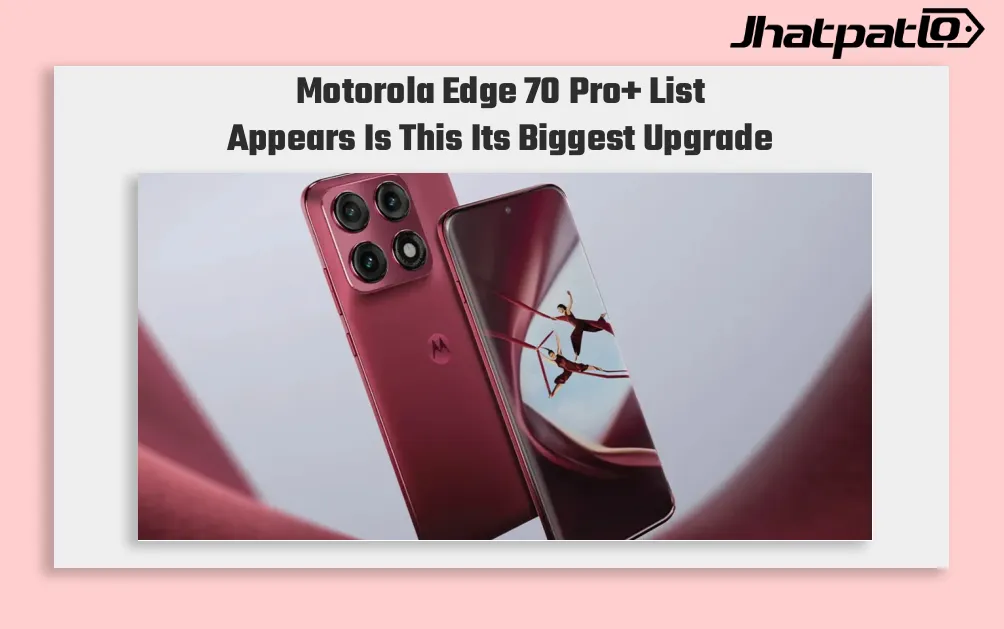
Motorola Edge 70 Pro+ Brings 6500mAh Battery Ahead of India Launch
Motorola Edge 70 Pro+ list appears with battery and camera focus Motorola’s upcoming Edge 70 Pro+ is set for an India launch on June 4, and the reported listing points to a 6,500mAh silicon-carbon battery, triple 50MP cameras, and a periscope zoom lens. The phone is also said to run Android 16 o...
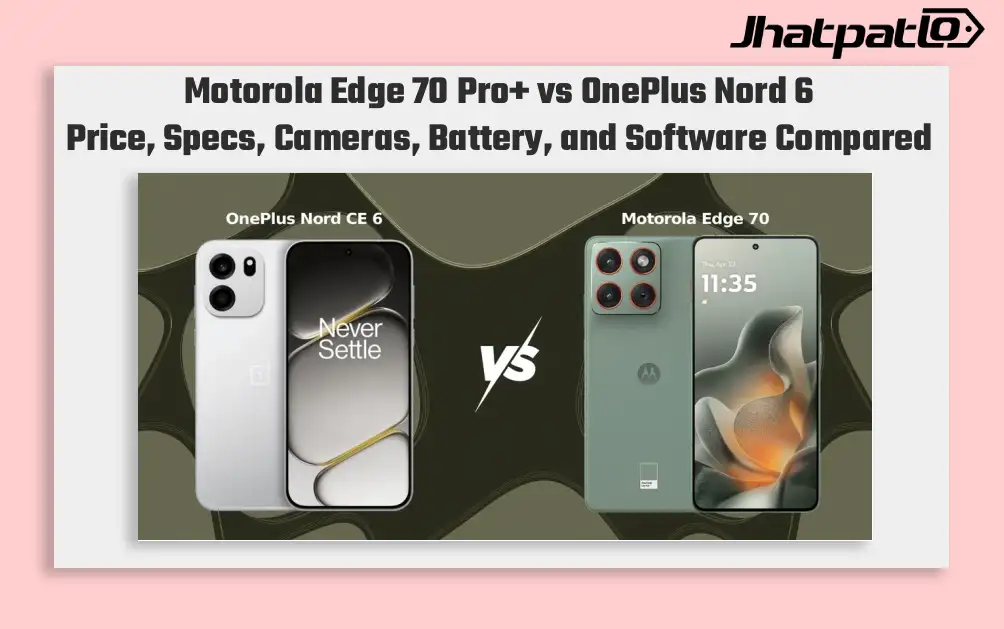
Motorola Edge 70 Pro Plus vs OnePlus Nord 6: Cameras or Battery Life?
The premium mid-range in India has a clear split here. Motorola Edge 70 Pro+ focuses on triple 50MP cameras and a periscope lens, while OnePlus Nord 6 puts a 9,000mAh battery and faster support cycle front and center. If you are comparing phones in the Rs 43,000 to Rs 48,000 range, the differences a...
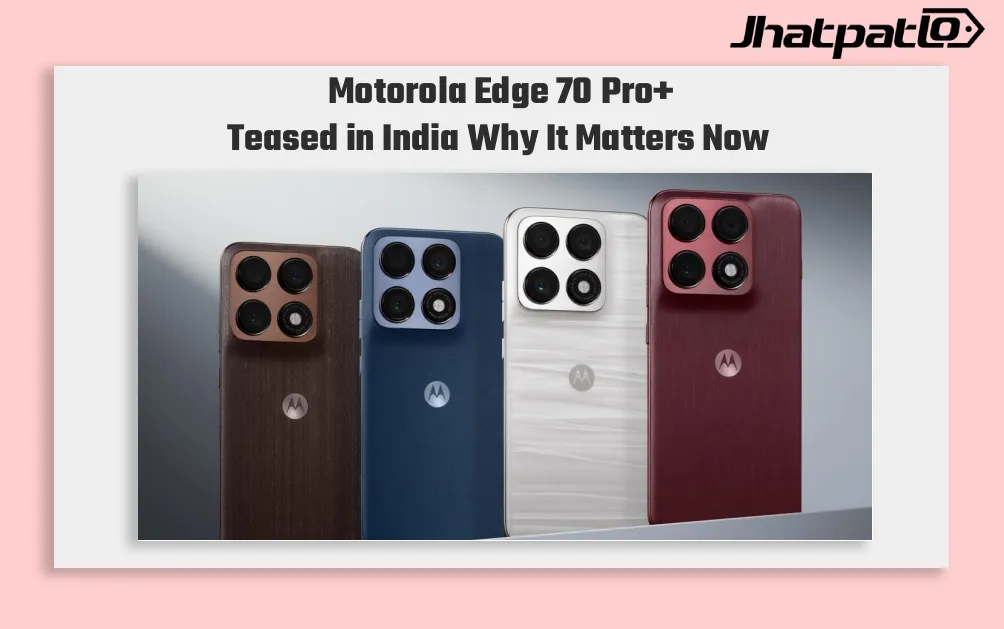
Motorola Edge 70 Pro+ Teased in India With Triple Camera and Textured Finishes
Motorola Edge 70 Pro+ teaser goes live on Flipkart Motorola Edge 70 Pro+ Teased in India through a Flipkart page even before a formal announcement from the company. The listing points to a launch coming within weeks of the standard Motorola Edge 70 Pro, while also showing triple rear cameras,...
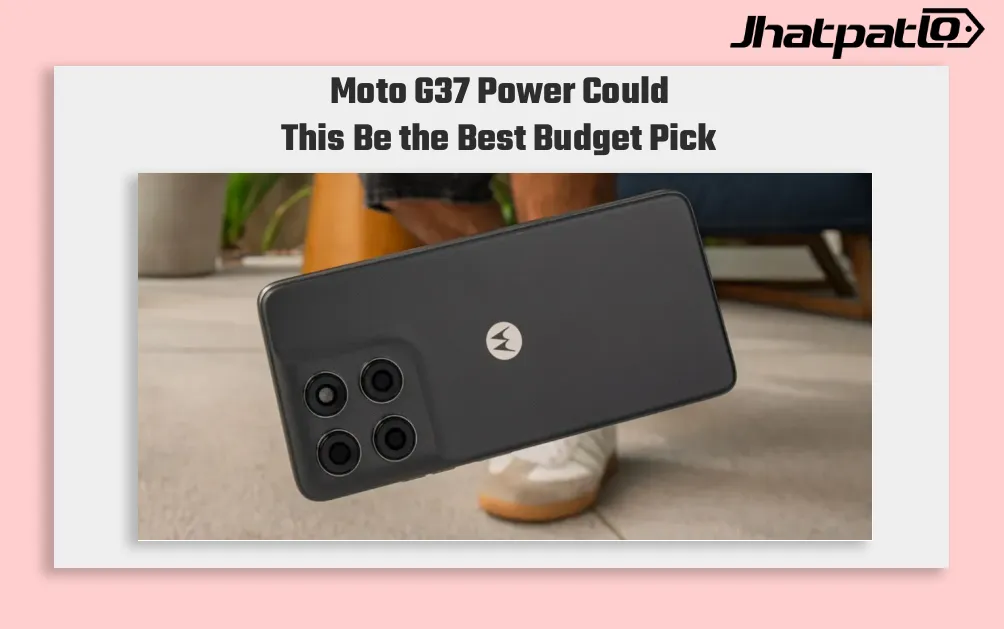
Moto G37 Power Launches in India With 7000mAh Battery and Dimensity 6400
Moto G37 Power arrives with battery first focus Moto G37 Power Launch in India, putting a 7,000mAh battery at the center of its latest budget phone push. The device starts at Rs 14,999 and will go on sale from May 25 through Flipkart. The phone runs on the MediaTek Dimensity 6400 chipset and sh...
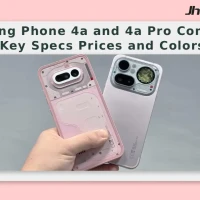
Nothing Phone 4a and 4a Pro Compare Key Specs Prices and Colors
Pricing, storage and colour options Nothing is launching the Phone 4a and Phone 4a Pro with notable hardware upgrades and a refreshed design, with sales slated to begin on March 13. The company indicated a price rise compared with the previous generation, attributing part of the increase...