


iOS 27 Developer Beta 5 Adds Liquid Glass Icons and Siri Controls
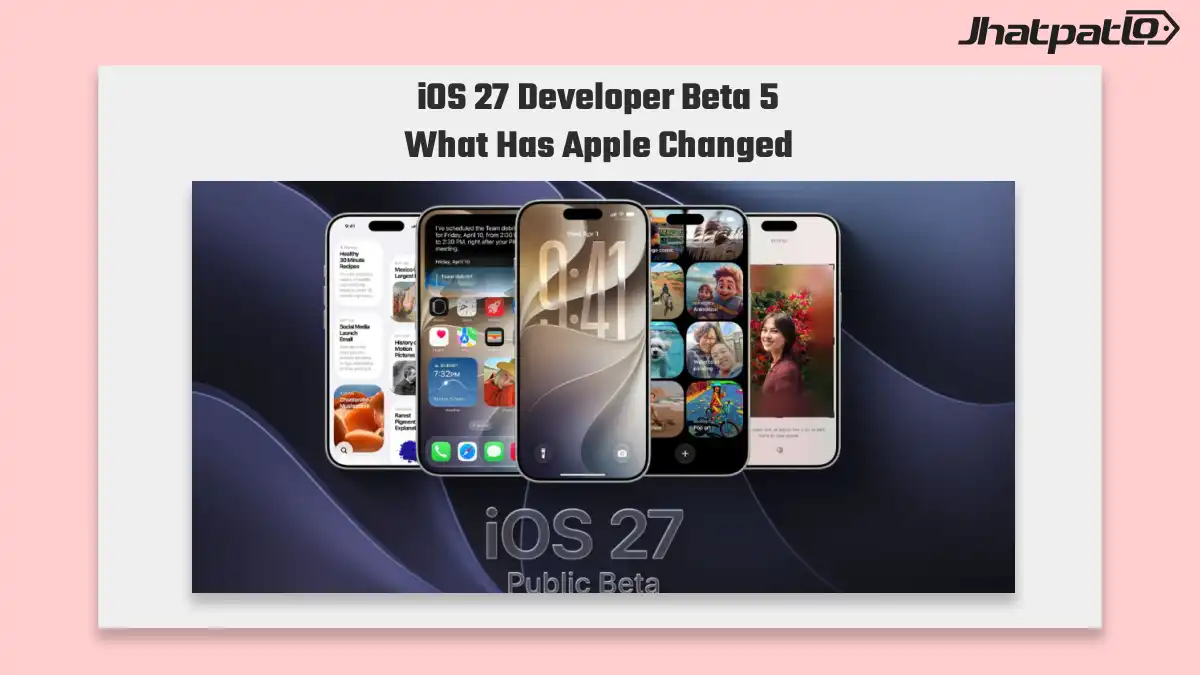
iOS 27 Developer Beta 5 is now available, and the biggest changes are easy to spot right away: refreshed Liquid Glass icons, smoother Siri voice control tuning, and new system app updates. Apple is also limiting the developer beta to supported iPhones starting with iPhone 11 and iPhone SE 2, which makes the installation process most relevant for enrolled developers on newer hardware.
Safari App Icon Redesign Arrives With Updated System Apps
Apple continues the interface reset in iOS 27 Developer Beta 5 by updating several built-in apps. The most noticeable change is a new Safari app icon redesign, which joins updated icons for Siri, Preview, App Store, Remote and Settings. Together, these changes make the beta feel more complete as a visual update, not just a small tune-up.
For developers and testers, this matters because icon changes often signal how far a design language is being pushed across the system. In this case, the Liquid Glass icons approach is showing up beyond one or two places, which gives the beta more value as a checkpoint for app compatibility and visual consistency.
Early testers are also describing the build as steadier than earlier betas, though that kind of feedback can vary from device to device. Even so, it is useful for people checking how their apps look and behave ahead of the public iOS 27 rollout.
Battery Settings Warning and Supported iPhone Models for Beta 5
Beyond the visual changes, iOS 27 Developer Beta 5 adds a battery settings warning for weak cellular conditions. Apple has also included more detailed software information inside About, which should help with troubleshooting during testing. These are smaller changes, but they are the kind that matter when a beta is being used for real device checks and not just casual previewing.
The supported iPhone models list is also important here. Apple is limiting the developer beta to iPhone 11 and iPhone SE 2 onward, so older models are not included. That means the developer beta installation steps still matter most for enrolled accounts using newer hardware.
- Supported from iPhone 11 onward
- Includes iPhone SE 2 and newer
- Not available on older unsupported models
If you are testing apps, this device limit helps narrow down where to focus. It also means developers should confirm their hardware before attempting installation, since beta access depends on both enrollment and model support.
For now, iOS 27 Developer Beta 5 looks less like a dramatic rewrite and more like a refinement build. The combination of Liquid Glass icons, Siri controls, a Safari redesign, and practical battery and software info updates suggests Apple is still shaping the system before the public release. For anyone tracking iOS 27 closely, this beta gives a clearer view of where the design and testing priorities are heading.

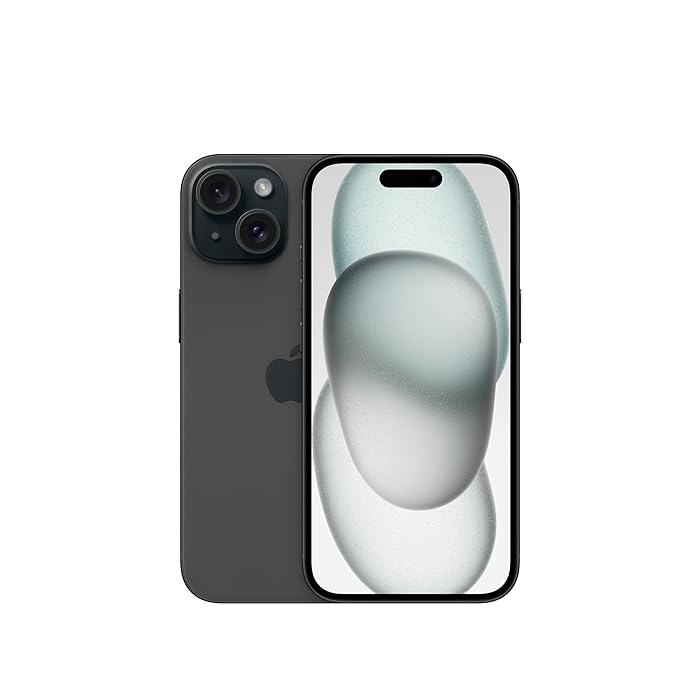
Related Products


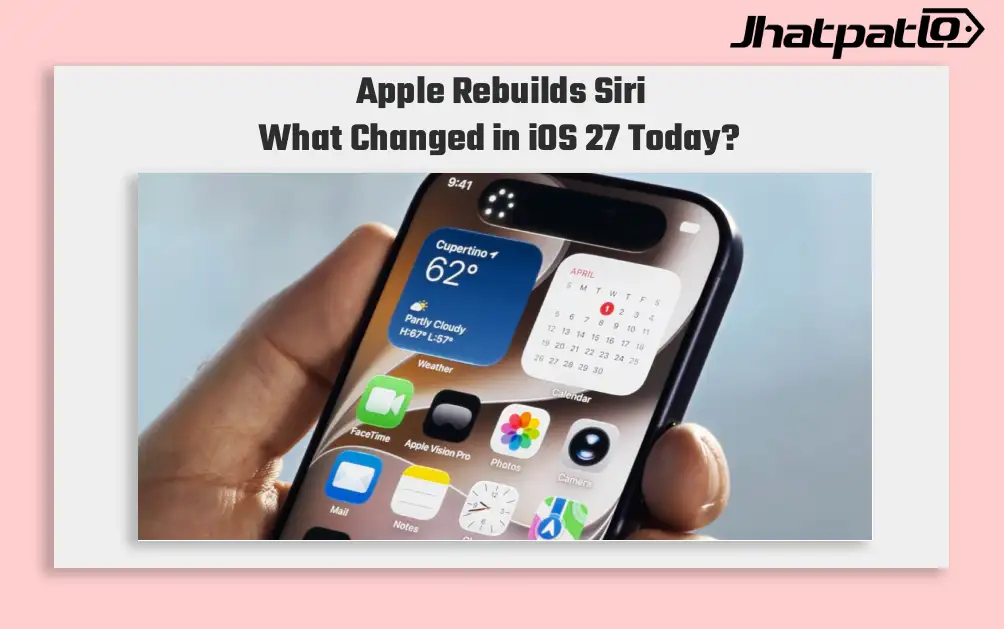
iOS 27 Adds Liquid Glass Controls and Faster App Launches
Apple’s iOS 27 update focuses on refinement, not a full redesign. The software brings Liquid Glass opacity controls, faster app launches, and a rebuilt Siri, while some AI features remain limited to iPhone 15 Pro and newer. Developer beta access starts first, public betas follow in July, and the...
iOS 27 Beta 7 update brings faster Camera launch and Siri AI intro
iOS 27 Beta 7 is now rolling out, and Apple appears to be focusing on cleanup before the stable release. The update speeds up Camera app launch, adds a new Siri AI splash intro, and fixes a few everyday bugs that testers have been seeing. Some issues are still lingering, though, so this be...
Apple iOS 26.4 Beta Signals Siri Upgrades and Emoji Additions
Beta timeline and expected features Apple is preparing to roll out iOS 26.4, with the first developer beta planned for the week of February 23, according to Bloomberg journalist Mark Gurman. If testing stays on track, additional builds would follow later this month or in early March, and...
Apple Plans iOS 27 Codebase Cleanup to Boost Battery Life
Apple To Change Codebase of iOS 27 For Battery Life Improvements Apple's iOS 27 will likely see an overhaul of the codebase, with the intention of enhancing battery performance, according to a Bloomberg report in the Power On newsletter; this is expected to be released in conjunction with the...
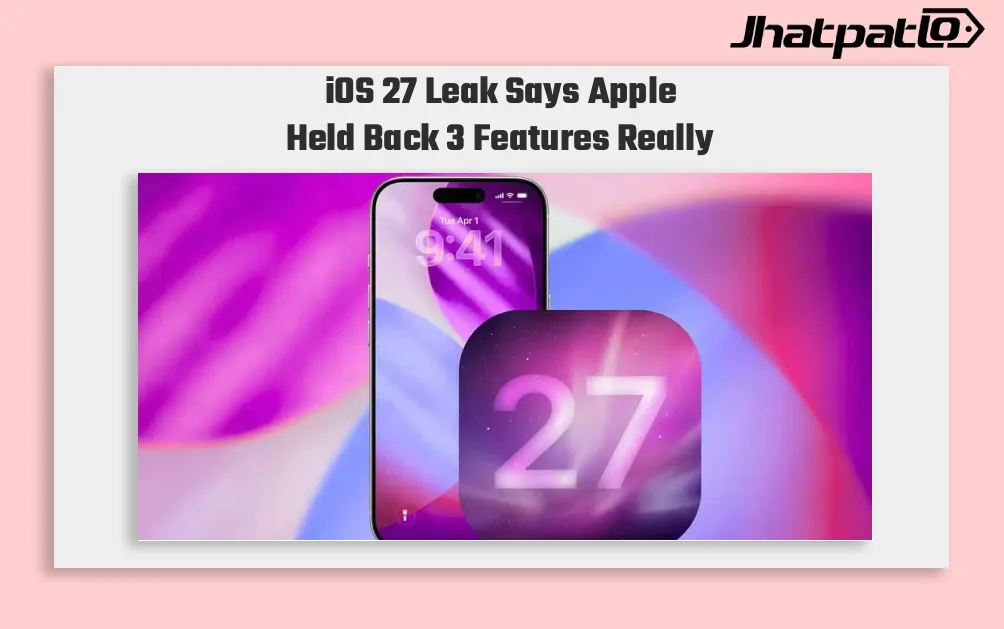
iOS 27 Leak Suggests Siri Chatbot Extensions and a New Camera App
Apple may still be holding back a few iOS 27 features that did not appear at WWDC 2026. Bloomberg says internal builds still include Siri chatbot extensions, a redesigned Camera app, and a modular Apple Watch Ultra face. That mix points to two clear priorities for Apple: deeper AI support in Sir...