


Motorola Edge 70 Android 17 update adds Hello UI features
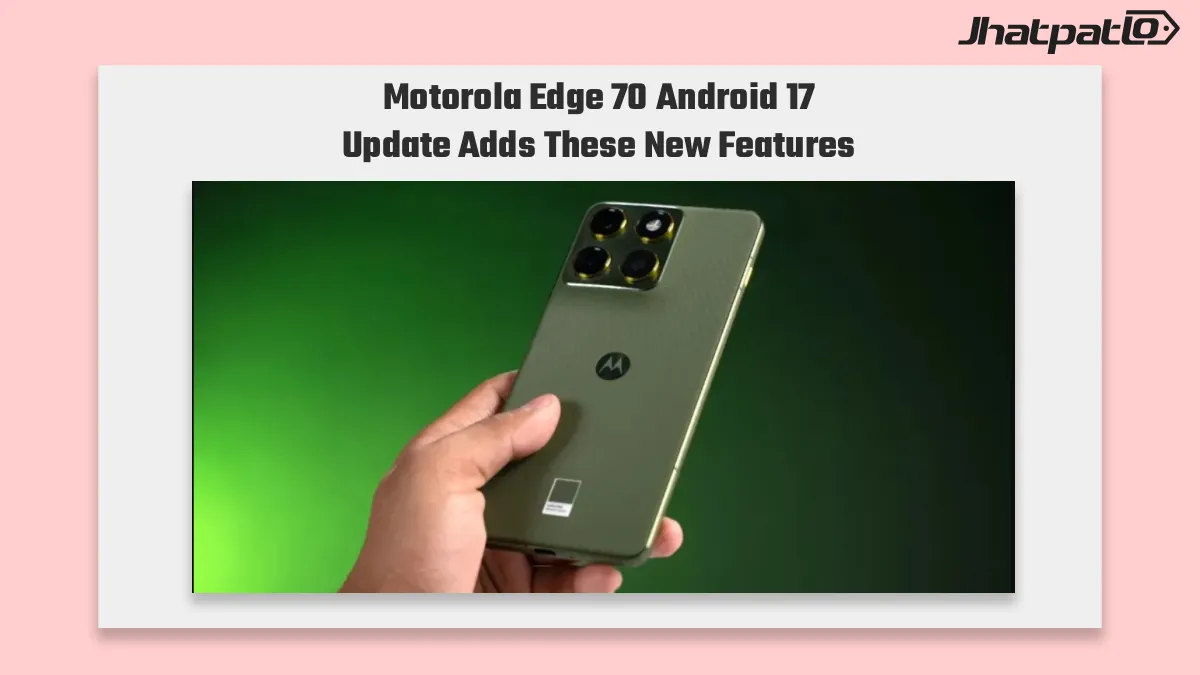
Motorola Edge 70 Android 17 update is now rolling out as a 4.3 GB stable build with A17WRH.35-10. It brings Hello UI changes that matter day to day, especially for users comparing Motorola’s Android 17 push with other mid-premium phones already getting faster feature drops.
The Motorola Edge 70 Android 17 update is set to bring new Hello UI features designed to refresh the phone’s interface and overall user experience. The update is expected to introduce visual changes, new customization options, and improvements to everyday interactions. For Edge 70 users, the Motorola Edge 70 Android 17 update could deliver a noticeable software upgrade alongside the latest Android features.
The update focuses on practical interface changes rather than a dramatic redesign. That includes widgets, icons, notification handling and a few display controls, with one notable omission still left out of the stable release.
What You Need to Know
- The Motorola Edge 70 is getting a stable Android 17 rollout, and the package size is 4.3 GB with build A17WRH.35-10.
- Hello UI brings stackable widgets, themed icons and the option to hide Quick Settings labels in Classic layout, which are the first visible changes most users will notice.
- The update also adds Live Updates, notification summaries and better sorting for low-priority alerts, aiming to make daily use less cluttered.
- Enhanced HDR brightness controls are included, but the depth effect lockscreen that appeared in beta is still missing from the stable version.
Motorola Edge 70 gets stackable widgets and themed icons in stable Hello UI
The stable Android 17 update for the Motorola Edge 70 is centered on Hello UI adjustments that make the phone feel more complete in everyday use. The changelog points to stackable home screen widgets, which should help users fit more information into less space without adding extra pages.
The update also adds themed icons support, so the home screen can look more unified when app icons match the overall system style. That is a small change on paper, but it is one of the details people tend to notice quickly after a major software update lands.
Motorola is also giving users the option to hide Quick Settings labels in Classic layout. For some people, that will make the interface cleaner and less crowded. It is a modest change, but it fits the general direction of Hello UI here, which seems to be about polish rather than reinvention.
In Motorola’s upper mid-range lineup, these visible tweaks are important because they shape how finished the Android 17 experience feels. The Edge 70 is not getting a flashy overhaul, but the update does add a more settled look and a few everyday conveniences.
Edge 70 Android 17 update adds Live Updates, smarter notifications and HDR controls
Beyond the home screen changes, Motorola is also adding several features aimed at reducing notification noise. Live Updates are part of the rollout, which should help users track things like deliveries and rides without digging through separate apps or constant refreshes.
The update also introduces notification summaries for busy chats. That can make a difference for people who deal with a lot of messages during the day, since it brings a quicker way to scan what matters without opening every thread.
Another change is smarter sorting for low-priority alerts. In practical terms, that means less important notifications should be handled in a way that keeps them from crowding the screen as much. It is a small adjustment, but these are the kinds of changes that usually have the biggest effect on daily use.
Motorola is also including enhanced HDR brightness controls. That should give users more control over how the display behaves in HDR content, although the outline does not add extra detail on how broad that control is or where it works best.
There is still one clear gap in the stable rollout: the depth effect lockscreen is missing. That feature was seen in beta, so its absence suggests Motorola is holding some visual extras back for now. For users expecting the full beta-style experience, that will stand out.
For now, the Motorola Edge 70 Android 17 update looks like a careful stable release rather than a dramatic feature drop. It brings useful Hello UI touches, better notification handling and a few display improvements, while leaving one beta feature out of the final package.

Related Products



Motorola Edge 70 Neo Geekbench Reveals Snapdragon 7s Gen 3 Specs
Motorola Edge 70 Neo has appeared on Geekbench, and the listing points to a 723 single-core score, a 2,943 multi-core score, 6GB RAM, and Android 16 on test hardware. The benchmark is one of the clearest signs yet that Motorola is moving ahead with its India launch plans, while the phone l...
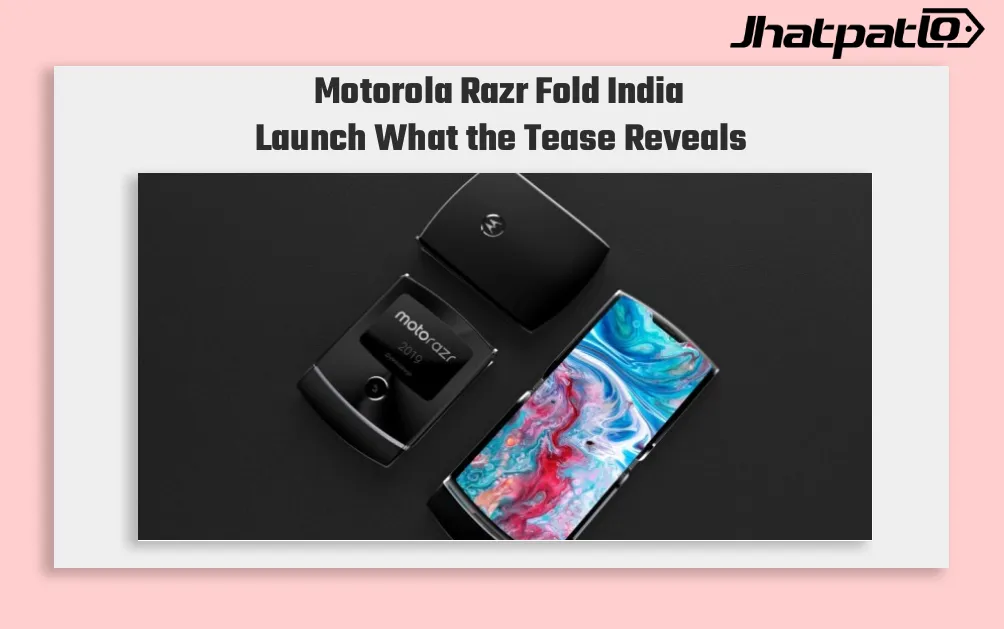
Motorola Razr Fold India Launch Teased With Snapdragon 8 Gen 5
Motorola has teased the Motorola Razr Fold India launch, signalling that its first book-style foldable is headed to the country soon. The device was earlier unveiled at MWC 2026, and the India teaser suggests Motorola is now preparing a wider rollout, though the exact launch date is still...

Motorola Edge 70 Pro Launches in India at Rs 38,999 with Dimensity 8500
Motorola Edge 70 Pro arrives in India Motorola Edge 70 Pro Launches in India, with pricing starting at Rs 38,999 for the 8GB RAM and 256GB storage variant. The new smartphone goes on sale exclusively through Flipkart from April 29, and the launch offer can bring the starting price down to Rs...

Motorola Cuts Edge 70 Fusion to Rs 24,999 Ahead of Flipkart Sale
Motorola discounts phones ahead of May 9 Flipkart saleMotorola has announced discounts across multiple smartphones as part of the Motorola Flipkart Sale ahead of Flipkart’s Sasa Lele Sale, which begins on May 9. The Edge 70 Fusion gets a Rs 2,000 cut, while the Edge 60 Pro drops to an effective pric...
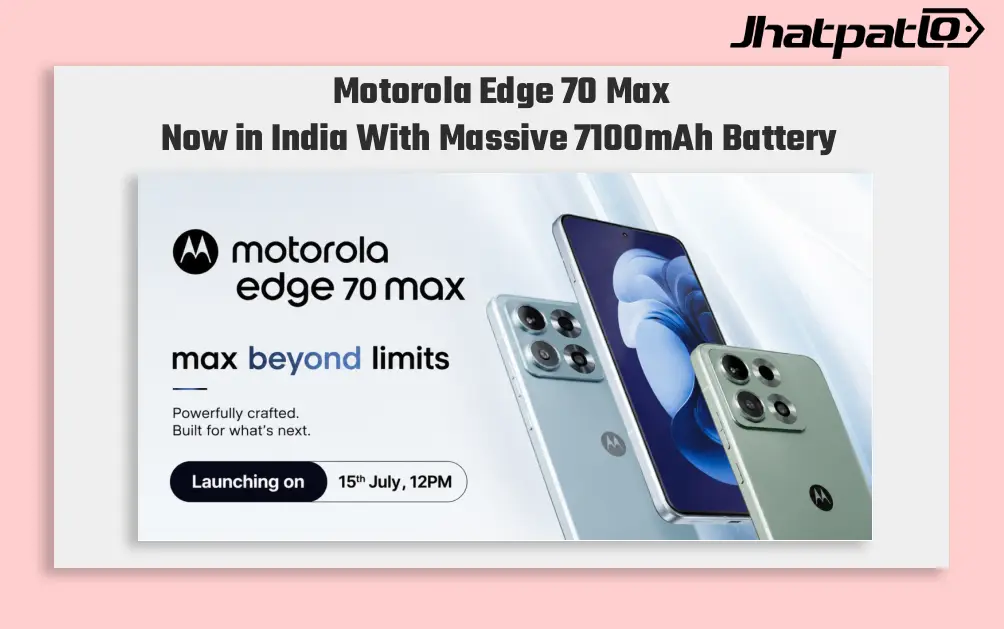
Motorola Edge 70 Max launch brings 7,100mAh battery to India
Motorola has launched the Edge 70 Max in India with a clear focus on battery life, but the phone is not stopping there. It also brings a Snapdragon 8 Gen 5 setup, a 50MP OIS camera, fast charging, and a premium display, giving buyers a flagship-style option without leaning only on enduranc...