


Nothing Warp Launches File Sharing Between Android Phones and Mac Devices
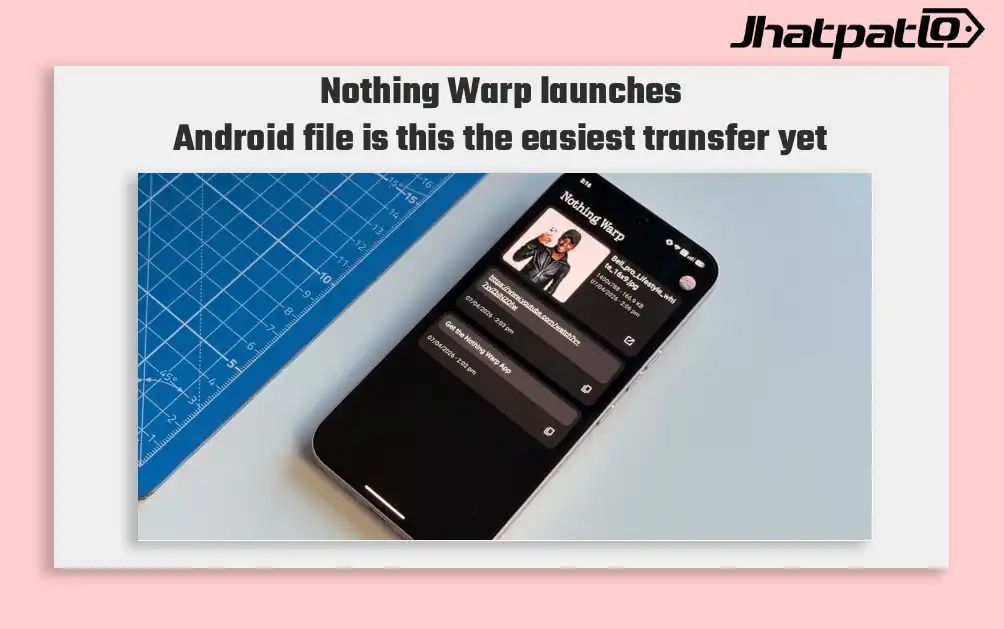
Nothing introduces Warp for cross-platform file sharing
Nothing Warp launches Android file, a new app and browser extension that lets users share files between Android phones and Mac devices, along with Windows and Linux computers. The feature uses the phone app and a Chromium-based browser extension together, and Nothing says transfers move through the user’s private Google Drive.
The London-based company said Warp is available on the Google Play Store and Chrome Web Store. Once installed, the feature appears in the phone’s share menu and can be used for sending images, videos, clipboard text, links and other files across supported devices.
How Nothing Warp works across devices
According to Nothing’s community post, users need the app on their Android phone and the browser extension on a Chromium-based browser. The company said users must log in on both platforms with a Google account to enable the transfer process through Google Drive.
Nothing said Warp works in both directions, allowing files to be sent from Android phones to desktops and from desktops back to Android phones. The company also said documents, images and links are never saved on Nothing Warp during the process.
Supported platforms and transfer steps
Nothing said the browser extension works on Chromium-based browsers. The feature is available for macOS, Windows and Linux computers, alongside Android smartphones. When sending a file from an Android phone to a Mac, users select the file, tap Share, and then choose the Nothing Warp icon. The file then appears on the user’s desktop browser.
To send content from a Mac or Windows PC to an Android phone, users upload it through the extension. Nothing also said users can right-click highlighted content and choose Send with Nothing Warp, or paste content directly into the extension window.
Privacy, access and feature details
Nothing said Warp uses the user’s private Google Drive to move files between devices. The company described Warp as a “lightweight” platform that uses fewer device resources. The feature starts appearing in the handset’s share menu after the app is downloaded.
The launch comes as other tech companies have also been linked with similar file-sharing efforts. Reports earlier suggested Google was testing a tap-to-share feature for its upcoming Android 17 update, while Apple’s AirDrop has long been used by iPhone users to share images, documents and videos with Mac devices.
Nothing Warp is now listed on the Google Play Store, with the extension available on the Chrome Web Store. The company’s post said the platform is built for file sharing across Android smartphones and desktop systems running macOS, Windows and Linux.
- App: Nothing Warp
- Companion tool: Browser extension
- Supported phone platform: Android
- Supported desktop platforms: macOS, Windows, Linux
- Browser support: Chromium-based browsers
- Transfer types: Images, videos, clipboard text, links and other files
- Account requirement: Google account
- Storage route: User’s private Google Drive
Nothing did not say anything in the post about a wider rollout schedule or device-specific limitations beyond the platforms named in the launch note. The feature is available now through the app and extension listings.
Related Products


Google Expands Quick Share AirDrop Interoperability to More Android Devices
Overview Google is expanding file transfer between Android and iPhone devices using Quick Share and AirDrop. The company states that the Quick Share AirDrop interoperability will no longer be limited to Pixel devices and will work with a wider range of Android devices later this year. The devel...
AirDrop Interoperability Expands Across Android in 2026
AirDrop Interoperability Expansion Across Android in 2026 Google has confirmed that AirDrop interoperability will expand beyond Pixel smartphones in 2026, during a Pixel Labs briefing in Taipei. Eric Kay, Vice President of Engineering for the Android platform, outlined plans to extend cross-pla...
OnePlus 15 Now Supports Seamless File Transfers Between Android and Apple Devices
The OnePlus 15 is starting to get AirDrop-style Quick Share support for Apple devices, based on select unit reports and a forum post trail. That means users may be able to send files to nearby iPhone, iPad, and Mac hardware without cloud uploads or third-party apps, which addresses a long-standing A...
Samsung Galaxy S26 to Add AirDrop-Style Sharing With iPhones Later This Year
Samsung Galaxy S26 to Allow AirDrop-Style Sharing Samsung is preparing to add AirDrop-like file sharing to its Galaxy smartphones, starting with the Galaxy S26 series, via software updates, according to recent reports. The feature would allow Galaxy devices to share files directly...
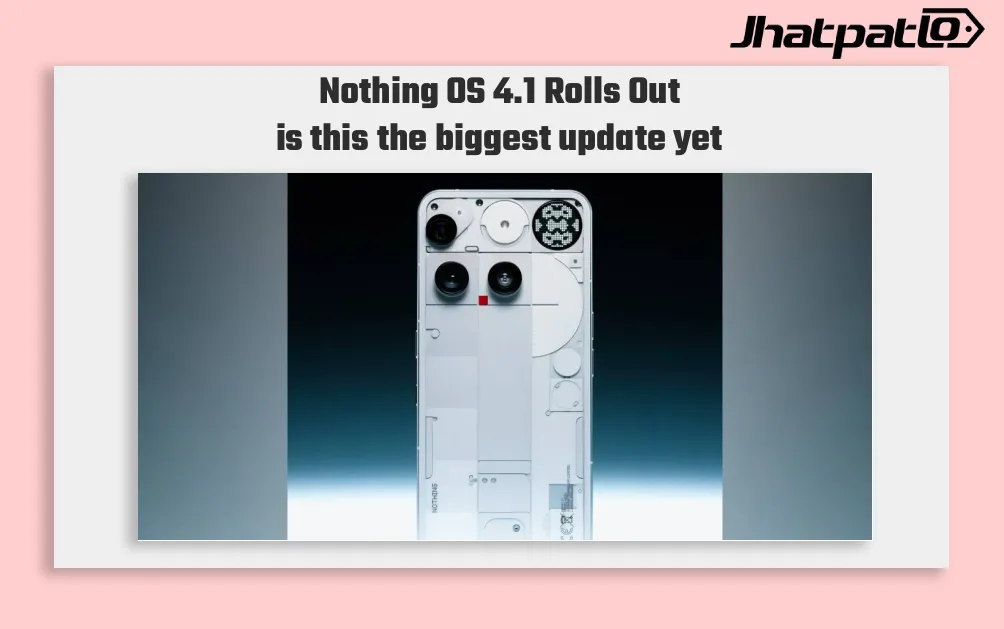
Nothing OS 4.1 Rolls Out to Nothing Phone 3 With Essential Voice and April 2026 Patches
Nothing OS 4.1 starts reaching the Nothing Phone 3 Nothing OS 4.1 Rolls Out Nothing OS 4.1 to the Nothing Phone (3), bringing a set of feature updates while keeping the phone on Android 16. The device had been running Nothing OS 4.0, also based on Android 16, before this update started arrivi...
Samsung Galaxy S26 May Add AirDrop via Quick Share
The Samsung Galaxy S26 series is rumored to be announced today and a recent leak suggests a new cross-platform feature that would allow users to share files with each other on both Apple and Samsung devices. This feature would leverage Samsung’s Quick Share which has been developed specifi...