


One UI 9.5 app lock leak brings native privacy tools to Galaxy
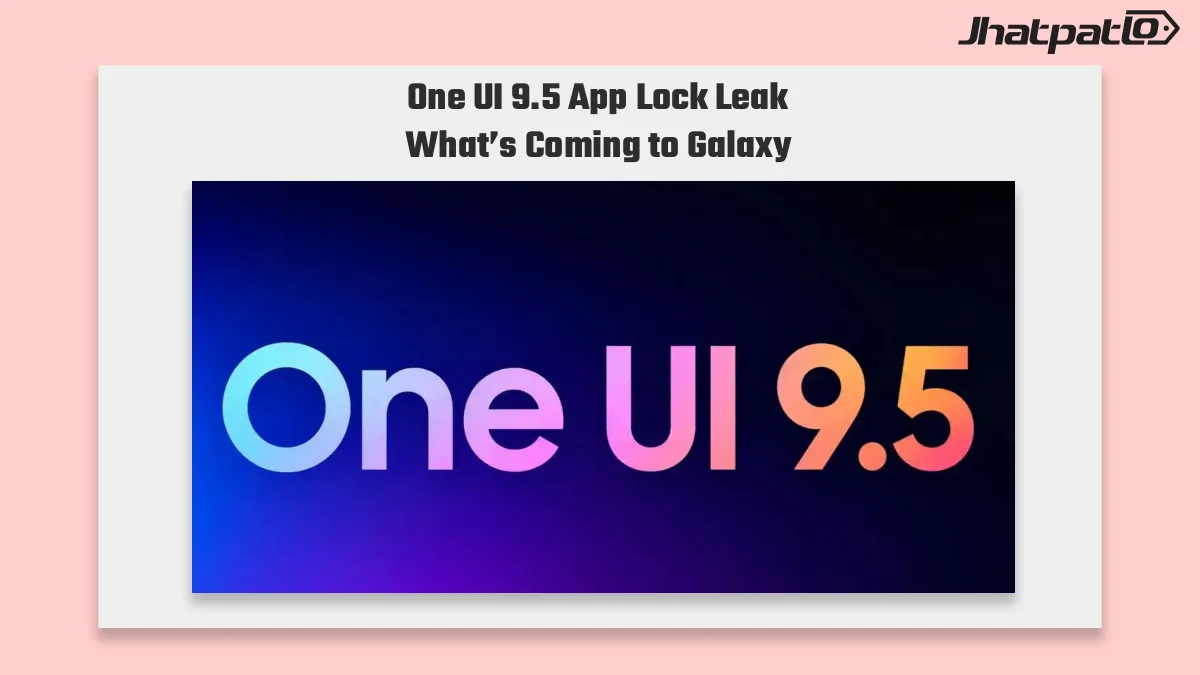
One UI 9.5 app lock appears in a Galaxy firmware leak, and the key detail is simple: Samsung may let Galaxy users lock individual apps from the home screen or app drawer using the phone’s own unlock method. That would give phone and tablet owners a more direct privacy option than Secure Folder, especially for people who only need biometric or PIN protection on a few apps.
Samsung app lock feature skips Secure Folder and unlocks with the phone
The leaked menu reportedly shows a lock icon in the app options after a long press. In practical terms, that points to a faster way to protect selected apps than Samsung’s current privacy setup. Instead of moving apps into a separate vault, users could keep them where they already are and still add a layer of protection.
That small change matters more than it may sound. Secure Folder is useful, but it is also an extra step. For many Galaxy owners, that makes it feel heavier than needed for everyday use. A built-in app lock feature would lower that friction. It would fit better for shared phones, quick privacy checks, and situations where someone only wants a few apps protected without reorganizing the whole device.
The leak also suggests the phone would use its existing unlock method. That means the same fingerprint, face unlock, PIN, or other device access method would apply to the locked apps. If Samsung keeps it that simple, the feature could feel like a natural extension of the phone rather than a separate privacy mode.
Based on the leaked behavior, the app lock tool would likely be easier to understand for many users than Samsung’s broader privacy tools. It does not appear to be designed as a vault or hidden space. Instead, it looks like a direct lock on individual apps, which is a more straightforward approach for everyday Galaxy phone app lock use.
- Lock access appears in the app menu after a long press
- The phone’s existing unlock method is used for verification
- It works as a quicker alternative to Secure Folder for selected apps
- It may be especially useful on shared devices
Android 17 One UI 9.5 leak points to Galaxy rollout after S27 launch
The firmware evidence ties this feature to Android 17 and One UI 9.5. According to the leak, Samsung is expected to debut it on the Galaxy S27 series first, then bring it to older flagships and foldables later. That is the usual pattern for major Samsung software features, although the timing can still change before release.
If that rollout happens as expected, Galaxy owners may not get the app lock feature at the same time. Some users would see it early on newer models, while others would have to wait for a later update. That makes the leak useful, but not final. It shows where Samsung seems to be heading, not a confirmed shipping schedule.
Even so, the idea fits a broader shift in how users think about privacy on phones. People do not always want to hide everything inside a separate folder. In many cases, they just want a few apps locked down quickly, with hidden notifications for those apps when needed. If Samsung delivers that in One UI 9.5, it could become one of the more practical privacy upgrades in the next Galaxy cycle.
For now, the main takeaway is that One UI 9.5 app lock is emerging as a native Galaxy feature rather than a workaround. It seems aimed at making everyday privacy easier, not more complicated. If Samsung follows through, Galaxy phones and tablets could finally gain a simpler app-level lock option that matches how many people already use their devices.

Related Products



One UI 9 beta for Galaxy S25 looks close as Samsung adds India entry
One UI 9 beta for Galaxy S25 may be next in line after Samsung created new beta entries for the S25, S25+, and S25 Ultra. The clearest sign is the Samsung Members forum beta entry, which suggests India could be among the first markets to get access. That makes a near-term Samsung beta rol...
One UI 9 Testing Expands Across 49 Galaxy Devices
One UI 9 testing now covers 49 Galaxy phones and tablets, and Samsung is already validating models beyond the expected Galaxy S26 beta track. The internal builds include Galaxy S25, Z Fold 7, Tab S11, and several Galaxy A series devices, pointing to a broader Android 17 rollout plan. Sams...
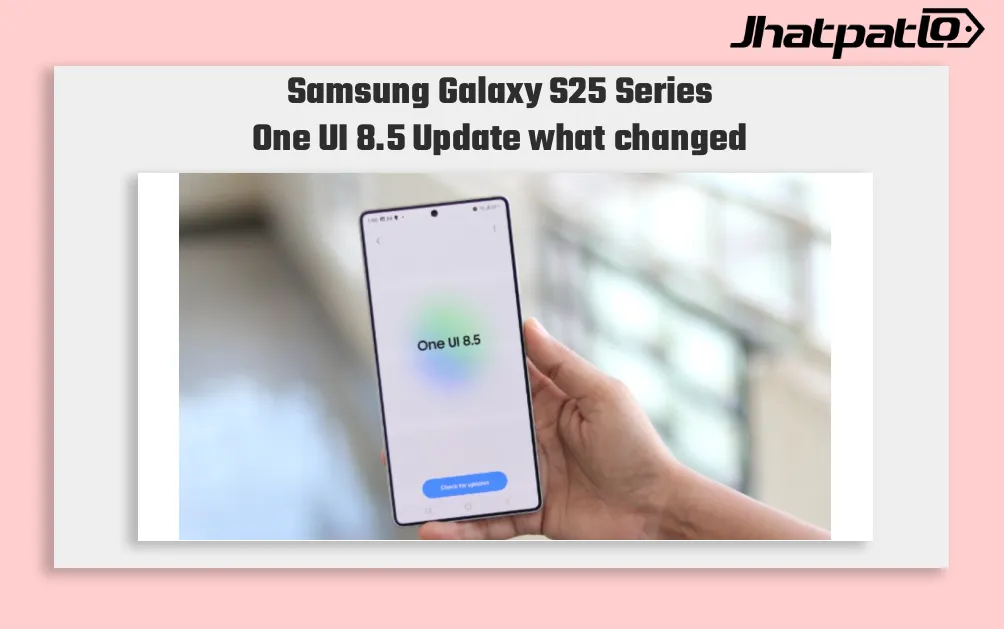
Samsung Galaxy S25 Series One UI 8.5 Update could start rolling out April 30
Samsung Galaxy S25 Series One UI 8.5 Update on April 30 Samsung may have given Galaxy S25 series owners a clearer timeline for the One UI 8.5 stable update, though the schedule is still not official. A screenshot shared on X suggests the rollout could begin in Korea on April 30, with a wider...

Samsung Launches One UI 8.5 Beta and the hidden upgrades everyone wants to try
Samsung Launches One UI 8.5 Beta Program, Users Will Be Able To Create, Connect And Share Content Today, Samsung Electronics has announced the launch of the One UI 8.5 beta program, which offers fresh and streamlined features for the creation, connection, and protection of your content withi...
Samsung Privacy Display Teased Ahead of Galaxy S26 Launch
Samsung Privacy Display Teased Ahead of Galaxy S26 Launch Samsung is previewing a new privacy feature called Privacy Display as part of its Galaxy S26 series, which is set to debut on February 25. Officials involved said the feature is designed to hide the phone screen from shoulder surfers in crow...
Samsung Galaxy S26 Ultra Privacy Screen Demonstrated Ahead of Unpacked
Privacy Screen Demonstrated Ahead of Unpacked Samsung’s upcoming Galaxy S26 Ultra is again in the spotlight as early hands-on activity surfaces ahead of the Galaxy Unpacked event slated for this week. A YouTuber identified as Sahil Karoul reported that he was able to purchase the...