


Primebook 2 Max G99 8/128GB 15.6" Laptop PBG9915256 gets an AI review plus full specs
87/100
-
 MediaTek G99
-
 8
GB
-
 128
GB
-
 15.6
inch
-
 1920 x 1080
-
 Mali-G57

Primebook 2 Max G99 8/128GB 15.6" Laptop Price Comparison & History in India

Fair Price, But Wait If You Can
At ₹29,990 on Flipkart, this laptop is below its tracked average of ₹30,790. That's fair, but it's not the best price seen. Across 146 days, prices moved between ₹28,990 and the recent August high. The current price almost matches Amazon's lowest three-month offer. Primebook 2 Max has fallen from August's peak, but hasn't returned to its May low. Amazon was cheapest at the all-time low, while Flipkart is cheapest right now.
A casual shopper may miss that PrimeOS isn't Windows. It's built around Android apps, so Windows software compatibility can be limited. That matters for office work, certain desktop apps, and some accessories. For browsing, streaming, documents, and light everyday use, Primebook 2 Max should handle basic needs. Heavy multitasking and demanding software aren't its strong points. The price is reasonable today, especially since it sits close to the recent low. Still, this model has reached lower pricing before, so waiting could save a little if you're flexible.
 Processor
86
 Display
87
 Battery & Charging
90
 Design & Build
88
- Backlit keyboard helps with late-night typing
- Three USB-A ports handle older accessories
- Two USB-C ports add newer connections
- Bluetooth 5.1 connects wireless accessories
- 180-degree hinge opens flat for screen sharing
- Wi-Fi 5 handles regular home connections
- No touchscreen for tablet-style control
- RAM cannot be upgraded beyond 8GB
- Screen looks dim outdoors at 250 nits
- No Ethernet port for wired networking
Primebook 2 Max G99 8/128GB 15.6" Laptop Features & Overview
Primebook 2 Max is built for business, study, and light entertainment on the go. Primebook 2 Max G99 8/128GB 15.6" Laptop PBG9915256 gets an AI review plus full specs. It weighs 1.61 kilograms and carries a 15.6 Inch Full HD IPS display that renders text clearly at a native 1920x1080 resolution. The display is non-touch, so you interact mainly through the keyboard and trackpad. The keyboard includes a Backlit Keyboard and a Numeric Keypad, and the Multi-touch trackpad feels responsive in every swipe. Under the hood you’ll find a MediaTek Helio G99 MT8781 processor with a peak speed around 2.2 GHz, paired with 8 GB LPDDR4X RAM and 256 GB UFS 2.2 storage, which keeps apps flowing without too much hesitation. For video calls and light multimedia, the device provides a 1080p 60 Fps Front Camera and Integrated Mali-G57 graphics. You can also expand storage with a MicroSD Card up to 1 TB if you need extra space. The machine runs PrimeOS 3.0, blending an Android style environment with laptop comfort. The battery supports a full workday, with up to about 12 Hours of usage from a 2-cell setup, and the overall chassis is designed for everyday portability.
Usage
In daily use you will notice how PrimeOS 3.0 integrates with typical office and study tasks, letting you multitask across a web browser, documents, and apps without breaking a sweat. The 8 GB LPDDR4X RAM and 256 GB UFS 2.2 storage offer a balanced mix of speed and capacity, while the 15.6 inch screen keeps text legible during long sessions. You can carry this Ultrathin Laptop around without feeling weighed down, and you can rely on the 30W Type-C Power Adapter to top up quickly when needed.
Capacity
The system ships with 256 GB UFS 2.2 storage and 8 GB LPDDR4X RAM, with a dedicated MicroSD Card slot to expand storage up to 1 TB if required. Primebook 2 Max G99 8/128GB 15.6" Laptop is AI-rated 87/100.
Controls
Input is comfortable with a Backlit Keyboard and a Numeric Keypad for fast data entry. The Multi-touch trackpad supports gestures, while the camera handles 1080p 60 Fps video for meetings and calls. Connectivity includes a set of ports and wireless options for daily use: USB 3.0 Type A, USB Type C, 3.5mm Audio, MicroSD, Wi-Fi 802.11 a/b/g/n/ac, and Bluetooth 5.1.
Durability
The device comes in a Gray finish and weighs about 1.61 Kilograms, which makes it easy to carry between classes or meetings. The Full HD IPS panel offers stable viewing angles, and the coating helps reduce glare in bright environments.
Safety & Installation/Warranty
Primebook includes a 1 year manufacturer warranty with walk-in service centers limited to specific pincodes; setup is straightforward with the supplied manual and charger, and the 30w Type-C Power Adapter is the standard charging option.
Primebook 2 Max G99 8/128GB 15.6" Laptop Technical Specifications
Primebook 2 Max G99 8/128GB 15.6" Laptop FAQs
Primebook 2 Max has built-in speakers that sound clear for YouTube, classes, and casual entertainment. Volume works well in a room, and the headphone jack handles private listening. It is a practical audio setup for everyday work.
Battery life is one of the stronger points here. The claimed 12 hours covers online classes, browsing, and documents across a long day. Six hours of daily use fits comfortably before charging.
At 1.61 kg, it is easy enough to carry in a college bag. The 15.6-inch size still takes proper bag space, but the weight stays manageable. For students moving between home and classes, it works well.
The 20 mm body feels solid enough for regular desk and bag use. The standard laptop shape feels more practical than a fragile mini machine. The grey finish keeps the look simple and work-focused.
Lenovo IdeaPad Slim 3 is the safer pick for Windows-style software and broader desktop compatibility. Primebook 2 Max is better suited to browsing, online classes, and documents in PrimeOS. For basic student work, the Primebook keeps things straightforward.
HP 15s is the more conventional Windows laptop for classes and video calls. Primebook 2 Max brings a large Full HD screen, a 1080p webcam, and a simpler PrimeOS setup. Browser-based lessons and documents work well on the Primebook.
ASUS Vivobook Go 15 is the more conventional Windows laptop option. Primebook 2 Max handles browsing, streaming, and online learning without demanding hardware. Choose this one when simple study tasks matter more than desktop software.
The 15.6-inch IPS panel gives crisp 1920x1080 text for documents and web pages. Colours look reasonable for classes, streaming, and basic photos. At 60Hz, scrolling and video look normal for everyday laptop work.
The numeric keypad is useful for spreadsheets, exam forms, and regular number entry. The full-size layout gives enough room for document work and longer typing sessions. It feels more useful than a cramped compact keyboard for study tasks.
No, it does not give you the full offline Microsoft Office experience of Windows. Word, Excel, and PowerPoint access is mainly through online versions, while local files can need WPS Office or another app. That extra file handling gets annoying for regular office work.
Yes, that is exactly where it feels comfortable. The 8GB RAM and Helio G99 handle app switching without much fuss. It suits schoolwork and competitive-exam preparation better than demanding professional software.
Casual games run fine on the integrated Mali-G57 graphics. Demanding PC titles and heavy 3D work are outside its comfort zone. It is better for light Android-style gaming between study sessions.
The 256GB storage gives enough room for documents, apps, and some offline videos at first. A microSD card can add up to 1TB when files start piling up. That is useful for lecture PDFs, downloaded classes, and media.
The multi-touch pad supports gestures, but the pointer can behave erratically during normal use. That gets frustrating while selecting text, opening files, or dragging items. A basic mouse fixes the problem quickly.
The 1080p webcam handles basic video calls, but image quality is not a strong point. Faces can look soft in indoor lighting, so online classes are clearer with decent room light. It works for meetings, not for polished video.
Real & Verified Reviews of Primebook 2 Max G99 8/128GB 15.6" Laptop
 Amazon
Excellent Performance & Great Value for Money
Excellent laptop with a great display, smooth performance, and good battery backup. I recommend it especially for students and everyday work because the 8GB RAM and 256GB storage handle browsing, online classes, documents, and entertainment smoothly. Great value for money!
Amazon
Good experience with this purchase
Primebook has brought a revolution in industry of Laptop. It is affordable, easy to carry (light weighted) and excellent working abilities. Specifically good for students and aspirants of competitive exams. Happy with the experience.
Amazon
Best in this range
Writing review after 16 days Performance was quite good, battery backup was also pretty well I used 6hr a day it went well without lag , was easy to use ,good for study and few task if you wanna do.it is perfect to handle games
Amazon
Fantastic product
It has been an amazing experience I have had with this laptop. I bought it almost 5 months ago. I faced no major issues. They have an excellent customer service team. Any issues can be solved quickly through a quick whataspp chat with customer service. They also bring in good updates whenever face any issues and rectify it. We are expecting the new primeAGNT too in this August. It has an inbuilt windows and cloud pc though a little costly. I haven't faced any major limitations due to it being an Android and not windows or linux while studying. Also fantastic long lasting battery although camera quality was a little bad. Fast processing and smooth control and stylish look. Overall good experience
Amazon
DO NOY BUY IF MS OFFICE IS A REQUIREMENT
Video Player is loading. Play Current Time 0:00 / Duration 0:55 Loaded : 5.46% 0:00 Stream Type LIVE Seek to live, currently behind live LIVE Remaining Time - 0:55 1x Playback Rate Chapters Chapters Descriptions descriptions off , selected Captions captions settings , opens captions settings dialog captions off , selected Audio Track default , selected Fullscreen Mute This is a modal window. Beginning of dialog window. Escape will cancel and close the window. Text Color White Black Red Green Blue Yellow Magenta Cyan Transparency Opaque Semi-Transparent Background Color Black White Red Green Blue Yellow Magenta Cyan Transparency Opaque Semi-Transparent Transparent Window Color Black White Red Green Blue Yellow Magenta Cyan Transparency Transparent Semi-Transparent Opaque Font Size 50% 75% 100% 125% 150% 175% 200% 300% 400% Text Edge Style None Raised Depressed Uniform Dropshadow Font Family Proportional Sans-Serif Monospace Sans-Serif Proportional Serif Monospace Serif Casual Script Small Caps Reset restore all settings to the default values Done Close Modal Dialog End of dialog window. DO NOY BUY IF MS OFFICE IS A REQUIREMENT ALSO DO NOT BUY IF THERE IS ANY POSSIBILITY OF RETURNING While buying this device that was one of my key requirements and if you search about the device you will find content that says primebook supports MS office. In fact there are videos that will show you how easy it is to install MS office. But this is half truth. When you install MS office, you basically get a link to it's online version. What it means is that - You can not edit an MS Office ( Word / Excel / Powerpoint) file from your system by double clicking on it. Every time you edit a file, the file gets saved in One drive by default and you will then need to do another extra step to download a copy to your device. Also, I faced the following - - Even when I am trying to open Word / Excel files from OneDrive, it would give a message there is no application to open this file. The only way I could open a Word / Excel / Powwerpoint file is - a) Open a blank document first and from there go to Open recent > Open files from this device > select the file HARDWARE The trackpad is horrible - behaves completely erratically. I bought this machine for my elderly FIL and due to all these complexities, I wanted to return this device and contacted Amazon Customer Support. Amazon simply said they cannot offer a return till the brand offers a Denial Letter and redirected me to the brand. This is mentioned nowhere. The Brand customer support is hard to reach - you will keep going in loops with their AI chat bot. Finally when I got hold of a human he wanted a Video of every problem even after explaining the issue. Even after I provided the video - attached here, he clearly said that they will not give a Denial Letter. First he told me to download Google Drive and when I asked him how it is going to help, there was no answer. Then as an alternative he said you need to install WPS Office for this and access through it. This was his exact response - "Some files are not opening in every app. To open them, you will need a different application. We recommend WPS Office for this purpose." When I asked him why do they not mention about all of these in the description - they were even more smart - "it is not possible to include everything in the description. This depends on the file type and is not a laptop specification issue." and then he said if you want extra features you can but subscriptions. Something as basic as accessing MS Office DOESN'T WORK and they think it is "not possible" to mention. I have been a big champion of Amazon Customer Service but this time they completely failed and between the brand support and Amazon it felt likely I am completely scammed.
Amazon
For the price, it offers excellent value and a smooth user experience.
★★★★★ Excellent Value for Students I purchased this laptop as a gift for a 15-year-old student. Initially, he was expecting a Pentium or i3 Windows laptop, so I was slightly concerned about how he would react. However, after using the Primebook, he was genuinely happy with it. The screen is large and clear, the performance is smooth for everyday use, and the battery life is very good. It handles browsing, YouTube, online learning, documents, and games very well. The build quality and overall look of the laptop are also impressive considering the price. What surprised me most is the value for money. For almost the price of a good Android phone, you get a full laptop experience with a large display and physical keyboard. Of course, this is not intended for heavy professional software or advanced PC gaming, but for students, learning, entertainment, and daily use, it is an excellent choice. Overall, I am very satisfied with the purchase and the student who received it absolutely loved it.
Amazon
Classy product
The laptop is so good to go..... It's touchpad working smoothly just like the android phones. Battery is awesome, Overall the laptop deserves 5/5 ⭐⭐⭐⭐⭐
Amazon
Excellent value for money!
I recently purchased the [Laptop Model Name] and I am thoroughly impressed. Given the price point, the performance, build quality, and features are outstanding. It handles all my daily tasks with ease and feels like a premium device. Highly recommended for anyone looking for great value without breaking the bank!
 Flipkart
Just wow!
Flipkart
Great product
Flipkart
Pretty good
Flipkart
Fabulous!
Flipkart
Brilliant
Flipkart
Highly recommended
Flipkart
Value-for-money
Flipkart
Just okay
Related Articles
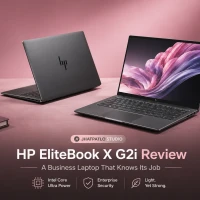
HP EliteBook X G2i Review: A Business Laptop That Knows Its Job
Introduction The HP EliteBook X G2i review starts with the part that makes people click: under-1kg design and nearly 14-hour battery life in the same machine. That combo is rare enough to matter, especially when you’re looking at a work laptop that’s supposed to travel well, stay secure,...

ASUS ZenBook Duo UX8407 Review: Panther Lake roars across two brilliant screens
Two years ago, dual-screen laptops were mostly tech demos that refused to behave. Then the ZenBook Duo arrived, and the idea started to feel real. Fast forward to 2026, and the ZenBook Duo UX8407 isn't a demo — it's a daily driver for people who want more screen real estate without lugging...

HP OmniBook Series Explained Which Model Fits You
Introduction HP’s new OmniBook range is one of those laptop lineups that looks simple at first, then gets a bit more interesting the longer you sit with it. On paper, you’ve got a student-friendly starter model, a couple of sensible middle-ground options, and then a top-end machine that p...

Looking for a Laptop Under 40K? Here Are the Best Models
Hidden Gems Under 40k The Surprising Laptops People Keep Sleeping On When good laptops didn’t need to cost a fortune There was a time when a decent machine for gaming, editing, or multitasking felt like a luxury purchase. Anything smooth or stable usually sat in the “don’t-even-look-at-the-price-...

HyperX OMEN 15 India A Powerful Windows Gaming Laptop for Creators and Gamers
So you want a machine that handles both demanding games and real-world content crunching without breaking the bank. HP’s HyperX OMEN 15 in India aims to be that versatile companion. It’s built to deliver serious gaming performance while staying practical for everyday tasks like video edits, code com...

MacBook Neo Arrives in India as Apple's Most Affordable Laptop
Apple has introduced the MacBook Neo in India starting at Rs 69,900, making it the most affordable MacBook the company has launched in the country. Powered by the A18 Pro chip, the laptop features a 13-inch Liquid Retina display, lightweight design and up to 16 hours of battery life, targeting stude...
Best Alternative Primebook 2 Max G99 8/128GB 15.6" Laptop




 MediaTek G99
Intel Core i5-1335U
Intel Core i5-1334U
Celeron N4020
8 GB
16 GB
16 GB
4 GB
128 GB
512 GB
512 GB
128 GB
15.6 inch
15.6 inch
15.6 inch
11.6 inch
1920 x 1080
1920 x 1080
1920 x 1080
1366 x 768
Mali-G57
Intel Iris Xe Graphics
Intel Graphics
Intel UHD Graphics 600
 Linux / DOS
Windows
Windows
Windows
Related News

ThinkBook 14 2-in-1 G6 IPL Global Launch With Panther Lake Chips
Lenovo has started a global release of the ThinkBook 14 2-in-1 G6 IPL, bringing the 14-inch convertible to the US and Canada after its MWC debut. The lineup begins with a Core Ultra 5 325 and goes up to a Core Ultra 7 355 with 32 GB RAM, placing it in the premium business-laptop segment....
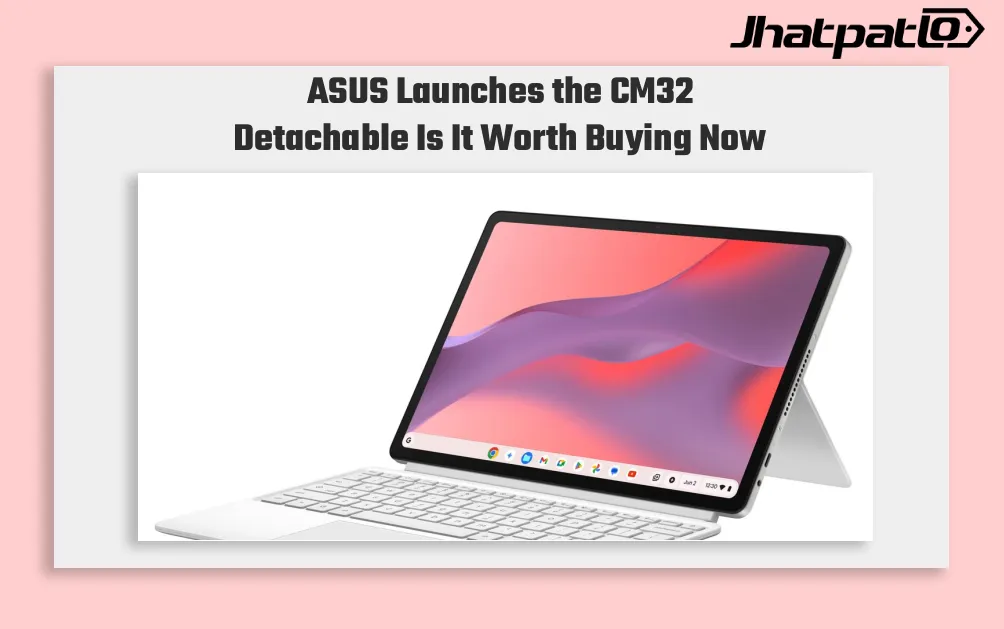
ASUS Chromebook CM32 Detachable Brings 640g 2.5K 2-in-1 to India
ASUS has expanded its Chromebook lineup in India with the CM32 Detachable, CM14 and CM15. The launch brings a mix of portable design, long battery claims and ChromeOS features to the student-focused segment. ASUS Chromebook CM14 and CM15 Target Longer Battery Life ASUS launches the CM32 Detacha...

Samsung Galaxy Book 6 Ultra Goes On UK Sale With 16 inch AMOLED Display and Nvidia GeForce 5070
Samsung has introduced the Galaxy Book 6 Ultra, Galaxy Book 6 Pro, and Galaxy Book 6 in the United Kingdom, following their showcase at CES 2026 in January. Prices start at £2,999 for the Ultra, with pre-orders opening February 25 and official sales beginning March 11. The company also plans a...

Asus Vivobook 15 2026 launch brings Intel Core 5 Series 3 in India
Asus has brought the Vivobook 15 2026 to India as the first laptop with Intel Core 5 Series 3, and it arrives with a clear pitch: everyday productivity with AI-ready features. At Rs 1,07,990, down from a Rs 1,59,990 MRP, it sits in the mid-premium Windows segment and aims at buyers who wan...
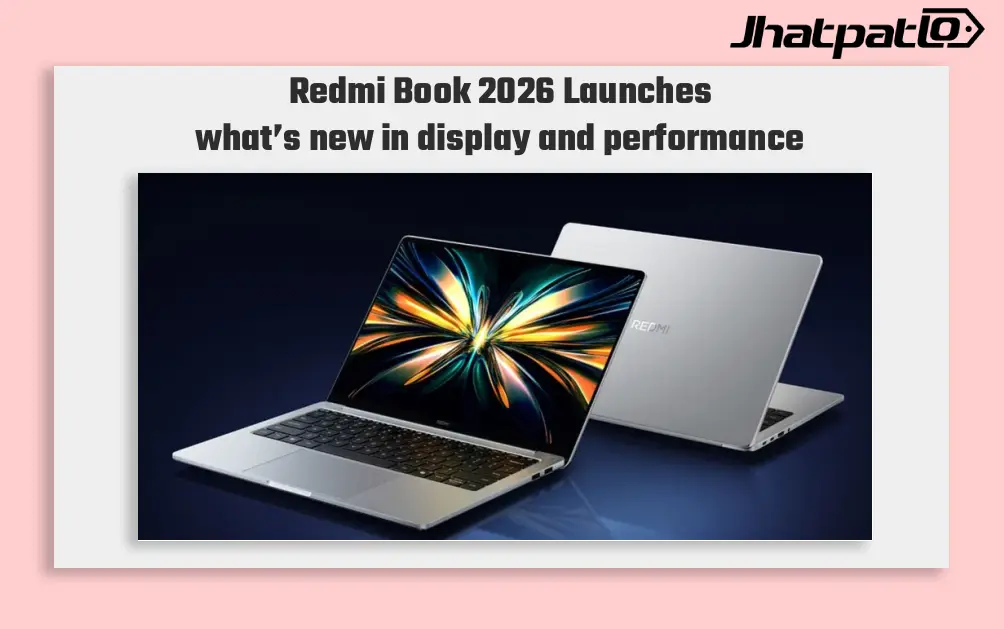
Redmi Book 2026 Launches in China With 120Hz Displays and Intel Meteor Lake Chips
Redmi Book 2026 Launches in China with two models Xiaomi has made the non-Pro Redmi Book 2026 lineup official in China, bringing two laptops with 120Hz displays and Intel Meteor Lake power. The series includes the Redmi Book 14 2026 and Redmi Book 16 2026, with the starting model priced at CN...
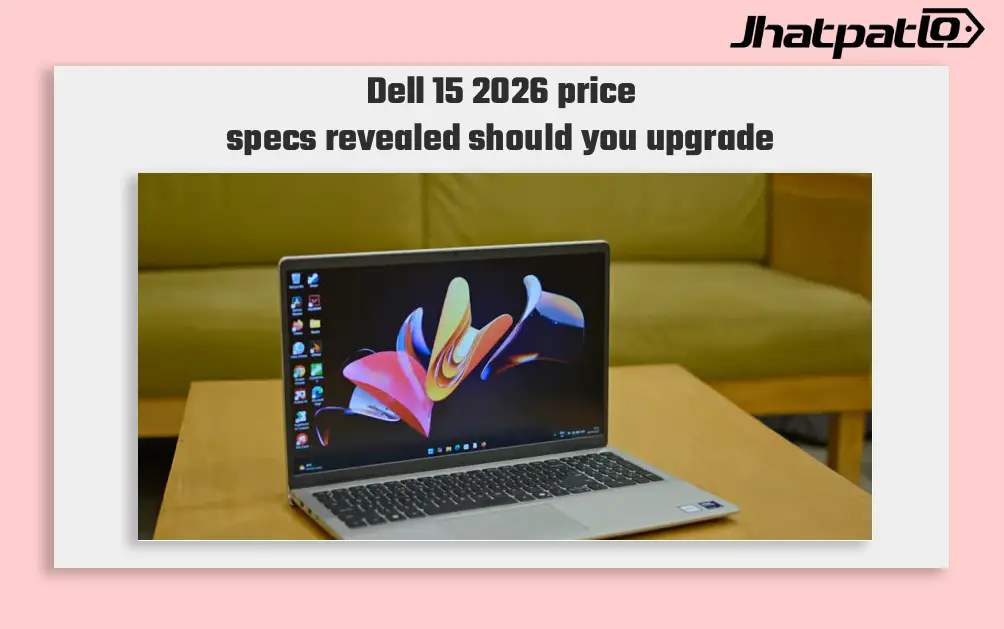
Dell 15 2026 Launches in India With Intel Core Ultra 7 and 15.6 Inch Display
Dell 15 2026 arrives in India Dell 15 (2026) launched in India, waith the laptop going on sale through Dell India’s online store, authorised offline outlets and other multi-brand stores. The new model comes in two colour options, two RAM choices and two storage configurations, and can be conf...


