


HP DeskJet 2338 Colour Inkjet AIO Printer prints crisp student pages
70/100
-
 Inkjet
-
 Home
-
 4800 x 1200
dpi
-
 Flatbed
-
 1200
dpi

HP DeskJet 2338 Colour Inkjet AIO Printer Price Comparison & History in India

Wait for a better price before buying this printer
At ₹4,799 on Flipkart, this printer has climbed from its recent low. It’s currently around 3% above the tracked average of ₹4,659. That makes this a fair price, but not a standout deal. HP DeskJet 2338 prices moved within a fairly narrow range across 325 tracked days. Its lowest price was ₹4,299, seen on both Amazon and Flipkart in August. That matters because switching stores won't unlock a hidden saving right now. You can simply wait for another drop instead. The price held at ₹4,599 through parts of the year, then reached its lowest point. It later rose to the current level, which weakens the case for buying today.
The HP DeskJet 2338 includes printing, scanning, copying, and automatic duplexing. Casual buyers may overlook duplexing, which can save manual page-turning for two-sided documents. Still, ink costs will matter more than a small purchase-price change. HP DeskJet 2338 is sensible for light home use, but today's listing isn't special. A return to its recent low would save a useful amount.
 Print Performance
70
 Display & Controls
68
- Copies up to nine pages in one job
- Supports A4, A6, B5, and DL envelopes
- Works with Windows and Linux computers
- USB cable included in the box
- Handles plain, photo, and brochure paper
- Colour cartridge yields only 75 pages
- No borderless printing for edge-to-edge photos
- Input tray holds only 60 sheets
- Some units arrive damaged
HP DeskJet 2338 Colour Inkjet AIO Printer Features & Overview
Usage
The HP DeskJet 2338 All-in-One printer is built for everyday tasks — print documents, copy homework, and scan pages from a compact desk footprint. HP DeskJet 2338 Colour Inkjet AIO Printer prints crisp student pages. The automatic duplex capability helps you save paper on double-sided reports, while the App control makes start-and-stop jobs straightforward. Setup is a breeze when you connect via USB 2.0, and the flatbed scanner on top handles the occasional photo or page with decent clarity. HP DeskJet 2338 Colour Inkjet AIO Printer with 4800dpi Clarity. You notice the subtle whirr and the familiar click as a job is sent and the tray adjusts. You don’t think about it until you need it, but that quiet reliability matters on busy days.
Capacity and Print Quality
The unit ships with a 60-sheet input capacity and a 25-sheet output capacity, which suits small print runs or school worksheets without constant reloading. Copy speed clocks in at up to 6 ppm in black and white, which is adequate for quick notes and assignments. It supports media sizes including A4, A6, B5 and DL envelopes, with color prints staying crisp on plain paper thanks to the 4800 x 1200 DPI color resolution and the 1200 x 1200 DPI black-and-white resolution options. Duplex printing is Automatic, so you’re not babysitting every page.
Controls, Ink and Connectivity
Prints are managed through an App interface, and you’ll rely on HP ink cartridges in black and tri-color. The ink set includes black, cyan, magenta, yellow for reliable color balance, while a high-speed USB connection keeps jobs moving without fuss. The whole setup feels sturdy, and you’ll notice the paper path feeding smoothly every time you press start.
Safety, Installation and Warranty
There is a Limited warranty that gives you peace of mind, and HP’s support resources are accessible if you need a hand during installation. The printer is designed for Windows and Linux environments, so it fits a range of home or small office desks. With Automatic duplex and straightforward driver installation, a small footprint often translates into real daily usefulness.
HP DeskJet 2338 Colour Inkjet AIO Printer Technical Specifications
HP DeskJet 2338 Colour Inkjet AIO Printer FAQs
Colour prints look good for worksheets, forms, and basic images. It supports up to 4800 x 1200 DPI colour output, so small text and simple graphics come out clean. Photos are usable, but this is mainly a document printer.
Black printing is rated at 7.5 pages per minute. That works fine for forms, notes, and a few school pages at a time. Large batches take patience because this is built for home printing, not office-volume work.
Yes, automatic duplex printing is supported. The printer handles both sides, which saves paper for assignments and long documents. It is one of the more useful features here for regular paperwork.
Yes, there is no built-in battery. It runs from a 220–240V power connection whenever you print, scan, or copy. The USB cable handles the computer connection, not the power.
The body measures 425.2 x 304.1 x 149.1mm, so it does not take up much vertical space. At 3.42kg, moving it around the house is fairly easy. Keep some room behind it for paper handling.
The flatbed scanner is fine for single pages and occasional copies. Scanning 10 to 20 pages takes a long time, with one such batch taking around 30 minutes. It is better for small scanning jobs than document-heavy work.
Yes, the flatbed scanner supports regular A4 documents and photos. Its scan resolution goes up to 1200 DPI, which keeps text and basic image details clear. You need to place each page on the glass yourself.
DeskJet 2338 keeps basic home printing simple with USB connectivity and automatic duplex. Canon PIXMA models are usually the better direction when photo printing is the main priority. This one suits documents, copies, and occasional colour pages better.
For occasional colour pages, the DeskJet takes less space and stays straightforward to operate. Epson EcoTank printers make more sense when colour printing happens regularly because their refill systems are built for higher volumes. This printer suits lighter home use.
The DeskJet 2338 is a simple choice for basic printing, copying, and scanning at home. Brother inkjet models can be a better fit for people printing larger batches more often. Automatic duplex gives this HP an edge for everyday two-sided documents.
The app includes ink-level monitoring, but connection problems can happen. The printer still works through its USB 2.0 connection when the app does not connect. For ink checks, the app is useful when it stays connected.
Yes, USB 2.0 is the main wired connection. There is no Wi-Fi or Ethernet port, so computer printing needs the included USB cable. That setup is simple for one nearby computer.
Ink costs become a problem when colour printing is frequent. The listed cost per page is ₹200 for black and ₹680 for colour, with the colour cartridge rated for only 75 pages. It makes more sense for occasional pages than regular colour batches.
Small copying jobs are usually fine, but longer scanning sessions can become frustrating. Some complaints include the scanner stopping after a few pages or taking a very long time. Copying up to nine pages in one job is supported.
Setup is fairly straightforward through the USB connection. Windows and Linux support is listed, along with older Windows versions and Mac OS. The included manual and USB cable help get a nearby computer connected quickly.
It supports A4, A6, B5, and DL envelope sizes. Plain paper, photo paper, and brochure paper are also supported. The 60-sheet input tray is enough for light home jobs without constant refilling.
Real & Verified Reviews of HP DeskJet 2338 Colour Inkjet AIO Printer
 Flipkart
Pretty good
Flipkart
Must buy!
Flipkart
Wonderful
Flipkart
Nice
Flipkart
Delightful
Flipkart
Not good
Flipkart
Just wow!
Flipkart
Good quality product
 Amazon
Value for use
Its good & cost effective for few items pronting.
Amazon
Horrible Cheating product
Worse product ever, firstly print was not working properly now after installing and reinstalling the drive several times print is working but now scanner just scan 3 pages and hangup. I don't understand if cord is connected what the hell is wrong. Zero support from Amazon... The guy gives only apology without solution... HP support is horrible as they never pick your phone... By keeping these type of cheating products Amazon is loosing its value and image... Never purchase this printer if you value your money... Rather give it in charity if you have got excess....
Amazon
Capable product
Good u can buy if u r student
Amazon
Quality
Sleek and useful
Amazon
Not good
Nice printer for basic and low use because it is very slow and the scanning is good but if you have 10 - 20 pages then it takes 30 minutes to scan every pages, the printer ink is also very expensive.
Amazon
Thanks amazon
Great product
Amazon
Don't buy any HP Product
The printer doesn't work. They delivered a defective piece to me. It has printer head issues, the cartridge censor is defective. All in all a non functional piece thrown at a DESI customer. I wasted my hard earned money on 2 non india companies.
Amazon
Best and cheap printer
If you know how to use it then it's the best,affordable printer in the range of 5000 rupees, must buy. And it also prints much faster than any other printer.And it is very easy to use also, and it is also very compatible and the ink also lasts for a long time so I recommend you to buy this printer. By-One of the trusted buyers of Amazon :)
Related Articles

Best Printers for Home Use That Solve Everyday Printing Problems
Printing at home has become more than a luxury; it’s a quiet daily necessity for students, freelancers, and busy households. You might reach for a printer thinking, “It just needs to spit out pages,” only to end up chasing jams, messy cartridges, or hidden costs that creep up every month. The ri...

The Best 3D Printers for Home Use in 2026 That Are Worth Buying
Printing at home used to feel like a niche hobby reserved for tinkerers. In 2026, however, desktop 3D printing has matured into a practical, quiet, and surprisingly approachable tool. Whether you want to print functional parts for around the house, little toys for the kids, model scenery f...

Best laptops under Rs 80,000 for work in 2026: the 5 models that make the most sense
Best laptops under Rs 80,000 for work in 2026: the 5 models that make the most senseIf you need a new work laptop, this budget now buys more than basic office machines — from the MacBook Neo and Dell XPS 13 to the HP OmniBook 3 and a few others, the shortlist is oddly strong.Need a new work laptop?...
HP EliteBook X G2i Review: A Business Laptop That Knows Its Job
Introduction The HP EliteBook X G2i review starts with the part that makes people click: under-1kg design and nearly 14-hour battery life in the same machine. That combo is rare enough to matter, especially when you’re looking at a work laptop that’s supposed to travel well, stay secure,...

Best i5 laptops in India for the people who want speed without buying more machine than they need
Introduction If you're shopping for the best i5 laptops in India, the good news is that this category still makes a lot of sense. You don't have to jump straight to an i7 or spend on a machine that's clearly more laptop than your daily life needs. A good i5 model can handle study work, of...

Sennheiser HDB 630 Wireless Headphones Launched in India: Price, Battery, Weight & Honest Breakdown
The Sennheiser HDB 630 Wireless Headphones have officially launched in India, and they’ve already become a talking point among students, travelers, and music lovers. Sennheiser usually sticks to premium audio gear, and this new pair follows the same strategy — simple design, strong sound, and practi...
Best Alternative HP DeskJet 2338 Colour Inkjet AIO Printer




 Inkjet
Laser
Inkjet
Laser
Inkjet
Home
Office
Home
Office
Home
 -
-
-
-
-
 -
-
-
-
-
4800 x 1200 dpi
1200 x 1200 dpi
5760 x 1440 dpi
2400 x 600 dpi
4800 x 1200 dpi
Flatbed
Flatbed
Flatbed
Flatbed
Flatbed + ADF
1200 dpi
1200 x 1200 dpi
600 x 1200 dpi
600 x 2400 dpi
600 x 1200 dpi
Related News
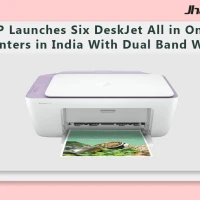
HP Launches Six DeskJet All in One Printers in India With Dual Band WiFi
HP DeskJet All in One Printer Lineup HP has rolled out a new family of DeskJet printers for home users in India, with six models spread across the DeskJet, DeskJet Ink Advantage and DeskJet Ultra Ink Advantage lines. The lineup targets everyday printing, scanning and copying tasks and is...
HP OmniPad 12 India sale starts at Rs. 48,999 with Snapdragon chip
HP OmniPad 12 India sale is now live through HP’s own store and major retail channels, with prices starting at Rs. 48,999. The tablet comes with a detachable keyboard, Android 16 and a Snapdragon SM6475Q-class chip, placing HP in the crowded Android 2-in-1 segment for buyers looking at bot...
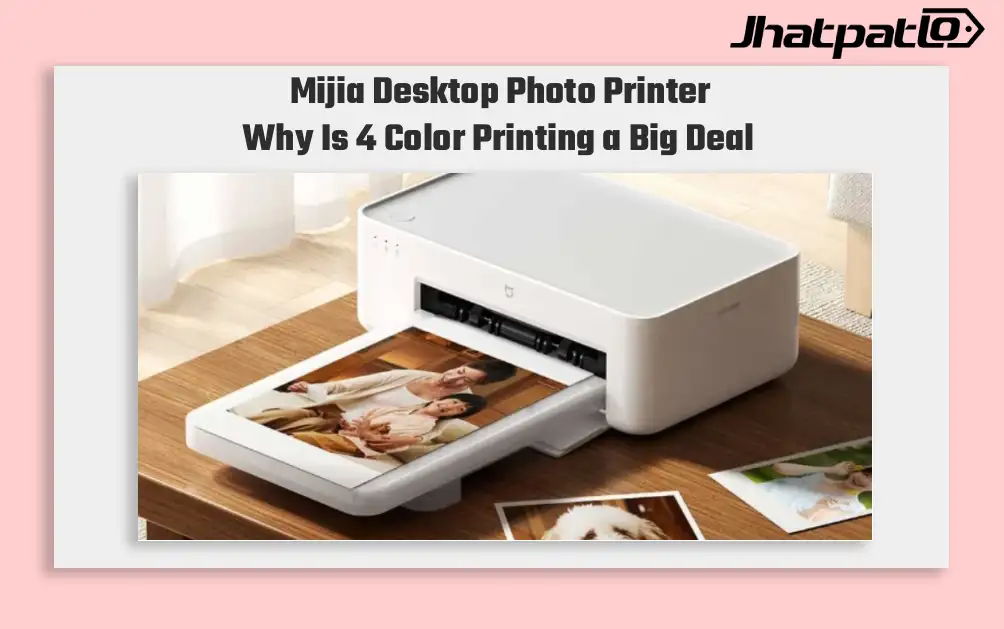
Mijia Desktop Photo Printer 2 Brings 4 Color Printing to Xiaomi Buyers
Xiaomi’s Mijia Desktop Photo Printer 2 has arrived in China with a clear focus on home photo printing. It launches at 699 yuan, goes on sale July 13, and replaces the older 1S model with 4-color dye sublimation, Bluetooth 5.2, and a few software features aimed at making phone printing simp...
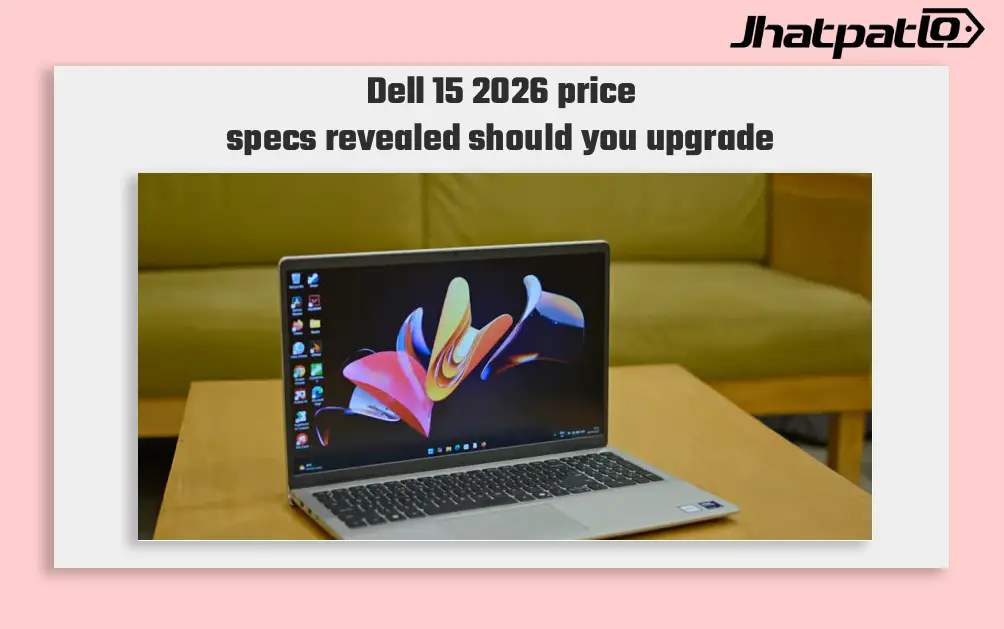
Dell 15 2026 Launches in India With Intel Core Ultra 7 and 15.6 Inch Display
Dell 15 2026 arrives in India Dell 15 (2026) launched in India, waith the laptop going on sale through Dell India’s online store, authorised offline outlets and other multi-brand stores. The new model comes in two colour options, two RAM choices and two storage configurations, and can be conf...
BenQ Unveils GW90TC Monitors in India With 144Hz USB C Connectivity
BenQ on Friday launched two new GW90TC series monitors in India BenQ on Friday launched two new GW90TC series monitors in India, the GW2490TC and GW2790TC. The pair offers full HD IPS panels with a 144Hz refresh rate and USB Type-C connectivity. BenQ notes the monitors support up to 20W power d...
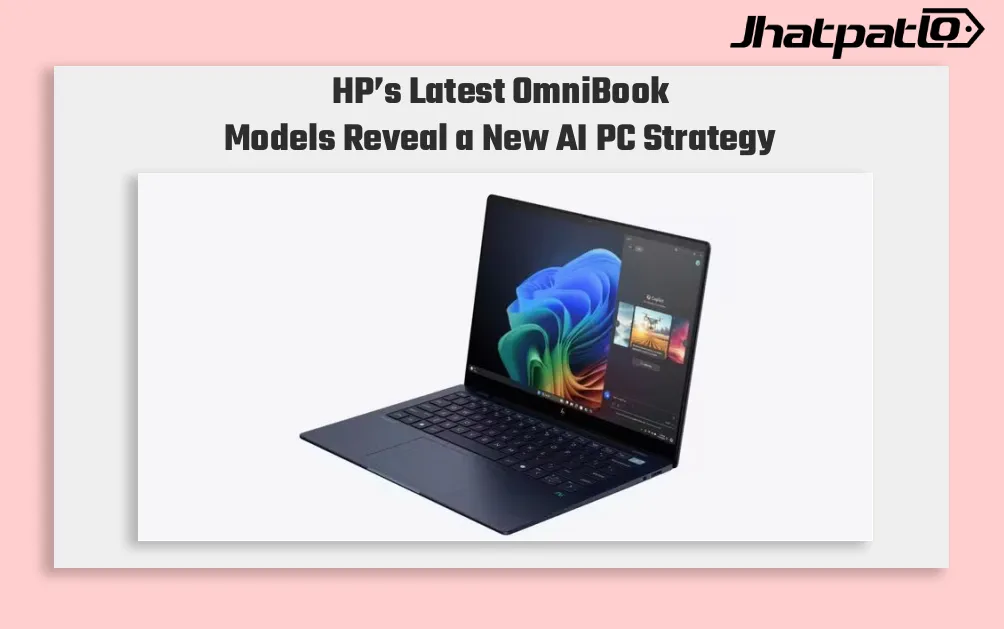
HP OmniBook AI PCs Launch in India With Intel and Snapdragon Options
HP launches OmniBook lineup in India HP has launched the OmniBook Ultra 14, OmniBook X and OmniBook 5 in India, putting AI performance at the center of its new premium laptop push. The lineup includes both Intel Core Ultra and Qualcomm Snapdragon X options on the OmniBook Ultra 14, while the...


