


HP LaserJet Pro 4104dw Laser Scan & Copy Printer with AI-rated office quality and score analysis
80/100
-
 Laser
-
 Office
-
 1200 x 1200
dpi
-
 Flatbed + ADF
-
 1200 x 1200
dpi

HP LaserJet Pro 4104dw Laser Scan & Copy Printer Price Comparison & History in India

Lowest Three-Month Price: Buy This HP Printer Now
At ₹34,900 on Amazon, HP LaserJet Pro 4104dw is at its lowest recent price. It’s also today’s cheapest platform, while Flipkart is currently higher. Prices have been tracked for 325 days across Amazon and Flipkart. The printer’s all-time low was ₹33,325 on Amazon. Today’s price sits only modestly above that historical best. Its average tracked price is ₹33,492, making this offer slightly higher overall. That keeps it close to normal levels, despite summer’s sharp rise.
Prices climbed sharply in June, then fell and held near this level. Today matches the lowest price recorded during the past three months. That’s unusual after the printer reached much higher prices this summer. One detail casual buyers may miss: the 350-sheet tray suits busy offices, not tiny desks. Duplex printing and Wi-Fi add convenience for regular document work. The HP LaserJet Pro 4104dw fits teams better than occasional home printing. If you need reliable volume printing, grab it now. HP LaserJet Pro 4104dw stock can change quickly during sales.
 Print Performance
89
- Ethernet supports wired office setups
- Touchscreen keeps controls nearby
- Works with envelopes and labels
- USB cable comes in the box
- 50-sheet ADF handles document batches
- Active power draw reaches 510 watts
- Output tray holds only 150 sheets
- Body is heavy to move around
- No borderless printing
HP LaserJet Pro 4104dw Laser Scan & Copy Printer Features & Overview
Usage
The HP LaserJet Pro 4104dw is designed for busy offices, delivering up to 40 PPM on A4 sheets. HP LaserJet Pro 4104dw Laser Scan & Copy Printer with AI-rated office quality and score analysis. With duplex and Wi Fi built in, you can send a print from a laptop, phone, or tablet without wiring everything up. The first pages come out quickly, and you notice a quiet, steady hum rather than a loud chatter from a high-speed mechanism. It handles everyday reports, invoices, and handouts with predictable consistency.
Capacity
The printer ships with a 350-sheet tray capacity, so you’re not reloading constantly during a big print run. HP LaserJet Pro 4104dw Laser Scan & Copy Printer gets 80/100. Its support for A4 media means standard tasks stay within expectations, while duplexing helps cut paper use for multi-page documents. You’ll appreciate not having to babysit it as often.
Controls
Controls are straightforward, described as a Hand Control interface rather than a touchscreen. You load the page, press the button, and wait for the quiet confirmation click. In the box you’ll find Toner Cartridges, a USB cable, a Power Cable, and a CD to speed up setup if you’re wired to a PC. The setup path feels almost mundane in a good way.
Durability
Weighting about 25 kg, this unit sits solidly on a desk or a cabinet. The construction feels robust enough for daily office use, and the printer’s endurance shows in the steady print cadence across long days. The design keeps drivers small and serviceable contained.
Safety
The 3 years on site warranty provides reassurance for routine wear. You’ll want to monitor toner and paper levels and keep the unit on a stable surface to avoid vibration during heavy jobs.
Installation/Warranty
Setup with Wi-Fi is uncomplicated, and you can connect via USB or the included CD if you prefer. The box includes a Power Cable and Toner Cartridges, so you’re ready to print. The on-site warranty minimizes downtime should any issue arise.
HP LaserJet Pro 4104dw Laser Scan & Copy Printer Technical Specifications
HP LaserJet Pro 4104dw Laser Scan & Copy Printer FAQs
It prints black pages at up to 40 ppm, so long office documents finish quickly. The 1200 x 1200 dpi resolution keeps text sharp and clean. First pages also come out quickly after warm-up.
Automatic duplex printing works well for reports, forms, and internal documents. You don't need to turn pages manually, which saves time during larger jobs. The printer handles standard A4 double-sided work without much fuss.
The 350-sheet input tray is one of the useful parts for office work. It handles long A4 runs without needing paper added every few minutes. The 150-sheet output tray also gives enough room for normal batches.
The listed black cartridge yield is up to 9,700 pages, which suits heavy printing. Original replacement toner can cost around Rs 3,000, so running costs rise if you only use official cartridges. Compatible toner and refilling can bring that cost down.
Wi-Fi setup is straightforward, and the printer also supports Wi-Fi Direct. Phones can print through Android, iOS, AirPrint, or Mopria without needing a cable. USB and Ethernet are there when wireless setup isn't convenient.
The body feels made for regular office use rather than occasional home printing. It weighs 12.6 kg, so it stays planted on a desk during printing and scanning. Moving it between rooms isn't very comfortable.
The HP is quick, supports duplex printing, and has a larger 350-sheet input tray. Canon models can feel easier when copying or cancelling jobs from the panel. This one makes more sense when print speed and paper capacity matter most.
Brother monochrome printers often have simpler controls and lower-cost toner options. The HP gives you 40 ppm printing, a 350-sheet tray, and a touchscreen. For a busy office, the HP feels better suited to larger print batches.
The HP is built around fast black-and-white office printing and automatic duplexing. Epson monochrome options may suit smaller desk setups with lighter workloads. This one is the stronger pick for regular reports, forms, and bulk pages.
It is a black-only laser printer and doesn't print colour pages. The wireless feature doesn't change that, even though the listing can make the connectivity sound broader. Choose it for text documents, forms, invoices, and other monochrome work.
Cancelling a stuck job isn't as simple as it should be from the printer itself. A paper mismatch or error can leave the job sitting there while you search through the controls. The touchscreen handles normal tasks better than recovery from a jammed print queue.
The scanner has a flatbed and a 50-sheet ADF, but back-to-back scanning isn't supported properly. You may need to turn the pages yourself for double-sided documents. Single-sided scanning and copying are much easier.
Copying is supported directly through the printer, but waking it from standby can feel less obvious. The controls aren't as straightforward as some Canon printers for this task. Once the panel is active, regular copies are easy to start.
The box includes toner cartridges, a power cable, USB cable, CD, and setup guides. Installation is generally easy, especially through USB or the included setup materials. You can also connect it through Wi-Fi, Ethernet, or a phone.
Damaged packaging and a missing protective cartridge tab are genuine reasons to check the unit carefully. A printer that starts working immediately isn't automatically used, but the cartridge seals and box condition should be inspected first. The supplied toner should be installed and recognised during setup.
Real & Verified Reviews of HP LaserJet Pro 4104dw Laser Scan & Copy Printer
 Amazon
VERY AFFORDABLE PRINTER
BEST PRINTER ,CAN USE COMPITABLE TONER COSTS 750 RS AND CAN EASILY REFIL WITH 100 RS BOTTLE. NOT NESSESARY TO CHANGE CHIP IT LAST LONG
Amazon
Product is really Amazing but Unfortunately It seems like I got the used product.
It seems like its a used product and the packaging was completely damaged, when we started the printer there was no protective tab on cartridge and it directly started working.
Amazon
Very nic
Very nice printer
Amazon
Product good but cartridge refill is costly
The printer is really fast and meet all expectations. However the cartridge refill is around 3k which is exorbitant.
Amazon
Ease of use
Easy to install and operate
Amazon
Not for colour printing, don't buy if you want colour printer
It's not for colour printing please don't buy for colour printing work Dear Amazon don't confuse the name of "colour wireless" like name
Amazon
impossible to cancel a print job
3 things did not like at all (for the price I paid for) - * To start photocopying how to bring machine out of standby without computer ? delicate in comparison to canon Printers. Scanner is the best ever, by mistake any paper mismatch or error you will go mad trying to cancel the print job.
Amazon
Just go for it
Perfect product I was confused between canon and hp but the same product of canon comes in 70k and this machines comes in 32k huge difference. Iam satisfied with this.
 Flipkart
Unsatisfactory
Related Articles

Best Printers for Home Use That Solve Everyday Printing Problems
Printing at home has become more than a luxury; it’s a quiet daily necessity for students, freelancers, and busy households. You might reach for a printer thinking, “It just needs to spit out pages,” only to end up chasing jams, messy cartridges, or hidden costs that creep up every month. The ri...

HP EliteBook X G2i Review: A Business Laptop That Knows Its Job
Introduction The HP EliteBook X G2i review starts with the part that makes people click: under-1kg design and nearly 14-hour battery life in the same machine. That combo is rare enough to matter, especially when you’re looking at a work laptop that’s supposed to travel well, stay secure,...

HP OmniBook Ultra 14 review: a sleek ultraportable that leans hard on polish
IntroductionThe HP OmniBook Ultra 14 review conversation starts in a pretty familiar place: you want a laptop that feels genuinely premium without turning into a brick in your bag. HP has clearly aimed this one at people who care about the everyday experience just as much as the spec sheet, and that...

HP OmniBook Series Explained Which Model Fits You
Introduction HP’s new OmniBook range is one of those laptop lineups that looks simple at first, then gets a bit more interesting the longer you sit with it. On paper, you’ve got a student-friendly starter model, a couple of sensible middle-ground options, and then a top-end machine that p...

The Best 3D Printers for Home Use in 2026 That Are Worth Buying
Printing at home used to feel like a niche hobby reserved for tinkerers. In 2026, however, desktop 3D printing has matured into a practical, quiet, and surprisingly approachable tool. Whether you want to print functional parts for around the house, little toys for the kids, model scenery f...

Logitech MX Master 4 Review revealing the unexpected weakness users find
If you’ve ever tried to work on a cramped, noisy, too-light mouse for an entire day, you already know the feeling: your hand starts complaining long before your brain does. That’s exactly the space the Logitech MX Master series has always dominated. It’s the mouse people recommend when som...
Best Alternative HP LaserJet Pro 4104dw Laser Scan & Copy Printer




 Laser
Laser
Laser
Laser
Laser
Inkjet
Office
Office
Office
Office
Home
Home
 -
-
-
-
-
-
 -
-
-
-
-
-
1200 x 1200 dpi
1200 x 1200 dpi
1200 x 1200 dpi
2400 x 600 dpi
1200 x 600 dpi
4800 x 1200 dpi
Flatbed + ADF
Flatbed + ADF
Flatbed
Flatbed
Flatbed
Flatbed + ADF
1200 x 1200 dpi
600 x 600 dpi
1200 x 1200 dpi
600 x 2400 dpi
1200 x 1200 dpi
600 x 1200 dpi
Related News
HP Launches Six DeskJet All in One Printers in India With Dual Band WiFi
HP DeskJet All in One Printer Lineup HP has rolled out a new family of DeskJet printers for home users in India, with six models spread across the DeskJet, DeskJet Ink Advantage and DeskJet Ultra Ink Advantage lines. The lineup targets everyday printing, scanning and copying tasks and is...
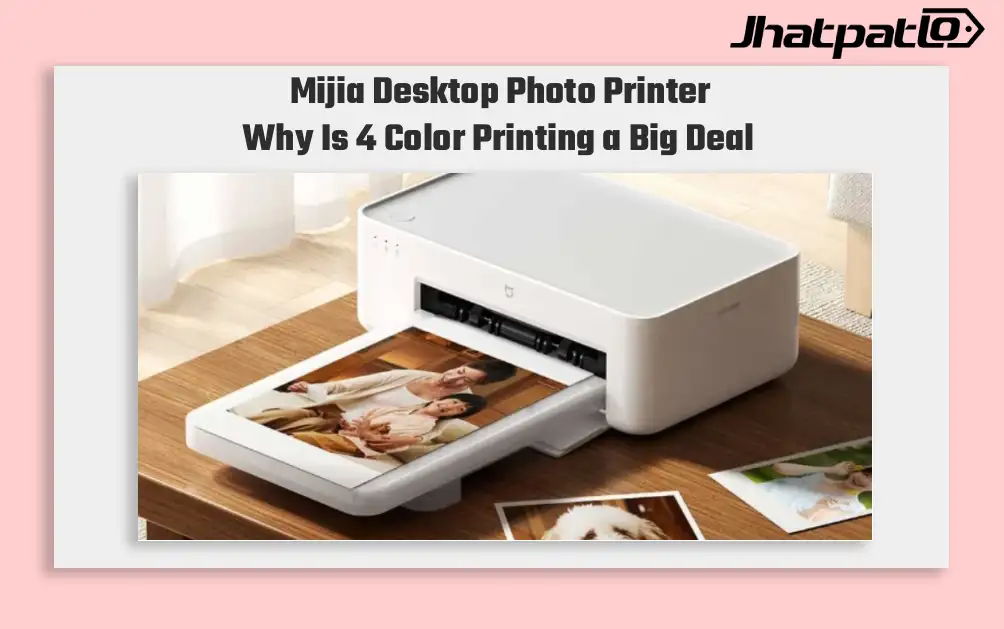
Mijia Desktop Photo Printer 2 Brings 4 Color Printing to Xiaomi Buyers
Xiaomi’s Mijia Desktop Photo Printer 2 has arrived in China with a clear focus on home photo printing. It launches at 699 yuan, goes on sale July 13, and replaces the older 1S model with 4-color dye sublimation, Bluetooth 5.2, and a few software features aimed at making phone printing simp...

HP OmniPad 12 India sale starts at Rs. 48,999 with Snapdragon chip
HP OmniPad 12 India sale is now live through HP’s own store and major retail channels, with prices starting at Rs. 48,999. The tablet comes with a detachable keyboard, Android 16 and a Snapdragon SM6475Q-class chip, placing HP in the crowded Android 2-in-1 segment for buyers looking at bot...

HP OmniBook AI PCs Launch in India With Intel and Snapdragon Options
HP launches OmniBook lineup in India HP has launched the OmniBook Ultra 14, OmniBook X and OmniBook 5 in India, putting AI performance at the center of its new premium laptop push. The lineup includes both Intel Core Ultra and Qualcomm Snapdragon X options on the OmniBook Ultra 14, while the...
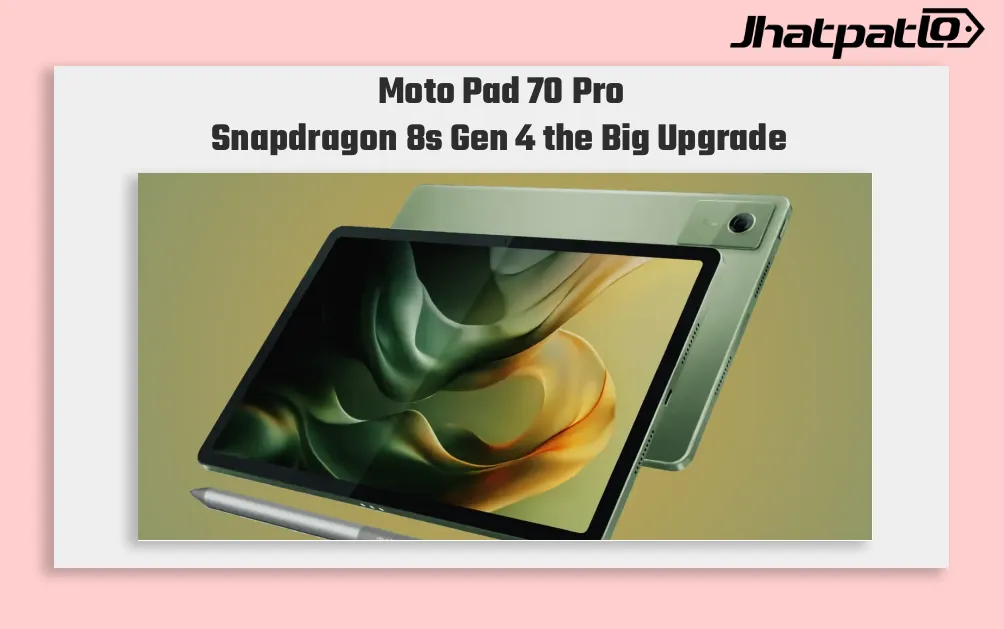
Moto Pad 70 Pro launch in India June 27 with Snapdragon 8s Gen 4
Moto Pad 70 Pro is set to arrive in India on June 27, and the timing is clearly meant to put Motorola into the premium Android tablet conversation. With a Snapdragon 8s Gen 4 chip, a 13-inch 3.5K 144Hz display, and Android 16 out of the box, the tablet is being positioned for buyers who wa...

Honor Pad 20 Pro brings Snapdragon 8s Gen 4 and 10,100mAh battery
Honor has announced the Pad 20 Pro Paperlike Edition, a new Android tablet built around the Snapdragon 8s Gen 4, a 12.1-inch 3K 165Hz LCD, and a 10,100mAh battery. The Honor Pad 20 Pro Paperlike Edition, Snapdragon 8s Gen 4 tablet is pitched at note-takers and artists first, with stylu...


