


Best laptops under Rs 80,000 for work in 2026: the 5 models that make the most sense
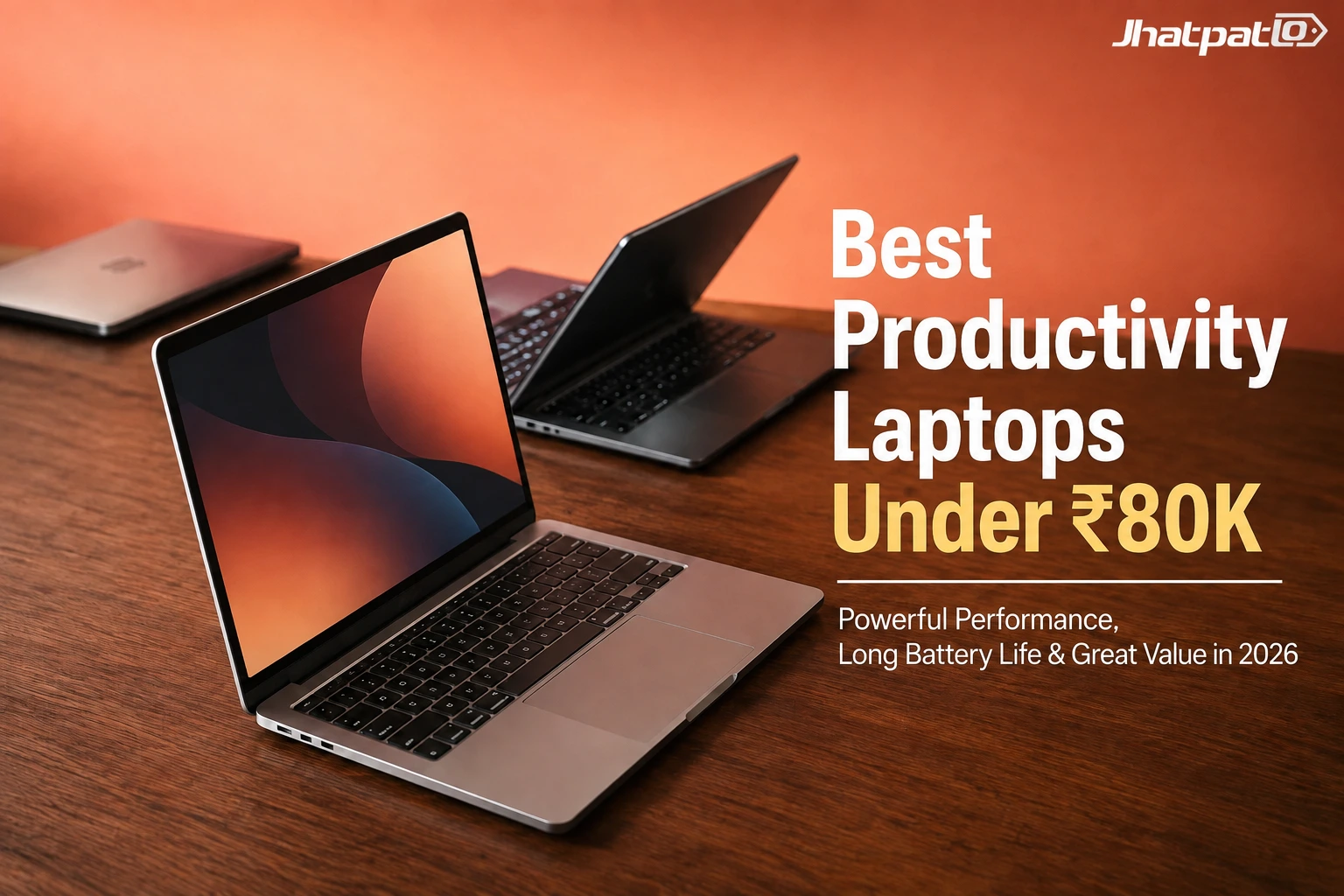
Best laptops under Rs 80,000 for work in 2026: the 5 models that make the most sense
If you need a new work laptop, this budget now buys more than basic office machines — from the MacBook Neo and Dell XPS 13 to the HP OmniBook 3 and a few others, the shortlist is oddly strong.
Need a new work laptop? The best laptops under Rs 80,000 now include premium-looking options, AI-ready Windows machines and even laptops that are only under budget because of a limited-time deal.
The real question is no longer whether this price bracket is enough — it’s which tradeoff matters most: battery, display, portability, or raw everyday speed.
Quick Highlights
- MacBook Neo is the safest all-rounder for work.
- Dell XPS 13 feels the most premium.
- HP OmniBook 3 is the battery-life standout.
- Zenbook A14 OLED only makes sense with the offer.
- IdeaPad Slim 3 is best if you want a bigger screen.
Introduction
Shopping in this range used to feel a little dull. You’d mostly see basic office laptops with okay screens, average battery life, and not much personality. But that’s changed. The current crop of best laptops under Rs 80,000 is a lot more interesting, and honestly, a lot more confusing too.
Now you’re choosing between a MacBook Neo, a polished Dell XPS 13, a Snapdragon-powered HP OmniBook 3, a discount-sensitive Asus Zenbook A14 OLED, and a bigger-screen Lenovo IdeaPad Slim 3. That’s a pretty good problem to have, but it does mean you need to think about how you actually work day to day.
So, instead of asking which one looks best on paper, it helps to ask which one disappears into your routine in the best way. That’s usually the laptop you end up loving.
Which laptop is the safest all-round pick for office work and light creative tasks?
The MacBook Neo is the cleanest “work first” option here if your day is mostly browsing, documents, OTT streaming and light video editing. It’s the one that feels easiest to recommend to someone who just wants a calm, dependable machine without too much fuss.
It pairs a 13-inch Liquid Retina display with a 2408 x 1506 resolution, Apple’s A18 Pro chip, a 1080p FaceTime HD camera, dual microphones with directional beamforming, and dual side-firing speakers with Spatial Audio and Dolby Atmos. On paper, that already sounds tidy. In real use, it should mean a laptop that handles everyday work smoothly and doesn’t make you keep checking the charger.
Its strongest argument is simple: 16 hours of battery life, plus macOS Tahoe and Apple Intelligence support. For a lot of people, that combination is the sweet spot.
MacBook Neo’s spec sheet is built around low-friction daily work
The detail that matters most is not just the A18 Pro chip, but how complete the setup feels for a small work machine: two USB-C ports, a headphone jack, Wi-Fi 6E and Bluetooth 6 are all in place.
That makes it more useful than a spec-sheet trophy for people who want to work, watch, edit a little, and stop thinking about the charger. And that’s really what a good work laptop should do — stay out of the way.
Which Windows laptop looks the most premium without drifting out of budget?
The Dell XPS 13 is the polished pick for buyers who care as much about size and finish as performance. It’s the one that quietly says, yes, I spend a lot of time on my laptop, and I want it to feel good every time I open it.
It starts at Rs 79,990, weighs 1kg, measures 12.7mm at its thinnest point, and comes with Intel Core Series 3 processors, up to 32GB LPDDR5X RAM, and up to two Thunderbolt 4 ports depending on the configuration. That’s a nice spread for people who want a slim machine that still feels properly equipped.
The display and audio package are the real draw: a 13-inch 2.5K InfinityEdge touch display, 100% DCI-P3 colour coverage, up to 500 nits brightness, a refresh rate up to 120Hz, Wi‑Fi 7, Dolby Atmos-tuned quad speakers and a backlit keyboard. It sounds like a premium ultrabook because, well, it is one.
Dell XPS 13 is the one to compare against more expensive ultrabooks
It is the machine here that most clearly feels like a premium ultrabook rather than a value laptop, especially with Intel Core Ultra Series 3 variants expected later.
That makes it the obvious reference point if the buyer is deciding between a stylish Windows laptop now or waiting for the newer chip refresh. If you care about finish, portability and the whole feel of the device, this one will probably keep pulling your attention back.
Who should pick a Snapdragon X laptop instead of Intel or Apple?
The HP OmniBook 3 makes the strongest case for people who want long battery life, AI features and a straightforward Windows setup for work. It’s not trying to be flashy. It’s trying to be very, very practical.
It uses a 14-inch 2K WUXGA IPS anti-glare display with 300 nits brightness, Snapdragon X with a dedicated 45 TOPS NPU, 16GB LPDDR5x RAM, a 512GB PCIe Gen4 SSD, Qualcomm Adreno graphics and a Full HD IR camera with Windows Hello. That’s a solid package for office work, video calls and the occasional heavier task.
HP claims up to 36 hours of battery life, and the bundle also includes Wi‑Fi 6E, USB Type-C ports, Bluetooth, a compact 65W USB-C GaN charger, Windows 11 and Microsoft Office Home 2024. In other words, it comes ready for work without asking you to buy much else.
HP OmniBook 3 is the battery-life outlier in this list
That 36-hour claim is the number that changes the conversation, because it puts the laptop in a very different lane from the others.
If the reader is weighing a Snapdragon X laptop against a more conventional Intel machine, this is the one that most clearly tilts toward endurance over everything else. For people who spend half their week near power outlets and still hate carrying a charger, that’s not a small thing.
Is the Asus Zenbook A14 OLED worth it when the deal price is the real story?
The Asus Zenbook A14 OLED is the most interesting near-miss on the list because the effective price can slip under Rs 80,000 during a limited-time offer. That little caveat matters a lot here.
At the time of writing, it is listed at Rs 86,000 on Amazon, but credit card offers can reduce the price by Rs 10,000, which is why it still belongs in the conversation. If you’re the type who actually checks bank offers before buying, this one may be worth your attention.
It is also the lightest laptop here at 0.9kg, with a 14-inch Full HD+ OLED display, 16:10 aspect ratio, up to 600 nits HDR peak brightness, Snapdragon X, a 45 TOPS Hexagon NPU, 16GB LPDDR5X RAM, a 512GB PCIe 4.0 SSD, Qualcomm Adreno graphics, a Full HD IR camera with Windows Hello, Windows 11 and Microsoft Office Home 2024. That’s a genuinely premium-feeling spec sheet.
The Zenbook’s value depends on whether you count the discount
Without the card offer, it is technically over budget; with the discount, it becomes one of the most premium-feeling options in the entire group.
That tension — Rs 86,000 on paper, effectively under Rs 80,000 in the right transaction — is the whole reason this model stands out. It’s not the safest buy for everyone, but it’s definitely one of the most tempting.
When does a larger Intel laptop make more sense than a thinner one?
The Lenovo IdeaPad Slim 3 is the practical pick for people who want a more traditional Intel-powered laptop with a bigger screen for office work and light creative workloads. Sometimes, a little extra room on the display matters more than shaving off a few grams.
It uses a 15.3-inch WUXGA IPS anti-glare display with 300 nits brightness, a 13th Gen Intel Core i7-13620H processor, 16GB DDR5 RAM and a 512GB PCIe Gen4 SSD. That’s a pretty sensible combination for anyone who keeps lots of tabs open, edits documents all day, or just prefers a more spacious workspace.
It also includes multiple USB ports, HDMI, Wi‑Fi, Bluetooth, a headphone jack, Windows 11 and Microsoft Office Home 2024 out of the box. So, even though it’s less flashy than the others, it’s very easy to live with.
The Lenovo’s bigger display is the real reason to buy it
The 15.3-inch panel is the one spec that changes how this laptop feels day to day, especially for spreadsheets, documents and presentations.
It is less about flash and more about giving the user a larger, more comfortable workspace without leaving the price band. If your laptop stays on a desk more than it travels in a bag, that extra screen real estate can be more useful than a thinner body.
FAQ
These are the questions people usually ask once they have narrowed the shortlist and are trying to decide what matters more: battery, display, weight or whether a deal is real.
Q: Is the MacBook Neo good enough for office work and light editing?
Yes — it is one of the safest picks here for browsing, documents, OTT content and light video editing, especially with the A18 Pro chip and 16-hour battery life.
Q: Is the Asus Zenbook A14 OLED actually under Rs 80,000?
Only if the Rs 10,000 credit card offer is available on top of the Rs 86,000 Amazon price, so the answer depends on the deal, not just the sticker price.
Q: Which laptop has the best battery life in this list?
The HP OmniBook 3 stands out with HP’s claimed 36 hours of battery life, which is well ahead of the others on paper.
Q: Is Dell XPS 13 India worth buying at Rs 79,990?
If you want the most premium-feeling Windows option here, yes — its 1kg weight, 12.7mm profile, 2.5K touch display and Wi‑Fi 7 make it the most polished pick.
Conclusion
If you are shopping for the best laptops under Rs 80,000, the right choice depends on what you expect to feel every day: the MacBook Neo for simple reliability, the Dell XPS 13 for premium Windows use, the HP OmniBook 3 for battery life, the Asus Zenbook A14 OLED for deal-driven value, or the Lenovo IdeaPad Slim 3 for a bigger screen.
Pick the one that matches your work style first, and the specs will mostly take care of themselves. That’s the part people often skip, but it’s usually where the right decision starts.

Mahi Gupta
✉ mahigupta708076@gmail.comRelated Products




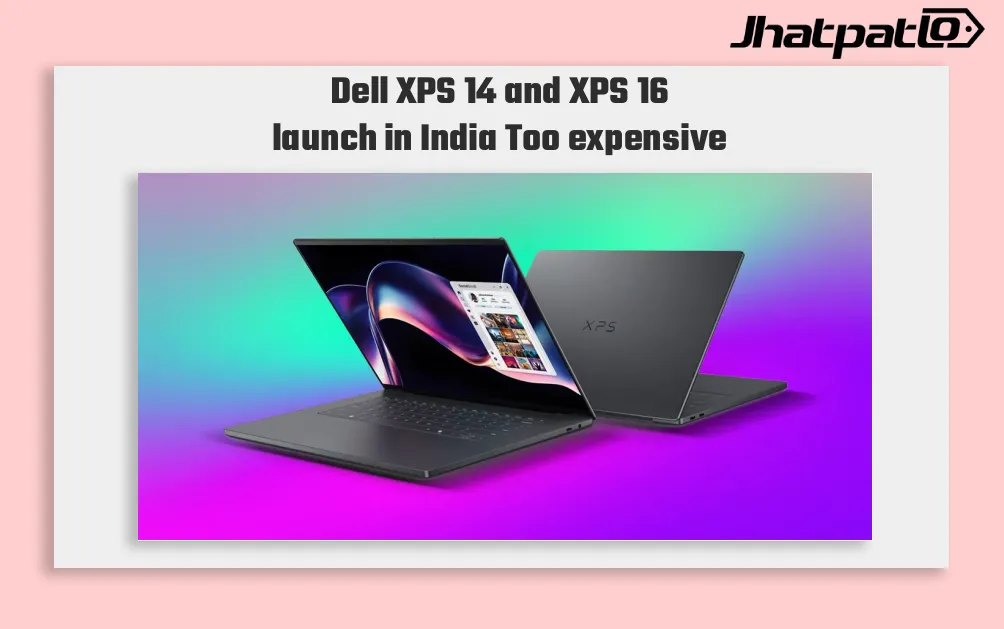
Dell Brings Back XPS 14 and XPS 16 in India Starting at Rs 2,05,990
Dell restores XPS lineup in India Dell XPS 14 and XPS 16 launch in India, bringing back the XPS name in its premium laptop range. The two models start at Rs 2,05,990 and Rs 2,78,550, and both are built around Intel Core Ultra Series 3 processors. Dell says the laptops are rebuilt from scratch...
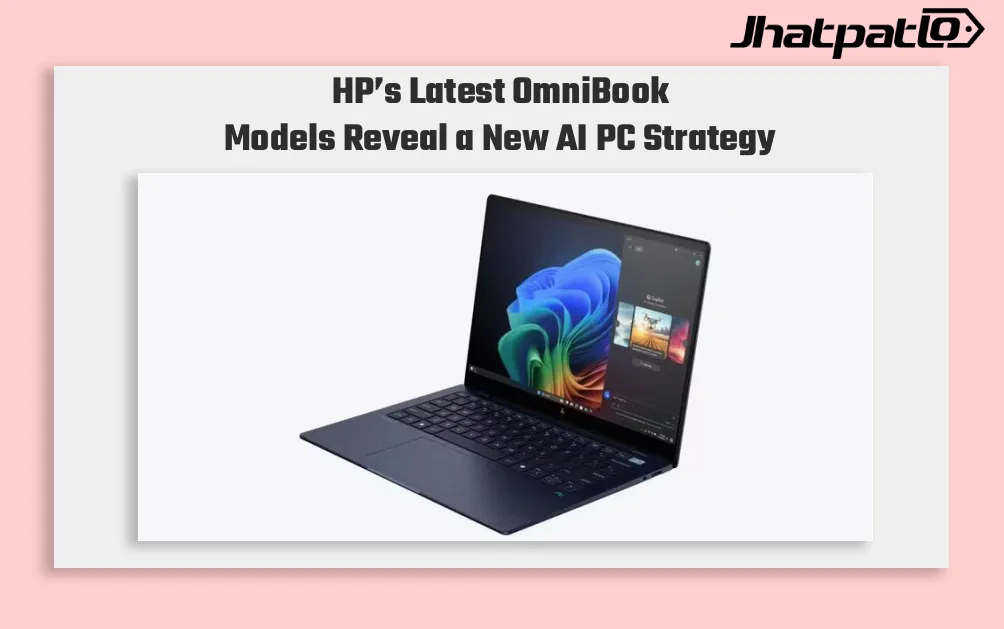
HP OmniBook AI PCs Launch in India With Intel and Snapdragon Options
HP launches OmniBook lineup in India HP has launched the OmniBook Ultra 14, OmniBook X and OmniBook 5 in India, putting AI performance at the center of its new premium laptop push. The lineup includes both Intel Core Ultra and Qualcomm Snapdragon X options on the OmniBook Ultra 14, while the...
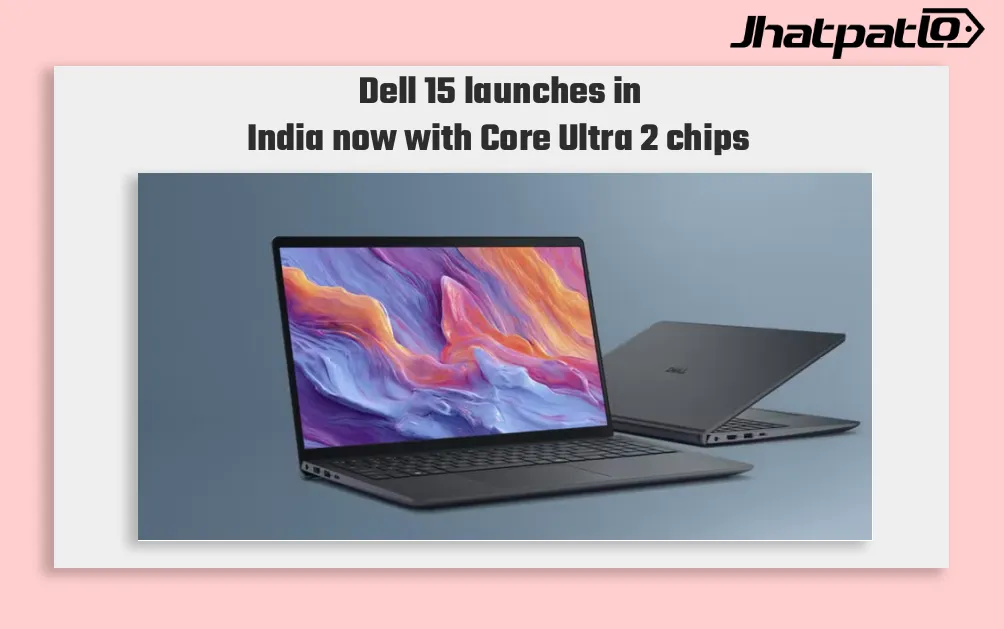
Dell 15 Launches in India With Intel Core Ultra 2 Series H Processors
Dell 15 launches in India with Core Ultra 2 series H chips Dell has launched the Dell 15 in India with Intel Core Ultra 2-series H processors, a dedicated NPU for on-device AI, and a starting price of Rs 69,699. The laptop is being sold through Dell.com, Dell Exclusive Stores, and large-format...

ASUS ExpertBook P Series deals start at Rs. 49,990 in Flipkart sale
ASUS ExpertBook P Series deals are a key part of the Flipkart Freedom Sale 2026, with 25 business laptop configurations seeing price cuts. The starting price is Rs. 49,990, and the offer stack also includes discounts of up to Rs. 34,000, bank offers, exchange bonuses, and no-cost EMI. For...
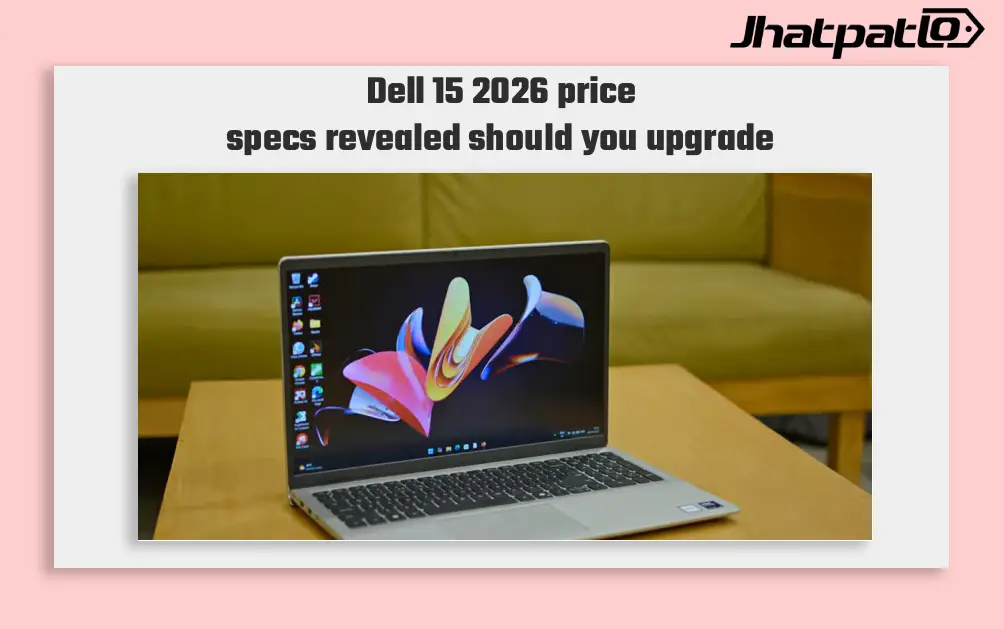
Dell 15 2026 Launches in India With Intel Core Ultra 7 and 15.6 Inch Display
Dell 15 2026 arrives in India Dell 15 (2026) launched in India, waith the laptop going on sale through Dell India’s online store, authorised offline outlets and other multi-brand stores. The new model comes in two colour options, two RAM choices and two storage configurations, and can be conf...
HP launches HyperX OMEN 15 with RTX 5060 in India
For JhatpatLo, HP has launched the HyperX OMEN 15 gaming laptop in India, the first device to debut under its new HyperX gaming brand unveiled at CES 2026. HP says the laptop is designed to handle modern AAA games, esports titles, and content creation workloads with sustained performance. HyperX...