


Google password transfer Android now moves passwords and passkeys
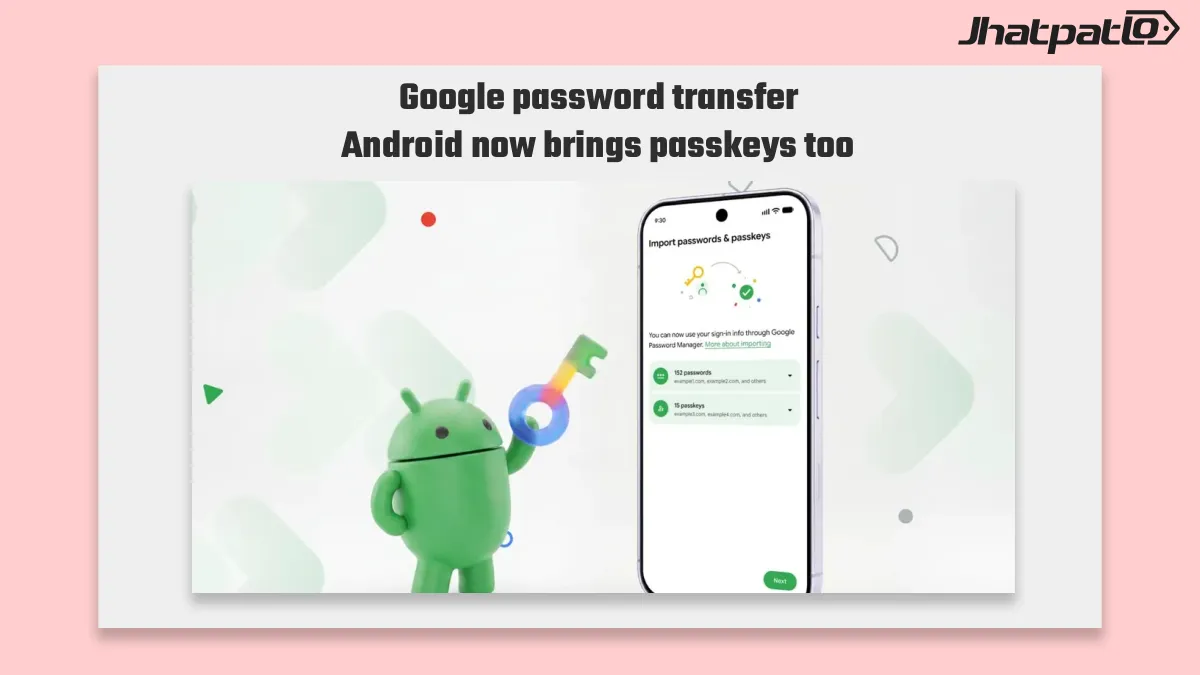
Google password transfer Android now lets people move saved passwords and passkeys directly between supported password managers, without relying on the old export-file workaround. The update covers handoff between Google Password Manager, 1Password, Bitwarden and Dashlane, which makes switching on Android simpler and reduces exposure during migration.
For many users, the bigger change is that passkeys can now move too. That matters because passkeys were one of the harder items to shift manually, and the new Android flow removes a step that often made password manager migration feel clumsy.
News Highlights
- Android now supports direct credential transfers between compatible password managers, so users do not need to rely on exporting files first.
- The move starts inside the password manager a person wants to switch to, which then looks for other compatible managers already installed on the device.
- Users can review the selected logins before approving the transfer, adding a clearer check before credentials move across apps.
- Passkeys are included in the new process, closing a long-standing gap for people who previously had to recreate them manually.
Android credential migration flow starts inside the new manager
The transfer process begins in the password manager you want to use next. From there, Android identifies compatible managers already installed on the device and sets up the handoff between them. In practice, that means the move is handled more directly on the phone instead of being broken into separate export and import steps.
This is a useful change for anyone switching password managers on Android. The old file-based method could work, but it added an extra layer of handling that was easy to put off. The new flow keeps the process inside the app experience and lets users confirm the logins being moved before approving anything.
That review step is important. It gives people a chance to check what is being transferred, rather than sending out a file and dealing with it later. For users who store a lot of logins, that cleaner credential migration flow should make the switch feel less risky and less technical.
Google Password Manager export still exists, but passkeys now move too
Google Password Manager still supports exporting stored passwords, so the older option has not gone away. But the bigger shift is that passkeys can now move between managers as well. That is where the update stands out, because passkeys have been harder to manage across services than regular saved passwords.
Before this change, users who wanted to switch managers often had to recreate passkeys by hand. That was inconvenient and, for some people, enough reason to stay with the old setup. Now the new transfer path closes that gap and gives passkeys a proper migration route on Android.
Support is focused on Google Password Manager, 1Password, Bitwarden and Dashlane, which gives the update a fairly practical reach. As support expands, it should become easier for Android users to change tools without worrying that their sign-ins will be left behind. The result is less duplication, less manual cleanup and a smoother move between password managers.
For Android users, the main takeaway is simple. Password manager migration is no longer built around export files alone, and passkeys are finally part of the process. That makes switching a little less cumbersome, which is exactly what a security feature like this should do.

Related Products









Android 17 Makes Switching From iPhone Easier With Expanded Data Transfer Support
Android 17 iPhone transfer update is making the move from Apple to Pixel and newer Samsung foldables less painful. Google now lets eligible phones carry over saved passwords, passkeys, Wi‑Fi details and eSIMs during setup, which means switchers can bring more of their daily digital life wi...
Apple Releases iOS 26.3 Update With Android Migration Tool and Music Changes
Overview Apple on Wednesday released the iOS 26.3 update for iPhone. The update is the third major iteration of the latest iPhone operating system, first rolled out in September. It followed weeks of developer and public beta testing and brings an enhanced Android-to-iPhone migration flow along wit...

Rare iPhone Spyware DarkSword Exploits One Website Visit
New iPhone spyware DarkSword Discovered A newly documented iPhone spyware tool, DarkSword, can compromise a device simply through a visit to a hacked website, researchers say. Google Threat Intelligence Group (GTIG), in partnership with Lookout and iVerify, identified a full-chain iOS exploit...
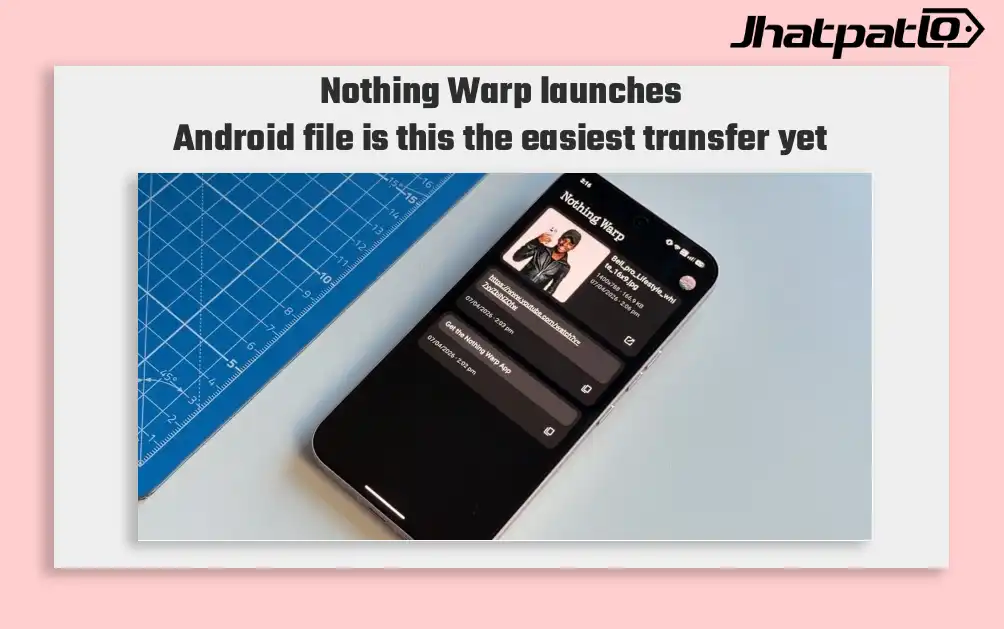
Nothing Warp Launches File Sharing Between Android Phones and Mac Devices
Nothing introduces Warp for cross-platform file sharing Nothing Warp launches Android file, a new app and browser extension that lets users share files between Android phones and Mac devices, along with Windows and Linux computers. The feature uses the phone app and a Chromium-based browser e...

What Gemini for Google TV is hiding in its new sports scorecards update
Gemini for Google TV gets three new AI features Google said on Tuesday that Gemini for Google TV is getting three new AI features aimed at helping users find information on their television without reaching for a smartphone. The update includes live sports scorecards, richer visual help,...