


Brother DCP-L2640DW Black Laser AIO Printer earns AI evaluation with full specs
82/100
-
 Laser
-
 Office
-
 1200 x 1200
dpi
-
 Flatbed
-
 1200 x 1200
dpi

Brother DCP-L2640DW Black Laser AIO Printer Price Comparison & History in India

Buy Now: Amazon Has Its Best Recent Price
At ₹24,558 on Amazon, it's at its lowest recent three-month price. That makes the Brother DCP L2640DW a strong buy for home offices and small businesses. Prices were tracked across 325 days, with Amazon cheapest on the latest date. Flipkart was also listed today, but its offer was much higher. That platform gap is easy to miss when shoppers compare only the product name. The lowest recorded price was ₹23,790 on Flipkart. The average price sits at ₹25,147, so today's offer is comfortably below normal.
It has fallen from recent highs, after prices climbed through June. That pattern suggests discounts can appear without warning, especially on Amazon. The Brother DCP L2640DW includes fast 34 ppm printing, duplexing, scanning, and wireless connectivity. Home users should still check toner costs and included cartridge capacity before ordering. The 300-sheet input claim sounds useful, but actual everyday capacity depends on paper size. For regular documents, this Brother DCP L2640DW offers a practical all-in-one setup. At this price, its recent trend supports buying rather than waiting for a small drop.
 Print Performance
83
 Display & Controls
81
- Sharp black text and clear graphics
- Handles labels and envelopes too
- LCD controls stay simple during jobs
- Supports larger legal-size documents
- No colour printing for presentations
- No borderless printing for edge-to-edge pages
- After-sales support can be difficult
- Paper jams can interrupt office work
Brother DCP-L2640DW Black Laser AIO Printer Features & Overview
Usage
The DCP L2640DW works as an efficient all‑in‑one for busy desks. It prints monochrome pages at up to 34 ppm, and the output looks crisp thanks to a maximum resolution of 1200 x 1200 dpi. Automatic duplex printing helps cut paper use, while the built‑in 50‑sheet ADF speeds up scanning and copying multi‑page documents. Brother DCP-L2640DW Black Laser AIO Printer earns AI evaluation with full specs. You don’t think about it until it rains, but you value how quietly it settles into the workflow between meetings.
Capacity
There is a single media tray with up to 300 sheets input and a 250‑sheet output bin. Brother DCP-L2640DW Black Laser AIO Printer scores 82/100. It supports a broad set of sizes (A4, Letter, and more), so you can send different jobs without constant media swaps. The bundle includes an inbox toner and, on setup, you’ll appreciate the straightforward replacement process.
Controls
Setup and daily use are practical thanks to Wi‑Fi and Ethernet networking plus USB 2.0 for direct connections. The device features an LCD display for status prompts, and there’s a tactile sense when you press the quiet power switch or load media—the soft click feels reassuring. You’ll also find an enlarge/reduce option for quick page size adjustments when needed.
Durability
With a sturdy build and a weight around 11.4 kg, it stays put on a busy desk. The compact footprint for an all‑in‑one in this class makes it suitable for small offices, while duplex printing and durable toner help keep maintenance friction low over time.
Safety & Installation
Designed for reliable everyday use, it runs on a 240 V supply and includes safe, straightforward setup steps. The Limited warranty provides basic coverage, and the box includes essential items like the Power Cable, USB Cable, and Installation CD along with the starter toner.
Brother DCP-L2640DW Black Laser AIO Printer Technical Specifications
Brother DCP-L2640DW Black Laser AIO Printer FAQs
The DCP-L2640DW prints sharp black text with clean-looking graphics. Its 1200 x 1200 dpi resolution keeps reports, invoices, and forms easy to read. It is built for documents rather than colourful photo printing.
Power use reaches 470W while actively printing, which is normal for a laser all-in-one. It runs from a 220-240V supply and doesn't use a battery. For long print jobs, the speed helps keep the printer active for less time.
The DCP-L2640DW prints up to 34 pages per minute in black and white. That is quick enough for reports, invoices, forms, and regular office paperwork. Large multi-page jobs finish much faster than they would on a basic home inkjet.
Automatic duplex printing handles double-sided documents without manually turning the pages. It is especially useful for reports and longer files where paper use adds up quickly. The duplex process is also fast enough for regular office work.
The 50-sheet ADF takes care of multi-page scanning and copying. You can also copy up to 99 pages in one job. Flatbed scanning is available for books, single sheets, and documents that cannot go through the feeder.
The input tray holds up to 250 sheets, while the output tray also holds 250. That covers a decent amount of regular office printing without constant paper loading. Its supported sizes include A4, Letter, Legal, and several smaller formats.
Wi-Fi, Wi-Fi Direct, Ethernet, and USB 2.0 are all available. Mobile printing works through the supported phone printing options, and AirPrint is included too. You can place it away from the main computer and still send documents over the network.
The DCP-L2640DW gives you fast monochrome printing, automatic duplexing, scanning, copying, and a 50-sheet ADF in one machine. Its 34 ppm speed and 250-sheet tray suit regular office paperwork well. HP LaserJet models with similar features need to be checked at the exact model level.
The DCP-L2640DW is focused on black-and-white office documents, with duplex printing and a 50-sheet ADF included. Wi-Fi, Ethernet, and mobile printing give it flexible placement around an office. Canon imageCLASS models differ by model, so the exact feature list matters before choosing.
The DCP-L2640DW suits offices that need printing, scanning, and copying in one machine. Its 34 ppm output, 250-sheet input, and automatic duplexing support regular document-heavy work. Epson monochrome options vary, so this Brother stands out when the built-in ADF matters.
Yes, it is well suited to small offices printing reports, invoices, forms, and other black-and-white documents. The 34 ppm speed, 250-sheet input, and automatic duplexing reduce daily interruptions. The starter toner also lets you begin printing straight after setup.
Wi-Fi printing works alongside Ethernet, Wi-Fi Direct, and USB connections. It is useful when several computers or phones need access without shifting the printer around. The connection has been reported to drop intermittently, so Ethernet is the safer office option when that happens.
Paper jams have been reported during use, and they can stop both printing and copying until cleared. The printer supports plain, thin, thick, recycled, bond, label, and envelope media. Loading the right paper type and keeping the tray aligned matters here.
The basic printer setup is straightforward, and mobile printing can be added through the display and Brother's mobile app. Wi-Fi, Ethernet, and USB give you more than one way to get started. The included documentation does not explain every available option in much detail.
The box includes the printer, starter toner, power cable, USB cable, and installation CD. You can begin setup without buying a separate cable. Replacement toner uses the TN-2465 or TN-2469 cartridges with the DR-2465 drum.
Real & Verified Reviews of Brother DCP-L2640DW Black Laser AIO Printer
 Amazon
Quantity
Printing quality was good, better then I expect.
Amazon
Good 👍
Very good product. Value for money. Duplex print very fast. Setup 👍. Appearances and good connectivity
Amazon
Brother printer
Best Printer
Amazon
Reliable Brother quality and speed, just superb!
Great quality and speed of printing, scanning and copy. Easy to install and WiFi printing is a must have feature! Document ID copy feature is great 👍 Duplex laser printing is super quick and easy. Best Laser Duplex MFD in this range. I have purchased an earlier version as well and this is super reliable brand.
Amazon
Amazing and worth buying.
It's a great product, very smooth. User friendly and of course wifi enabled makes thing easy as always
Amazon
Poor Post sales service non existent. Paper jammed and Wi-Fi link intermittent
It was earlier extremely difficult to get any technician from Brother for setting the printer-up and now impossible to contact the Brother post- sales departed to rectify the paper jamming problem.
Amazon
Ok
There is no cartage
Amazon
Affordable printer
Good printer for the price. To Add mobile device, install mobile connect and then follow the option in display panel to connect to mobile. Checked the printer quality. Image printing is good and plain text has no issues. Given 4 stars as the manufacture not provided any detailed booklet explaining the available different options and their usage
Amazon
Alles gut
Funktioniert prima
Amazon
⭐⭐⭐⭐⭐ A Printer That Honestly Surprised Me in the Best Way
I don’t usually take the time to write reviews, but the Brother DCP‑L2640DW genuinely moved me to share my experience. It’s rare these days to buy a device that actually delivers more than it promises, but this one did exactly that. From the moment I set it up, it felt like a quiet little upgrade to my daily life. 🖨️ Prints That Feel Effortless and Professional The first time I hit “Print,” I actually smiled. The pages came out crisp, clean, and sharp—like something straight from a professional office. And the speed… it’s almost shocking. It wakes up instantly and finishes multi‑page jobs before you even realize it started. It’s the kind of smooth performance that makes you appreciate good engineering. 📱 Setup That Doesn’t Make You Want to Scream Connecting it to Wi‑Fi and my devices took only a few minutes, and everything just worked. No frustration, no complicated menus, no random disconnects. Printing from my phone felt so natural that I wondered why other printers make it so difficult. 🔄 Features That Quietly Make Your Life Easier The automatic double‑sided printing is flawless—no jams, no misaligned pages. And the ADF? A lifesaver. Scanning and copying multi‑page documents suddenly became something I don’t dread. It’s one of those features you never think about until you have it, and then you can’t imagine going back. 💸 A Printer That Respects Your Wallet Brother’s toner efficiency is honestly impressive. The pages come out perfect, and the toner lasts far longer than I expected. It’s refreshing to own a printer that doesn’t constantly demand expensive refills. ⭐ Final Thoughts If you want a printer that simply does its job—beautifully, quietly, and without drama—the Brother DCP‑L2640DW is the one. It’s fast, dependable, economical, and it genuinely makes everyday tasks feel lighter. A heartfelt 5‑star product.
Amazon
At last a simple easy-to-set-up b&w economical printer.
Easy to set up and use. Instruction manual surprisingly good!
Amazon
افضل من كثير طابعات
افضل من كثير طابعات
Amazon
Cheap and good
Good product
 Flipkart
Good quality product
Flipkart
Brilliant
Flipkart
Terrific
Flipkart
Perfect product!
Flipkart
Fabulous!
Flipkart
Brilliant
Flipkart
Worth the money
Flipkart
Terrific
Related Articles

Best Printers for Home Use That Solve Everyday Printing Problems
Printing at home has become more than a luxury; it’s a quiet daily necessity for students, freelancers, and busy households. You might reach for a printer thinking, “It just needs to spit out pages,” only to end up chasing jams, messy cartridges, or hidden costs that creep up every month. The ri...

Best laptops under Rs 80,000 for work in 2026: the 5 models that make the most sense
Best laptops under Rs 80,000 for work in 2026: the 5 models that make the most senseIf you need a new work laptop, this budget now buys more than basic office machines — from the MacBook Neo and Dell XPS 13 to the HP OmniBook 3 and a few others, the shortlist is oddly strong.Need a new work laptop?...

The Best 3D Printers for Home Use in 2026 That Are Worth Buying
Printing at home used to feel like a niche hobby reserved for tinkerers. In 2026, however, desktop 3D printing has matured into a practical, quiet, and surprisingly approachable tool. Whether you want to print functional parts for around the house, little toys for the kids, model scenery f...

Sennheiser HDB 630 Wireless Headphones Launched in India: Price, Battery, Weight & Honest Breakdown
The Sennheiser HDB 630 Wireless Headphones have officially launched in India, and they’ve already become a talking point among students, travelers, and music lovers. Sennheiser usually sticks to premium audio gear, and this new pair follows the same strategy — simple design, strong sound, and practi...

Best i5 laptops in India for the people who want speed without buying more machine than they need
Introduction If you're shopping for the best i5 laptops in India, the good news is that this category still makes a lot of sense. You don't have to jump straight to an i7 or spend on a machine that's clearly more laptop than your daily life needs. A good i5 model can handle study work, of...

Samsung Galaxy S26 review: Better in the ways that stay with you
Galaxy S26 review in India: the upgrades you feel after a week, not on day one Samsung’s Rs 1,08,999 Galaxy S26 doesn’t walk in wearing a brand-new face. That’s the first thing you notice, or maybe the first thing you don’t notice, which is kind of the point. It adds an Exynos 2600,...
Best Alternative Brother DCP-L2640DW Black Laser AIO Printer




 Laser
Laser
Inkjet
Laser
Laser
Laser
Office
Office
Home
Office
Home
Home
 -
-
-
-
-
-
 -
-
-
-
-
-
1200 x 1200 dpi
1200 x 1200 dpi
4800 x 1200 dpi
1200 x 1200 dpi
600 x 600 dpi
1200 x 600 dpi
Flatbed
Flatbed + ADF
Flatbed
Flatbed + ADF
-
Flatbed
1200 x 1200 dpi
600 x 600 dpi
1200 dpi
1200 x 1200 dpi
-
1200 x 1200 dpi
Related News
HP Launches Six DeskJet All in One Printers in India With Dual Band WiFi
HP DeskJet All in One Printer Lineup HP has rolled out a new family of DeskJet printers for home users in India, with six models spread across the DeskJet, DeskJet Ink Advantage and DeskJet Ultra Ink Advantage lines. The lineup targets everyday printing, scanning and copying tasks and is...
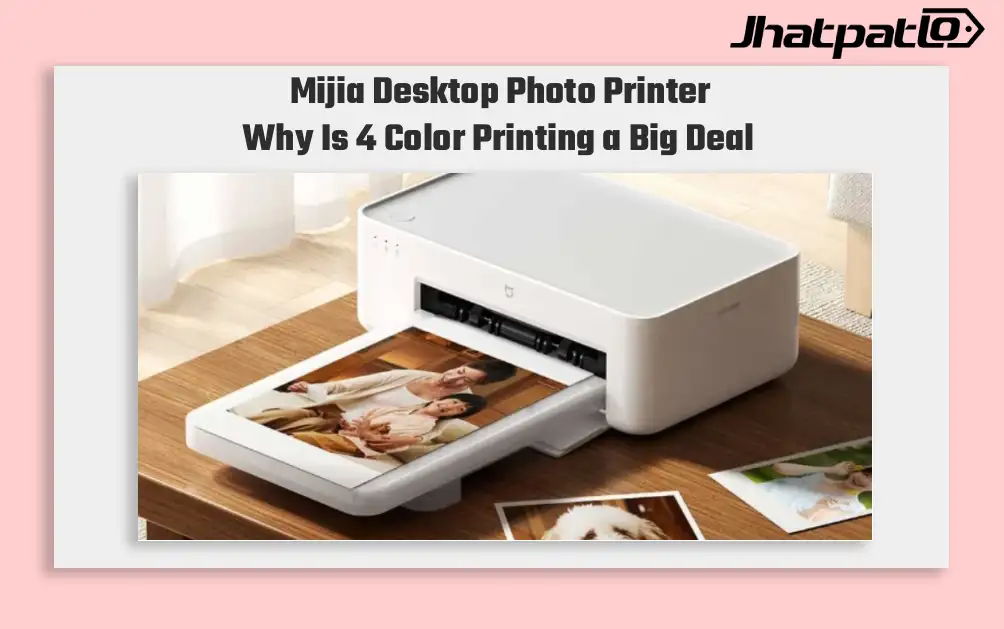
Mijia Desktop Photo Printer 2 Brings 4 Color Printing to Xiaomi Buyers
Xiaomi’s Mijia Desktop Photo Printer 2 has arrived in China with a clear focus on home photo printing. It launches at 699 yuan, goes on sale July 13, and replaces the older 1S model with 4-color dye sublimation, Bluetooth 5.2, and a few software features aimed at making phone printing simp...

Dell Brings Back XPS 14 and XPS 16 in India Starting at Rs 2,05,990
Dell restores XPS lineup in India Dell XPS 14 and XPS 16 launch in India, bringing back the XPS name in its premium laptop range. The two models start at Rs 2,05,990 and Rs 2,78,550, and both are built around Intel Core Ultra Series 3 processors. Dell says the laptops are rebuilt from scratch...
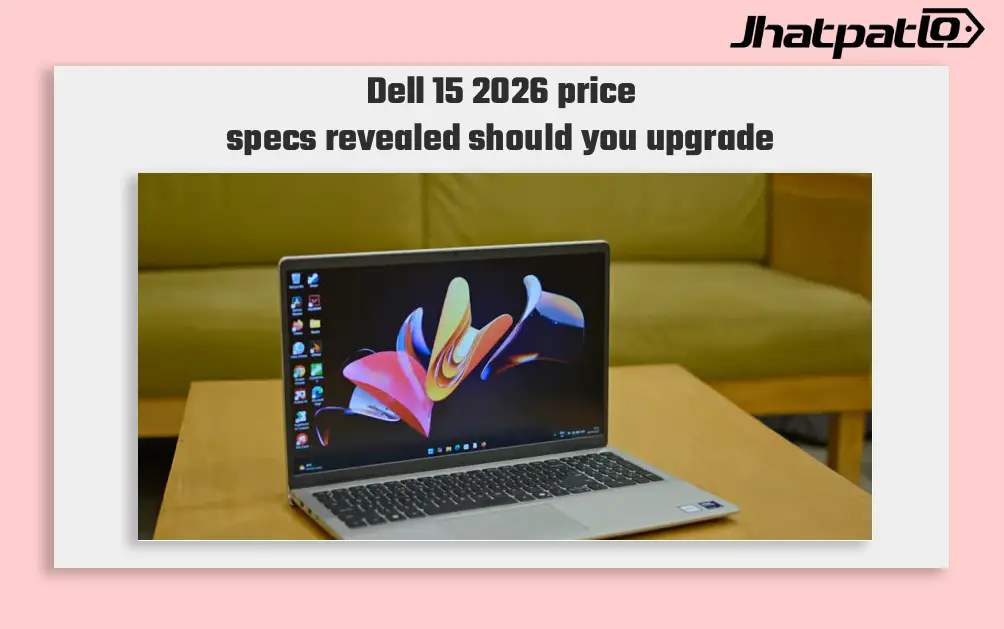
Dell 15 2026 Launches in India With Intel Core Ultra 7 and 15.6 Inch Display
Dell 15 2026 arrives in India Dell 15 (2026) launched in India, waith the laptop going on sale through Dell India’s online store, authorised offline outlets and other multi-brand stores. The new model comes in two colour options, two RAM choices and two storage configurations, and can be conf...

Dell 15 Launches in India With Intel Core Ultra 2 Series H Processors
Dell 15 launches in India with Core Ultra 2 series H chips Dell has launched the Dell 15 in India with Intel Core Ultra 2-series H processors, a dedicated NPU for on-device AI, and a starting price of Rs 69,699. The laptop is being sold through Dell.com, Dell Exclusive Stores, and large-format...
BenQ Unveils GW90TC Monitors in India With 144Hz USB C Connectivity
BenQ on Friday launched two new GW90TC series monitors in India BenQ on Friday launched two new GW90TC series monitors in India, the GW2490TC and GW2790TC. The pair offers full HD IPS panels with a 144Hz refresh rate and USB Type-C connectivity. BenQ notes the monitors support up to 20W power d...


